

How to Delete Record in Salesforce
Delete or Restore Records in Salesforce to Keep Your Database Clean and Up to Date
Try this Course with a Free Trial

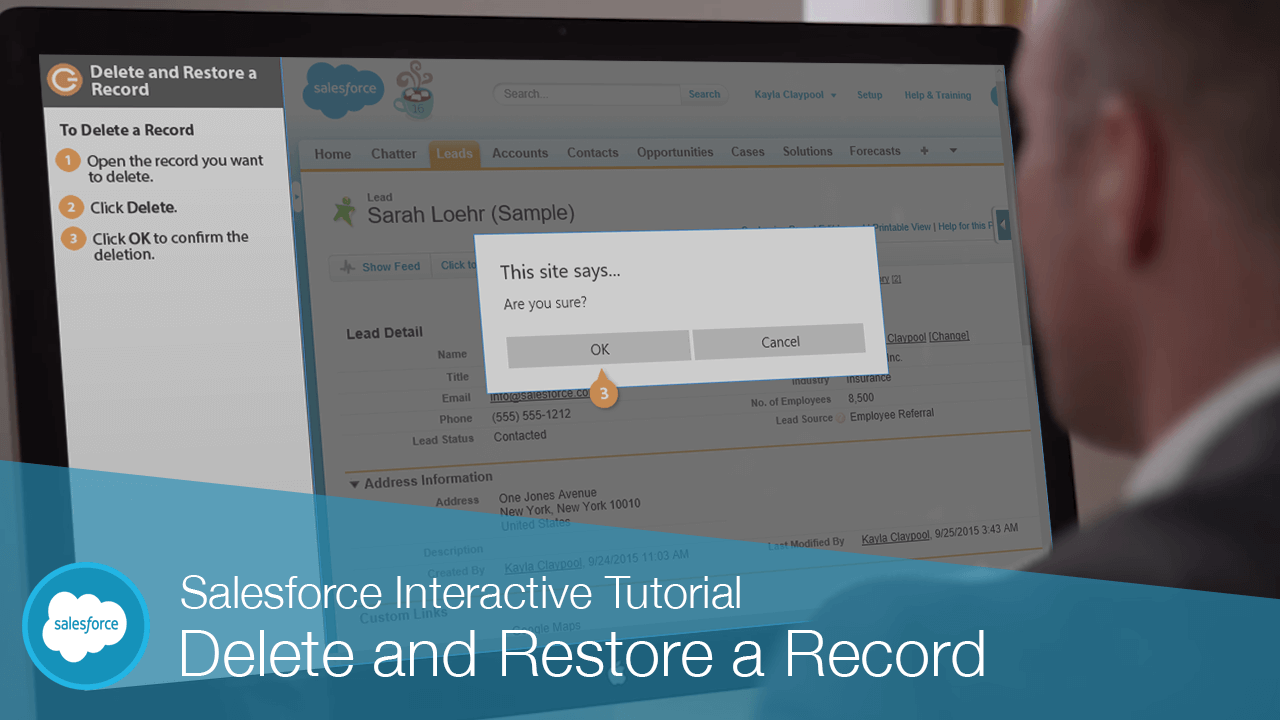
If you find that you no longer need a record, it is simple to delete it and make room for future records.
Delete a Record
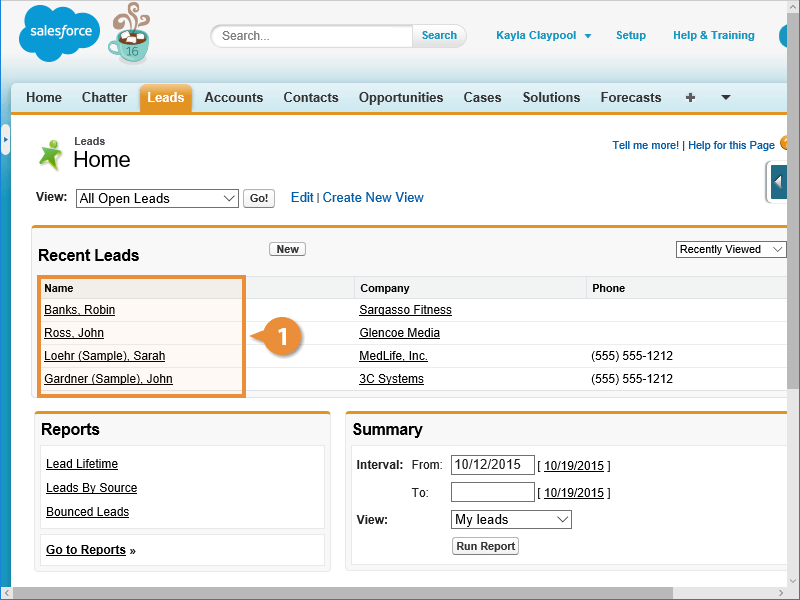
Here’s how to delete a record in Salesforce.
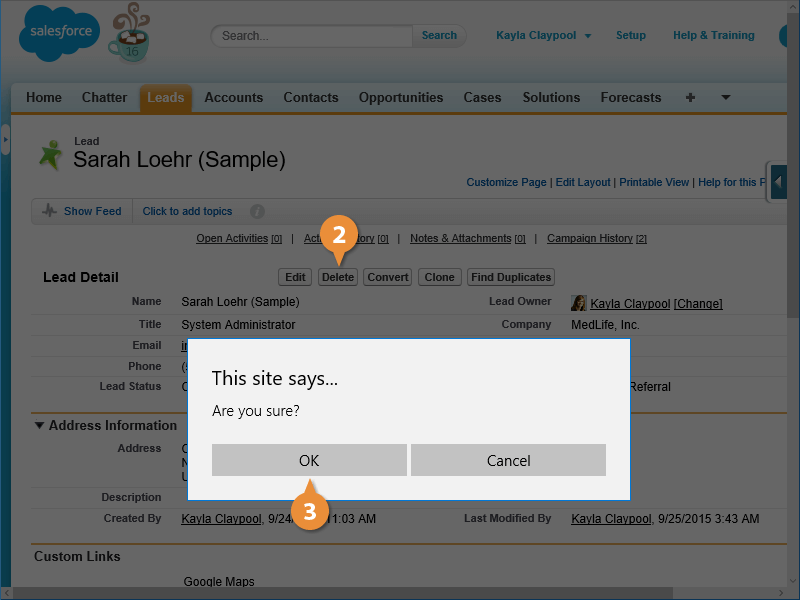
The record is deleted and moved to the Salesforce Recycle Bin.
Restore a Deleted Record
Sometimes you may find that you need a record that was recently deleted. Don’t worry, Salesforce gives you 15 days to restore any deleted records.
- Click Recycle Bin in the sidebar.
If you’re a Salesforce Administrator, you can use the view list to view and restore records deleted by other users.
If you have a lot of deleted records you can also use the Search field to help you find the record you want.
- Select the deleted record(s) you want to restore.
- Click Undelete.
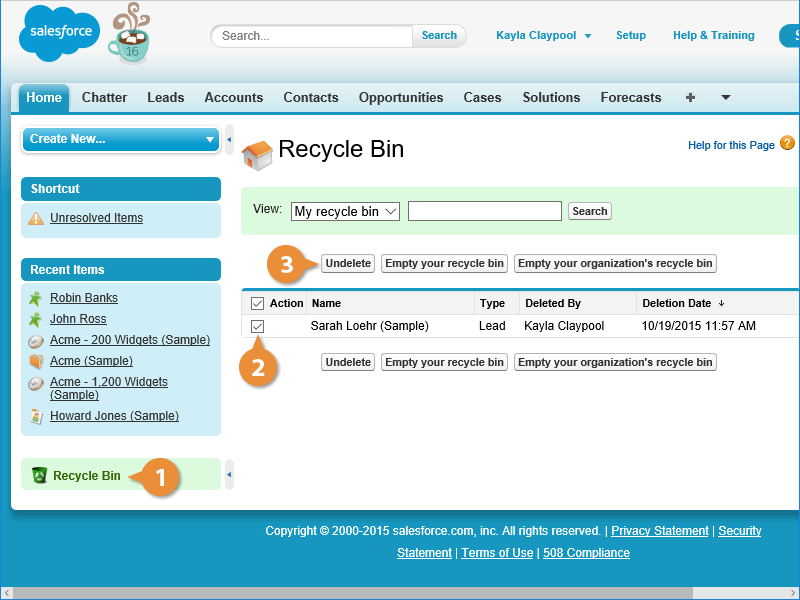
Salesforce restores the deleted records.