
QuickBooks Online Login
QuickBooks Online login tips to update passwords, enable recovery options, and keep your account secure
Try this Course with a Free Trial

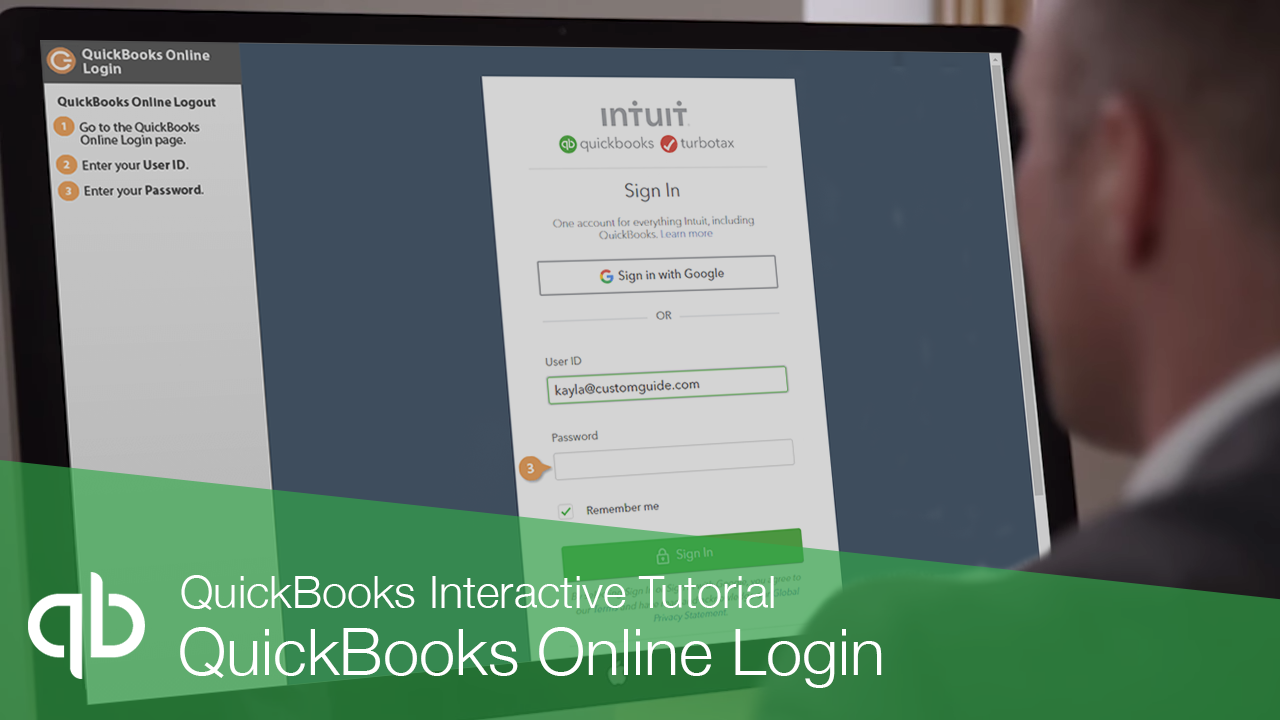
QuickBooks Online Login
Since QuickBooks Online is an online, web-based application, you’ll need to sign in to start using it.
- Go to the QuickBooks Online Login page.
- Enter your User ID.
- Enter your Password.
- Click Sign In.
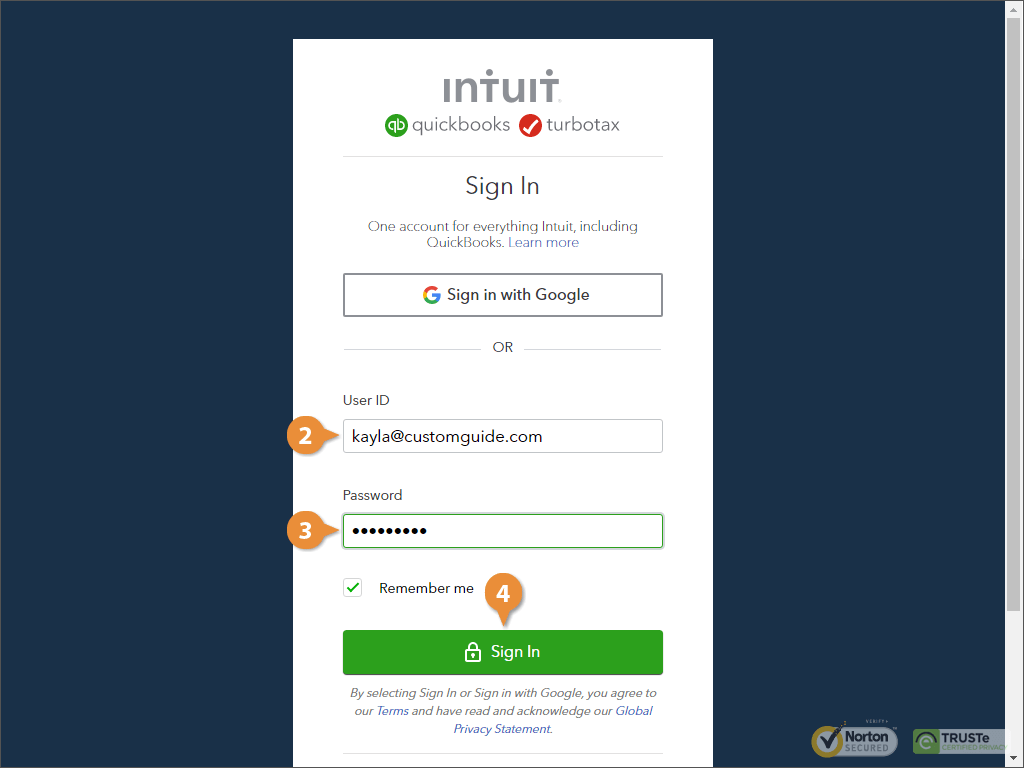
If you’re using your Google account to sign into QuickBooks, you can click the Sign in with Google button.
If you want to automatically enter this information next time, you can check the Remember me box.
QuickBooks Logout
- Click your profile image.
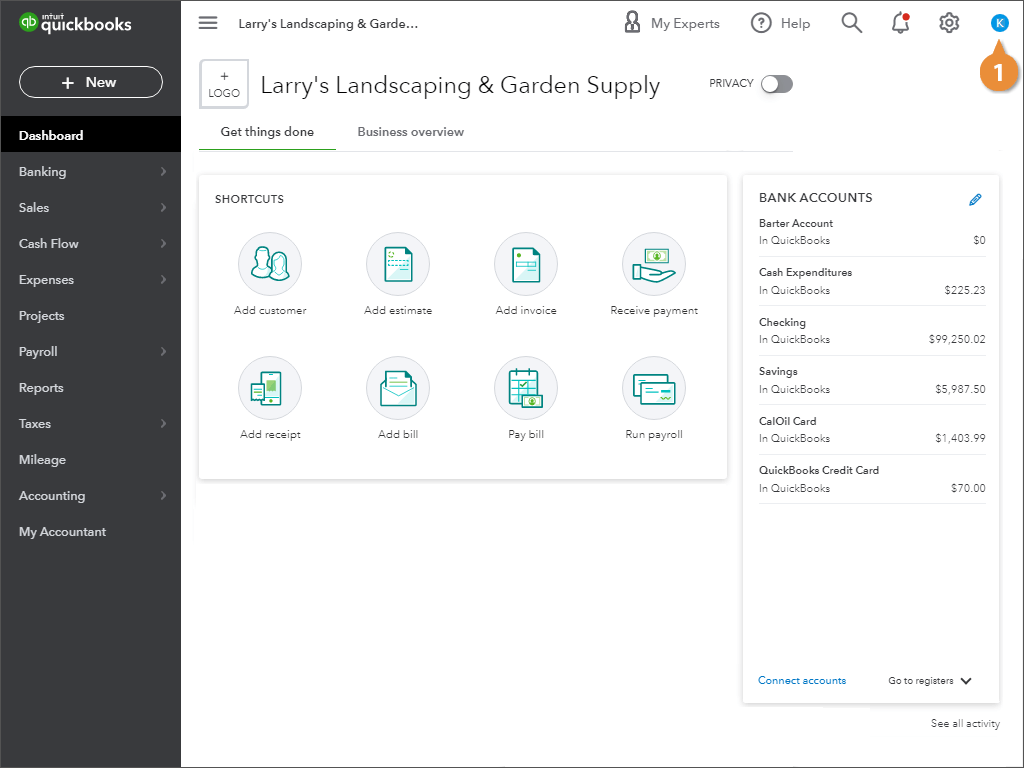
- Click Sign Out.
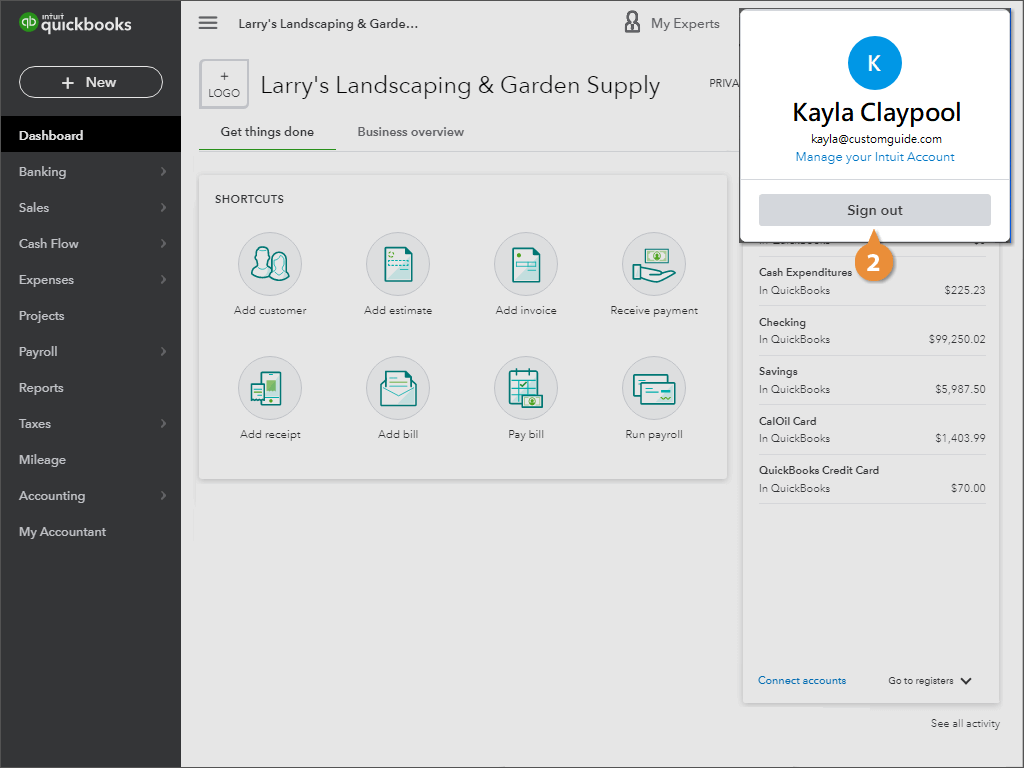
QuickBooks logs you out of the system.