Delete and Void Transactions
Fix entry errors safely by voiding or deleting transactions while keeping audit trails and reports accurate
Try this Course with a Free Trial


Sometimes you will need to delete a transaction that was added by mistake.
Delete a Transaction
- Find and open the transaction you want to delete.
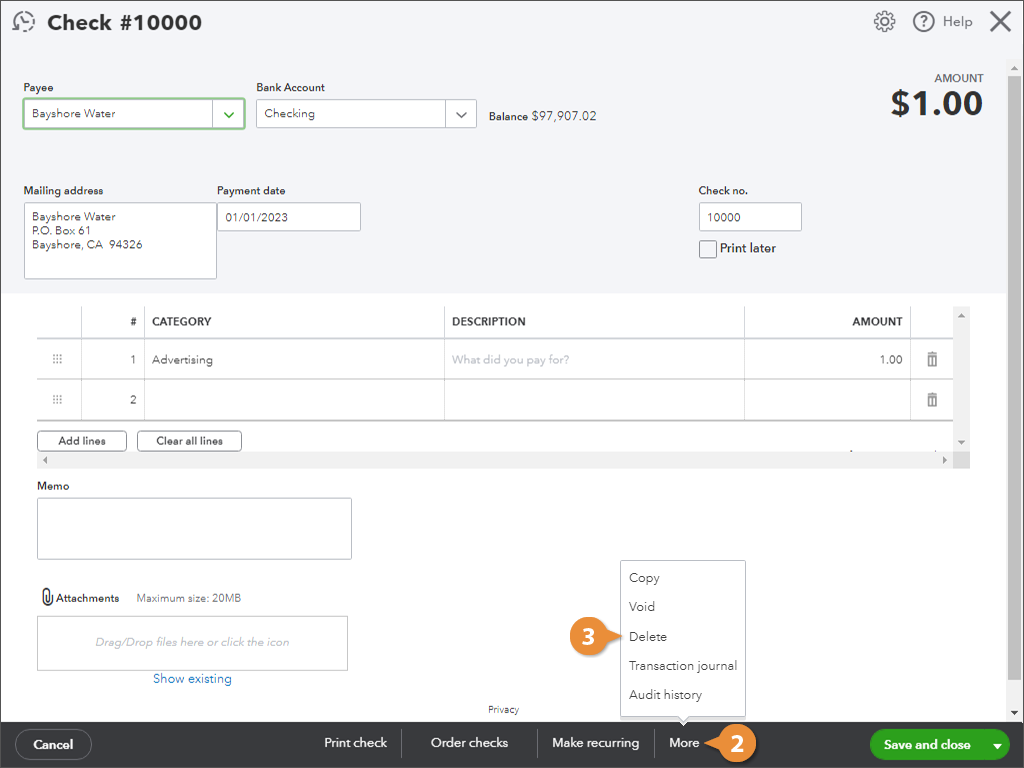
- From the footer, click More.
- Select Delete.
- Click Yes to confirm the deletion.
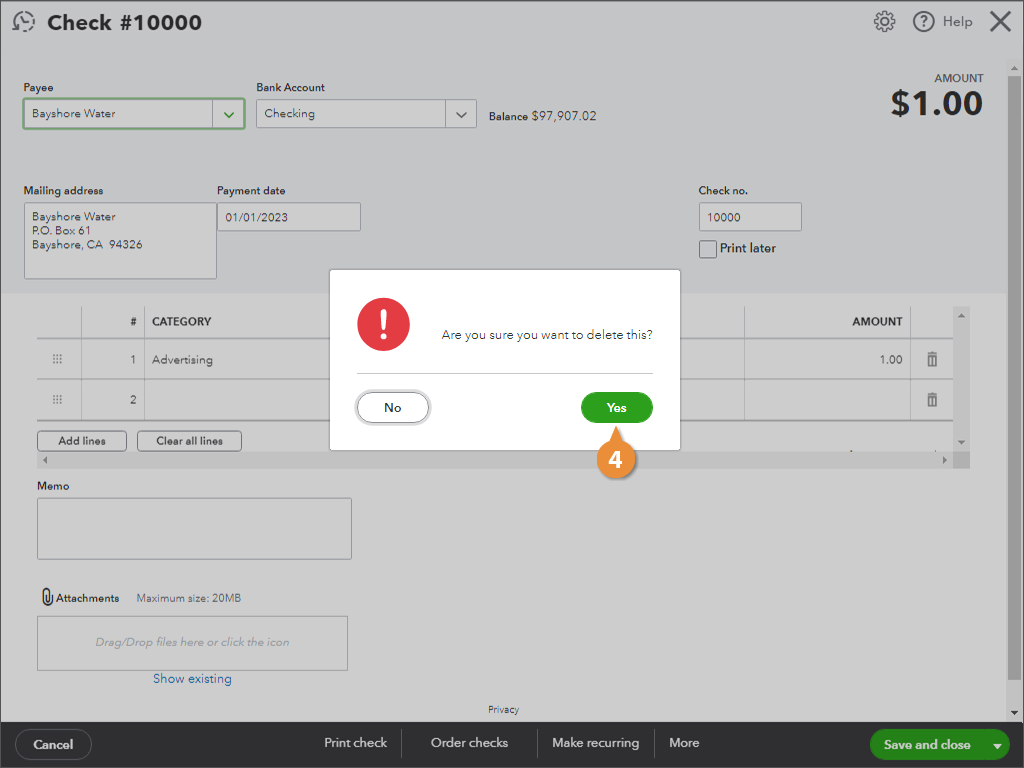
QuickBooks deletes the transaction, but it will still appear in the Audit Log, so you and your account have a history of the deletion.
Void a Transaction
Sometimes it’s better to void a transaction. Voided transactions still appear in the account register, but with a zero amount, so it doesn’t affect your balances.
- Find and open the transaction you want to void.
- From the footer, click More.
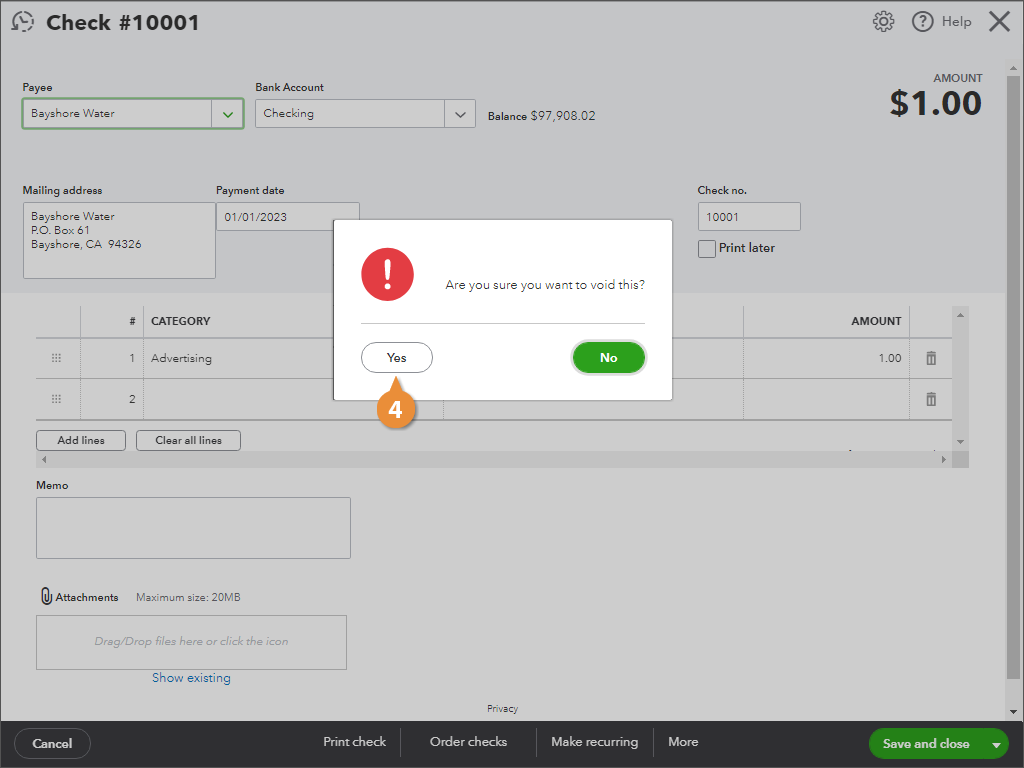
- Select Void.
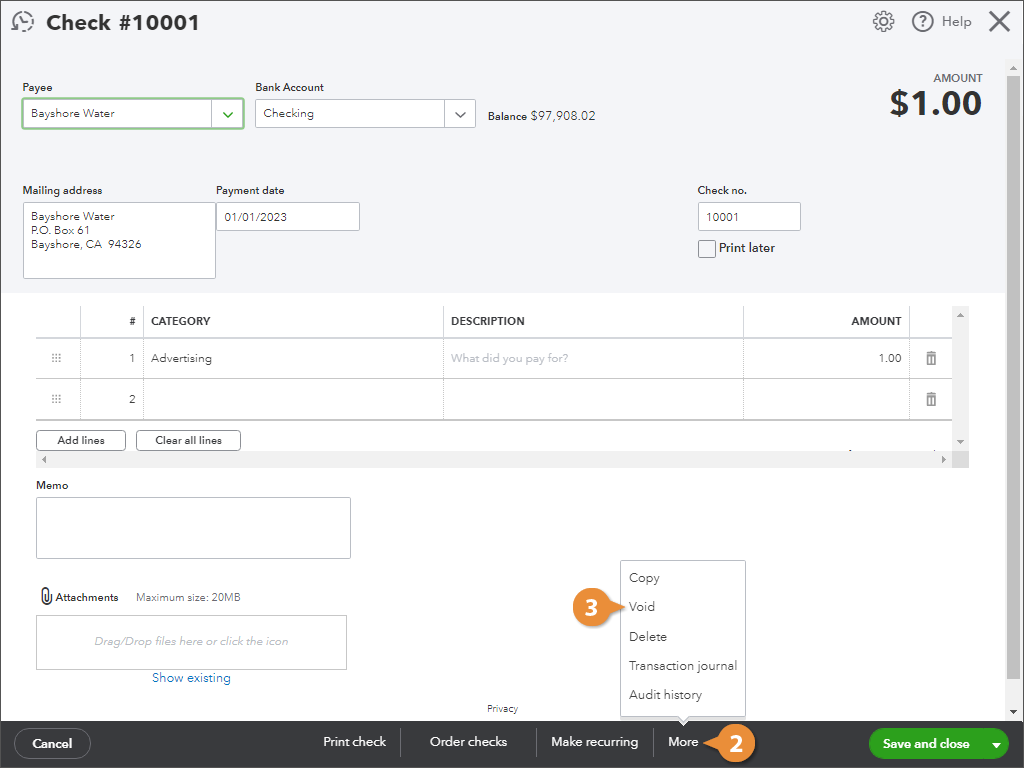
- Click Yes to confirm.