

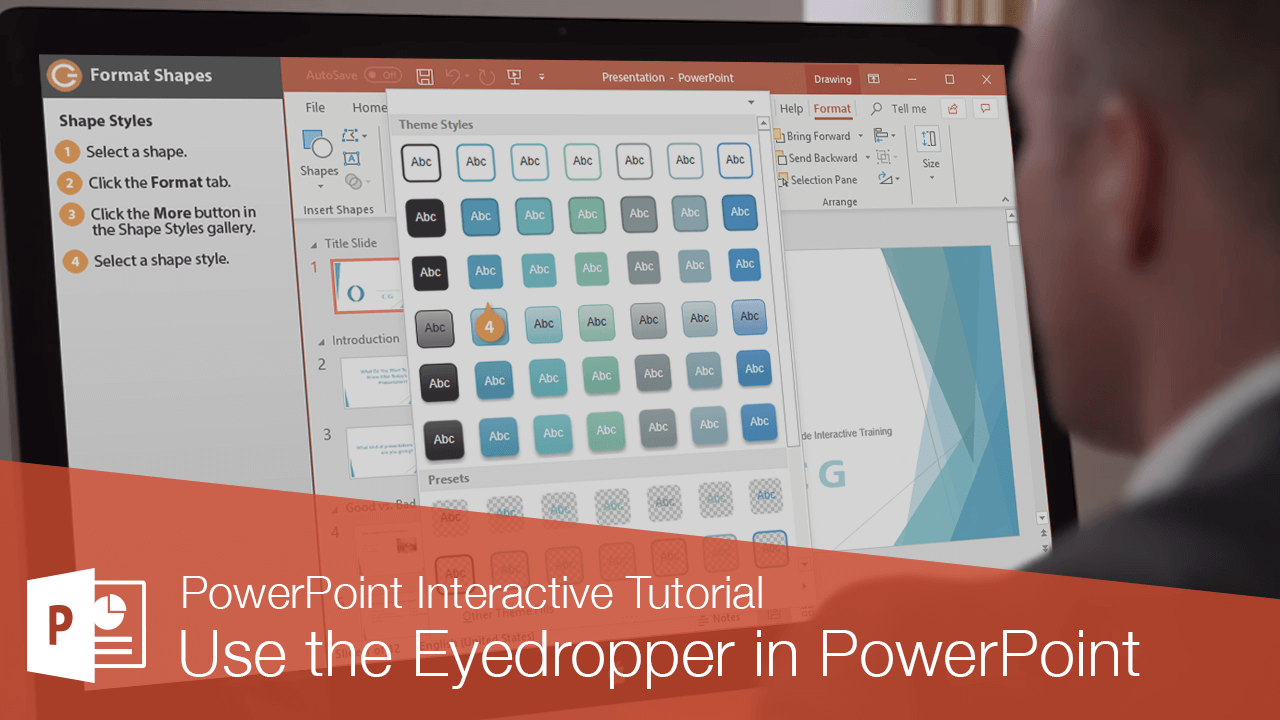
How to Use Eyedropper in Powerpoint
Match Colors Perfectly in PowerPoint Using the Eyedropper Tool for Consistent Design
Try this Course with a Free Trial

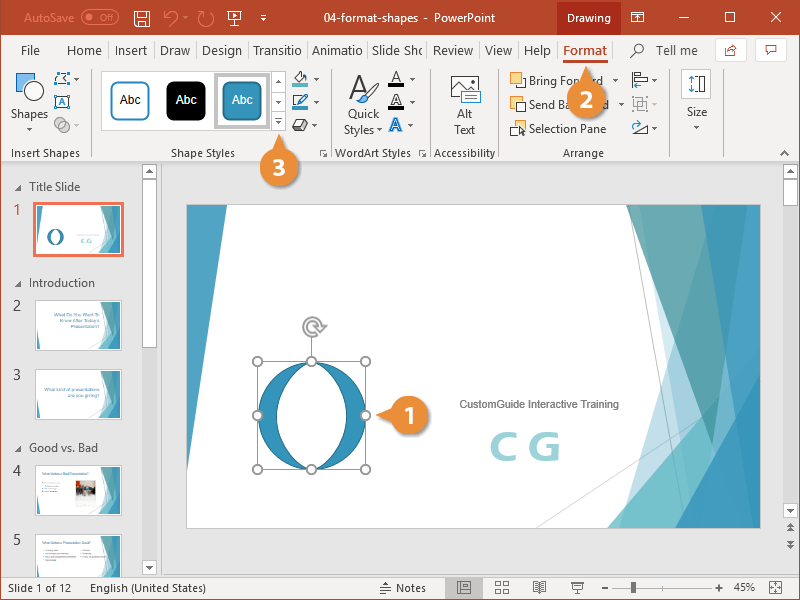
Once you’ve inserted a shape, you’ll probably want to change the style, fill color, outline, and effects applied to it.
Shape Styles
A shape style is a set of different formatting commands that can be applied to a shape in a single step.
- Select the shape.
- Click the Format tab on the ribbon.
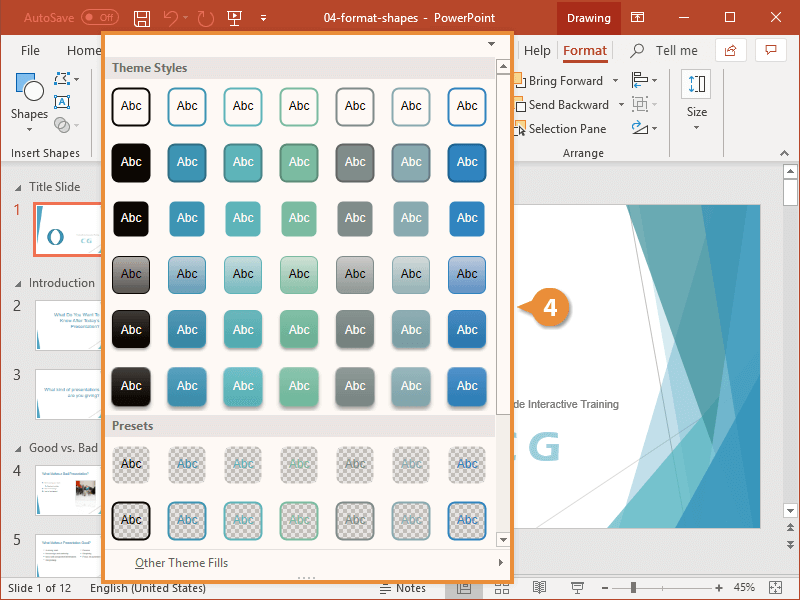
- Click the More button in the Shape Styles gallery.
- Choose a style.
Click the Quick Styles button in the Drawing group on the Home tab and select a style.
Format Shapes
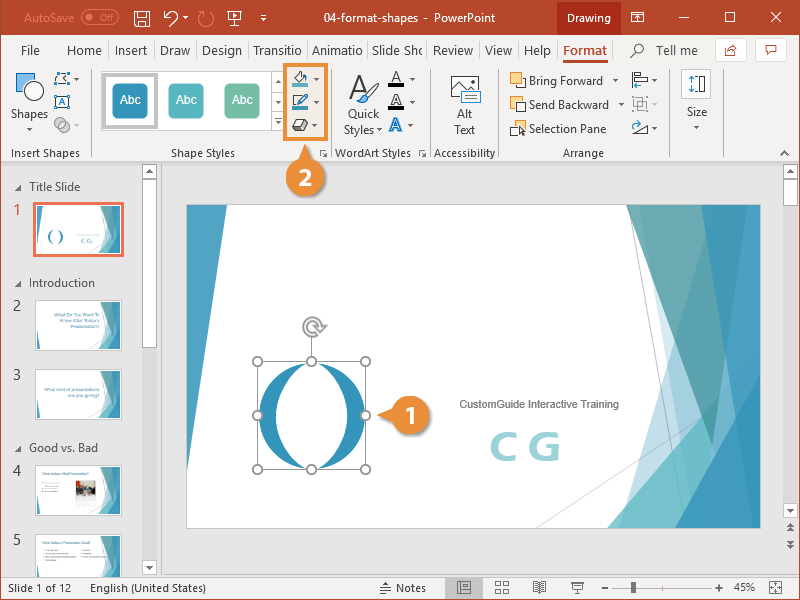
If you don’t like any of the premade shape styles, you can edit the fill, outline, and shape effects.
- Select the shape.
- Use the tools in the Shape Styles group to modify the shape style.
- Shape Fill: Adjust the color, picture, gradient, or texture inside the shape.
- Shape Outline: Adjust the color and weight of the shape’s border.
- Shape Effects: Add or remove more complicated effects like glow and bevel.
Options Available in the Color Selection Menus
| Option | Description |
|---|---|
| Theme Colors | Lets you select a fill color from the colors in the current theme. |
| Standard Colors | Lets you select a fill color from one of the 10 standard colors. |
| No Fill | Removes the fill color. |
| More Fill Colors | Lets you select a fill color from one of the thousands of colors in the Colors dialog box. |
| Eyedropper | Grabs a color from anywhere on the screen and applies it to the current shape. |
| Picture | Fills the shape with a graphic you have on file. |
| Gradient | Fills the shape with a gradient that gradually changes from one color to another. |
| Texture | Fills the shape with a texture. |