

Use an Existing Template
Save time by starting new notebooks or pages with pre-made OneNote templates
Pruebe este curso con una prueba gratuita
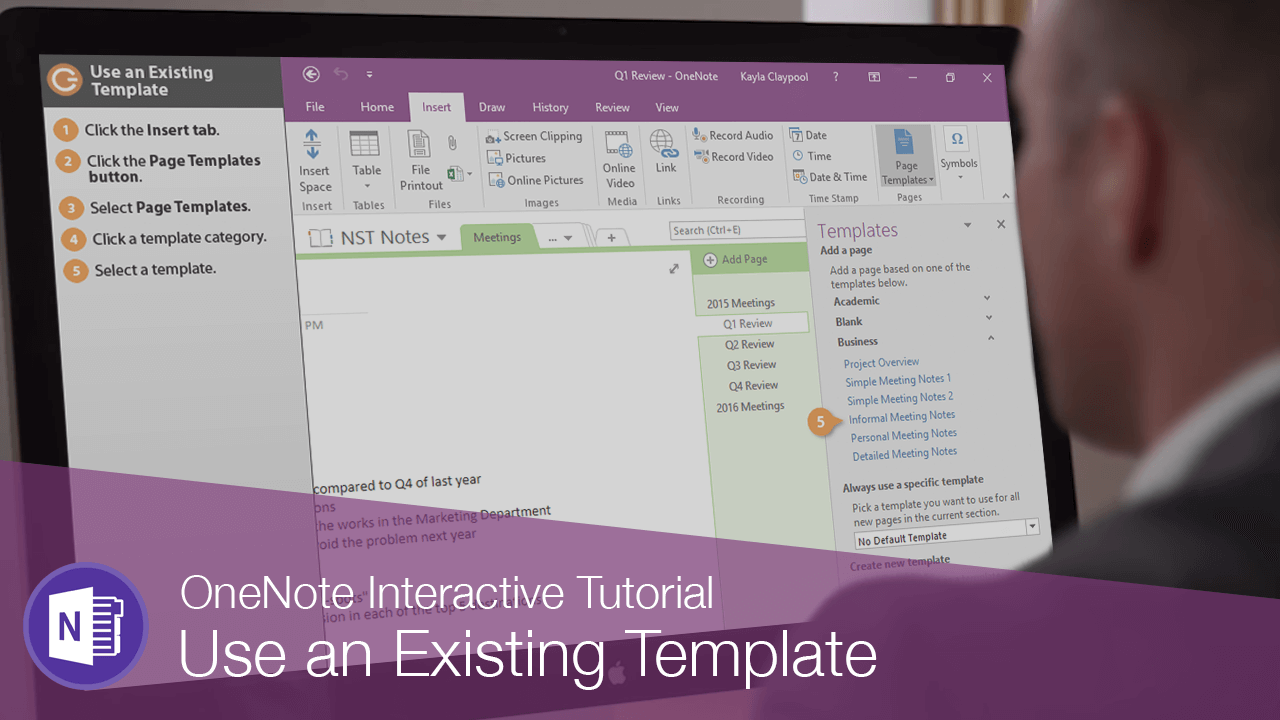
Instead of creating a blank page, you can create a page from a template that already has some text in it.
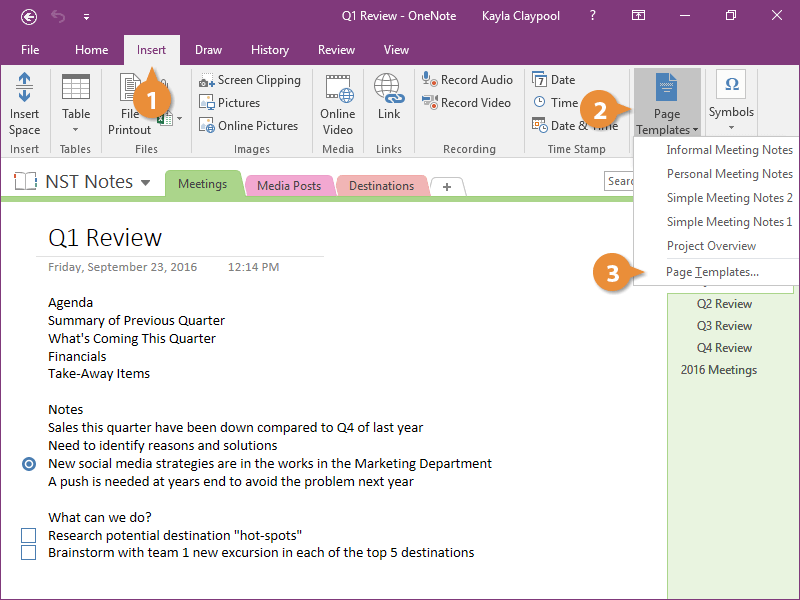
- Click the Insert tab.
- Click the Page Templates button.
- Select Page Templates.
You can also select a recent template from here.
- Click a template category.
- Select a template.
- Click the Templates pane's Close button.
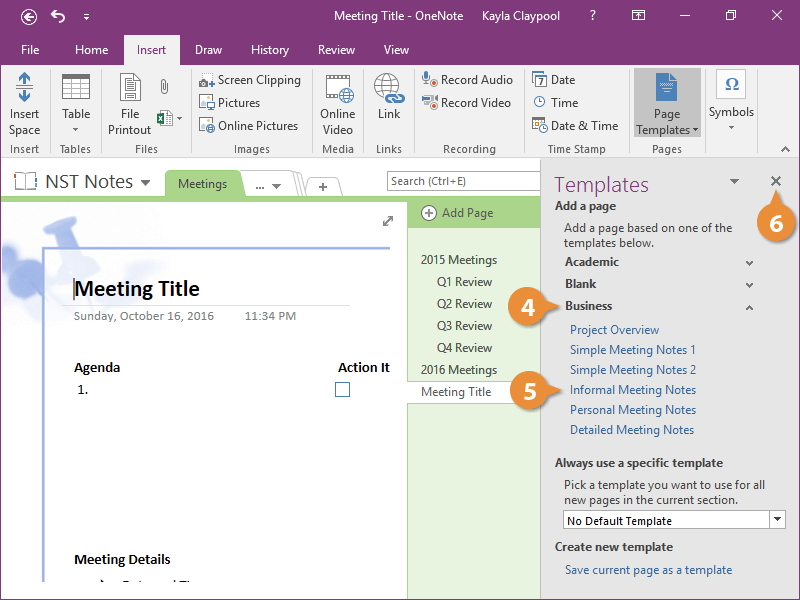
- Edit the template as necessary.