

Onenote Spell Check
Ensure your notes are error-free with the built-in spell check feature in OneNote
Try this Course with a Free Trial
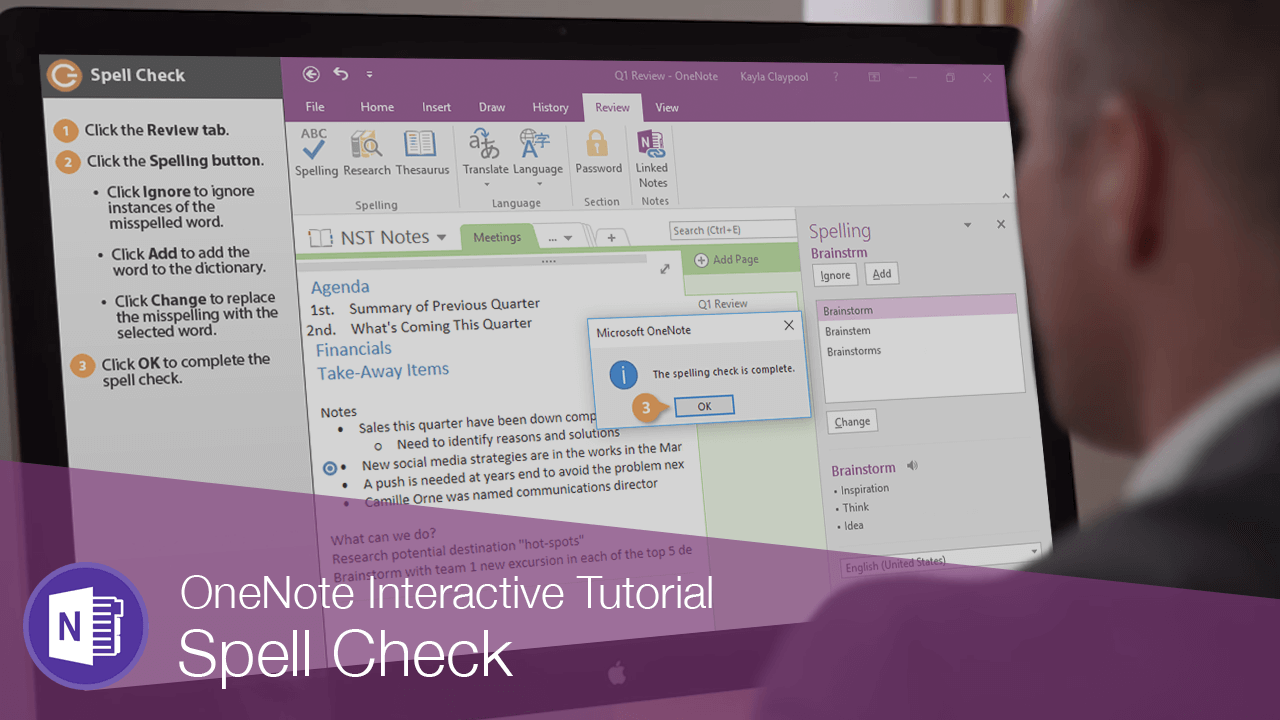
Spelling errors are embarrassing! So after you've written some notes, it's a good idea to check for mistakes.
- Click the Review tab.
- Click the Spelling button.
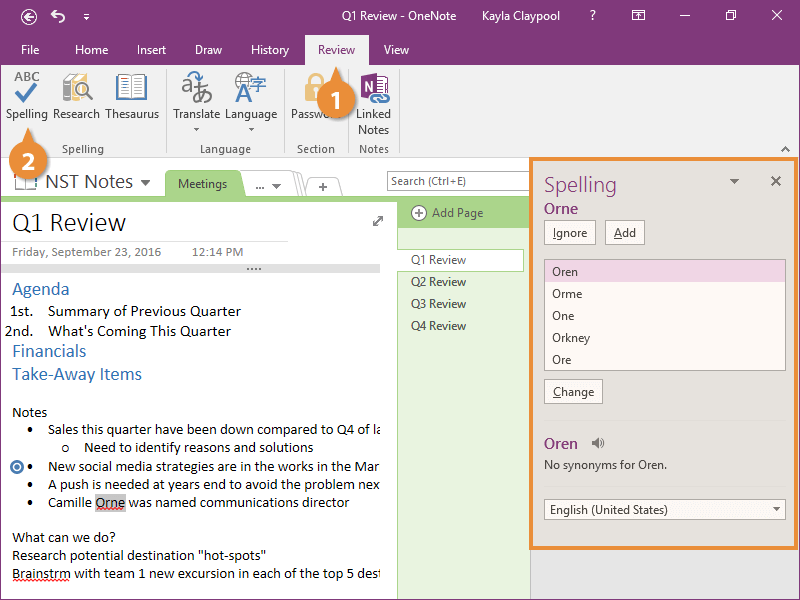
- Click Ignore to ignore instances of the misspelled word.
- Click Add to add the word to the dictionary.
- Click Change to replace the misspelling with the selected word.
The Spelling pane appears at the right.