Onenote Page Versions
View and recover previous page versions to keep track of changes in OneNote
Try this Course with a Free Trial
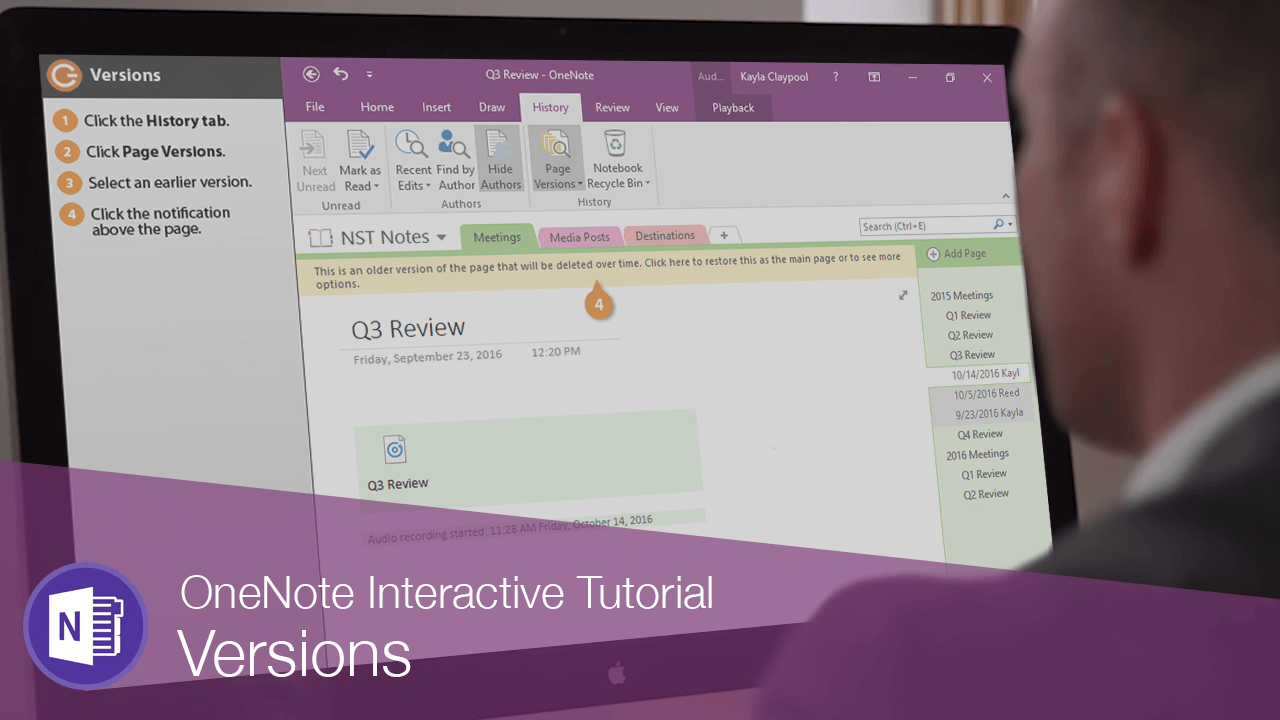
When multiple people are working in a notebook, you can use versions to see who made changes to a page and even restore an earlier version.
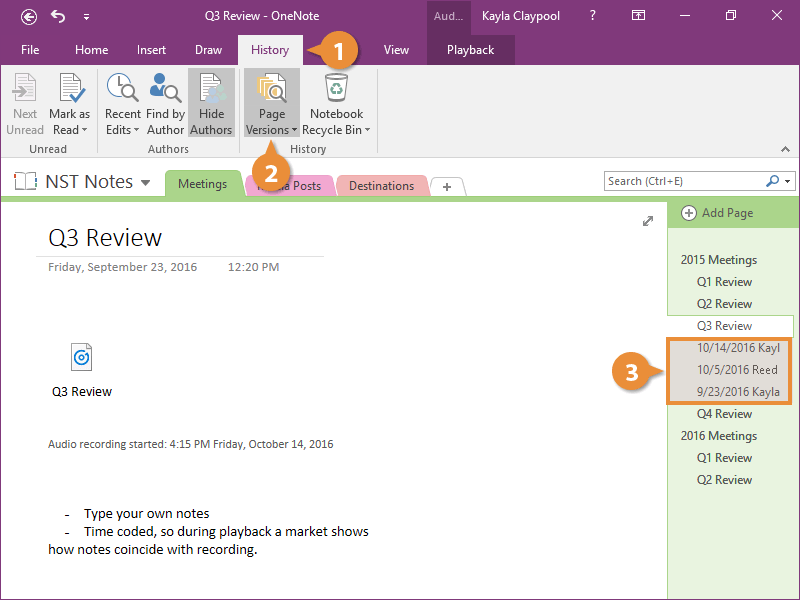
- Click the History tab.
- Click Page Versions.
Now you see a few different versions listed in the Pages pane.
- Select an earlier version.
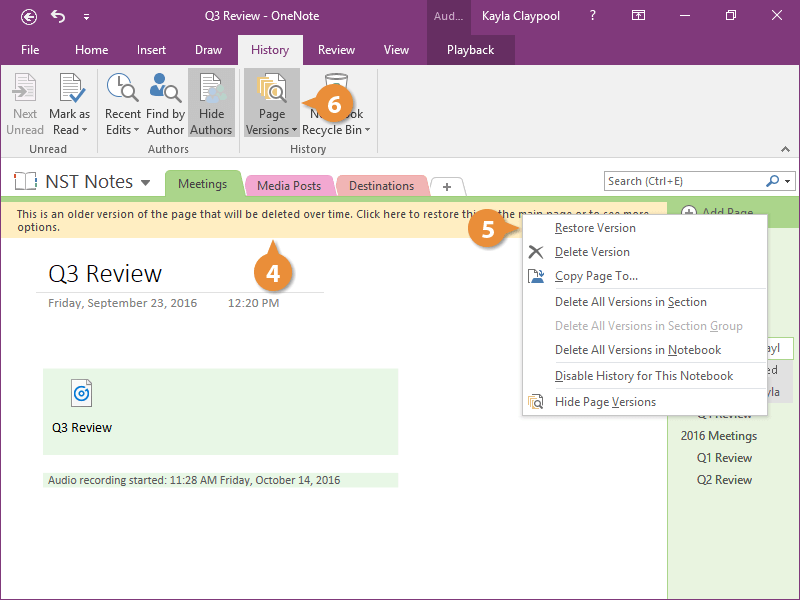
The earlier version appears and a little note at the top lets you know it will eventually be deleted.
- Click the notification above the page.
There are a bunch of different options in here like disabling version history and deleting versions from this page, section, or the entire notebook.
- Select Restore Version to bring this version back to the current version.
A new version of the page is created with today's date.
- Click Page Versions to turn versions off.