

Onenote Note Taking
Master digital note-taking with Microsoft OneNote for better organization and productivity
Try this Course with a Free Trial
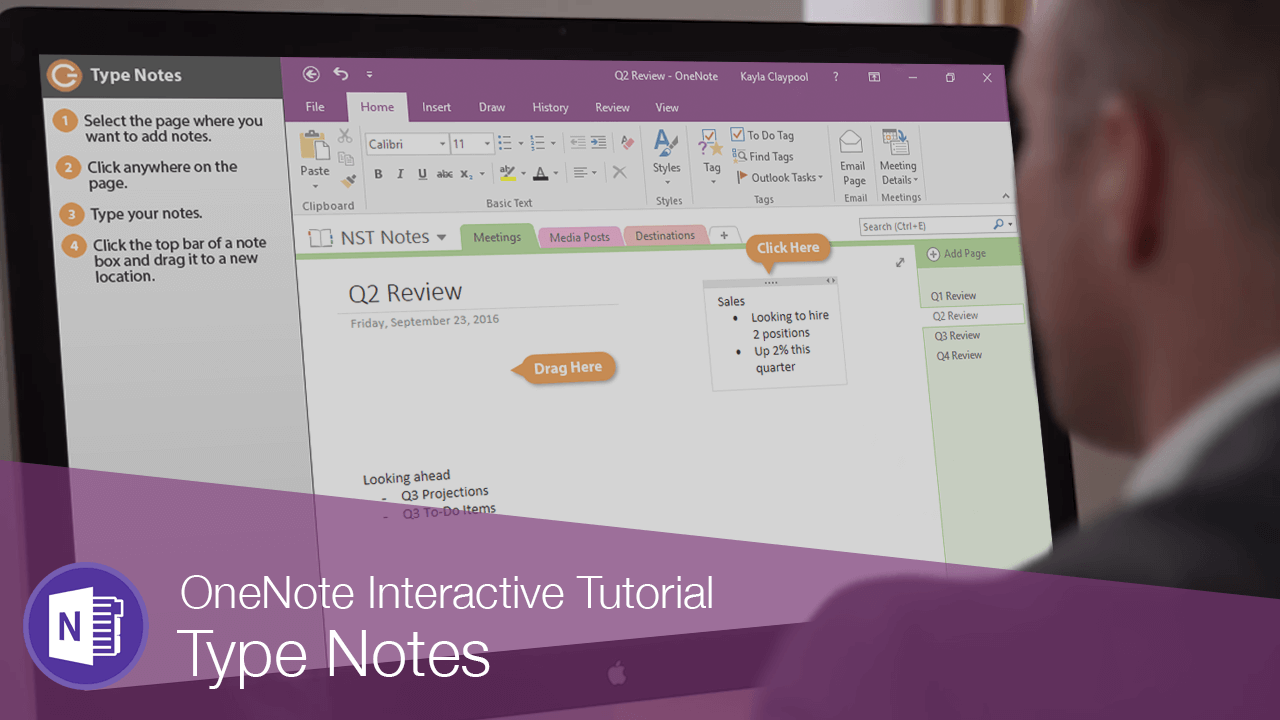
Once you have some pages and sections added to your notebook, it's time to start adding notes.
Type Notes
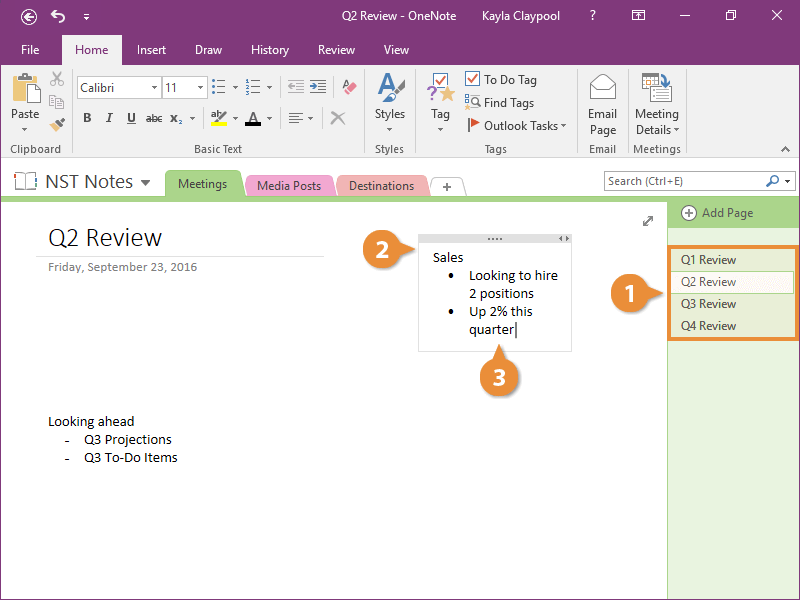
When you start typing a note, a box automatically appears around the text.
Move Notes
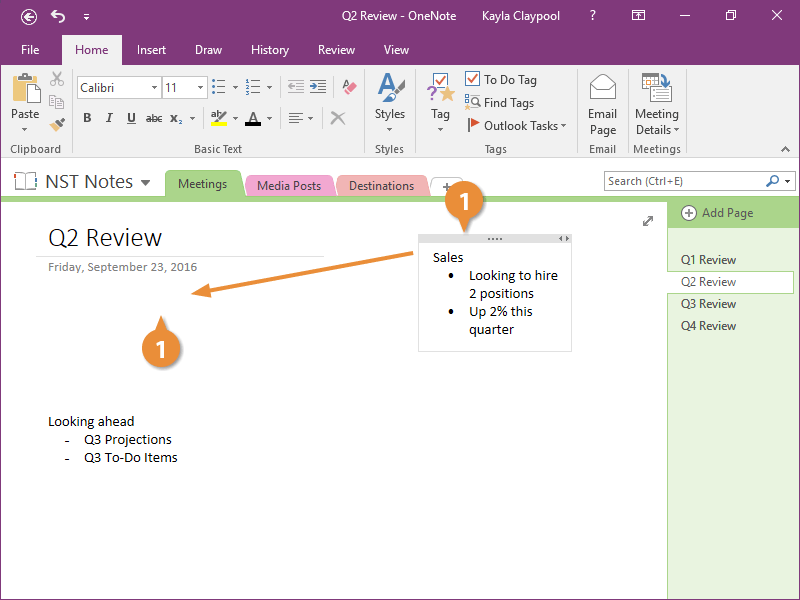
Reorder and Resize Notes
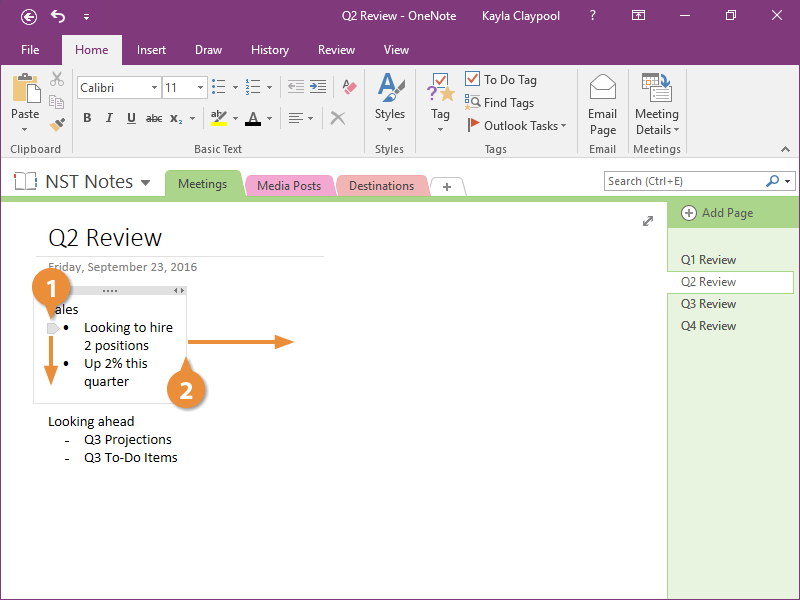
You can also reorder and resize your notes as needed.
- Click the arrow next to a line of text and drag up or down.
- Click and drag the edge of a note to resize.
Delete Notes
You can delete a note if you no longer need it.
- Select a note.
- Click Delete.
You can also press the Delete key on your keyboard.
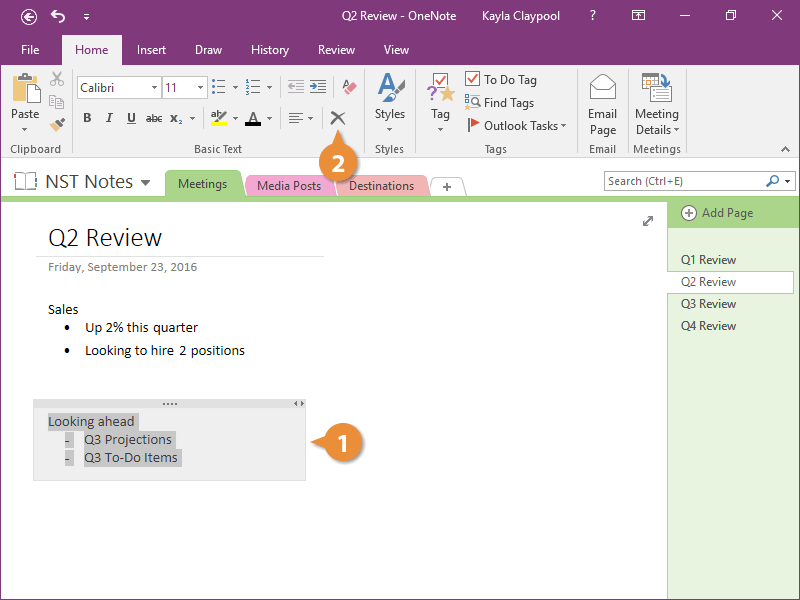
The note is deleted.