Onenote Link to Another Page
Connect related notes easily by linking one OneNote page to another for seamless navigation
Try this Course with a Free Trial

Creating links in OneNote is a great way to include additional information without filling up the pages with tons of text and images. Let's check out a few different ways to create links.
Link Content within OneNote
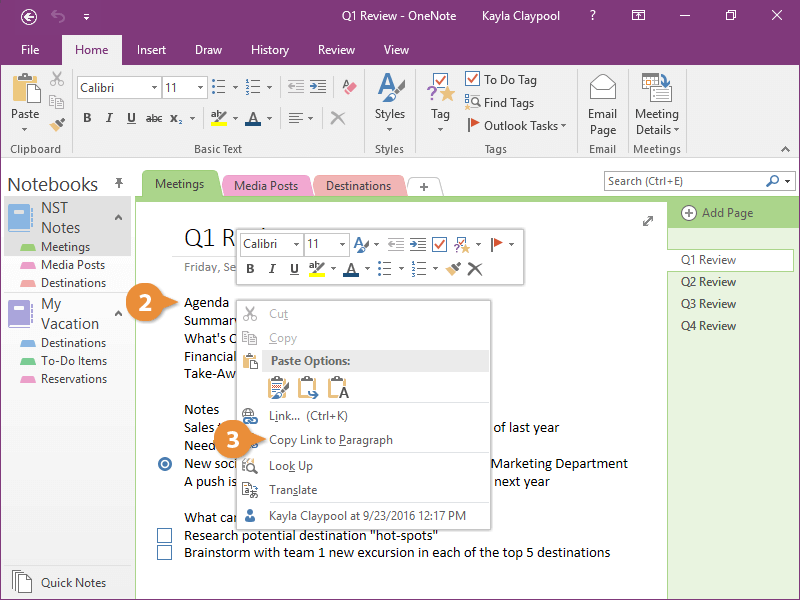
- Navigate to the location you want to link to.
- Right-click in the text you want to link to.
- Select Copy Link to Paragraph.
- Navigate to where you want to create the link.
- Click where you want to place the link.
- Click the Paste button on the Home tab.
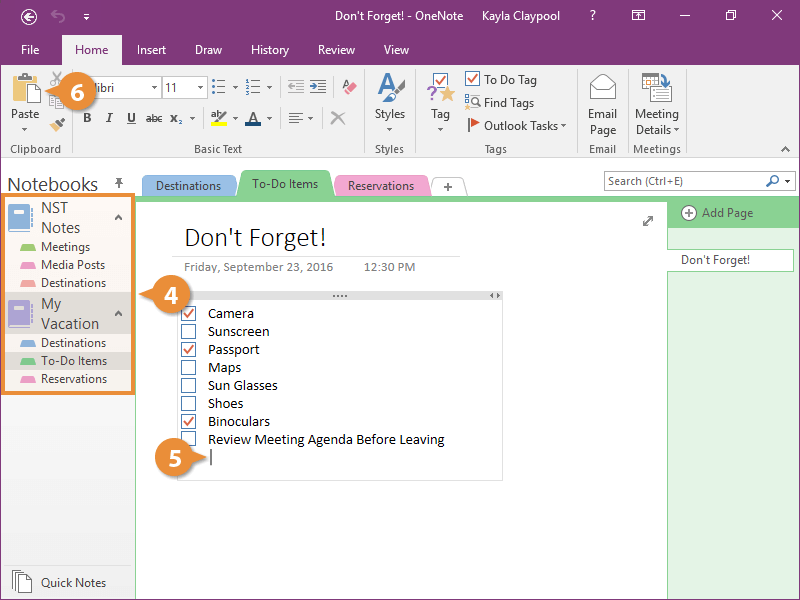
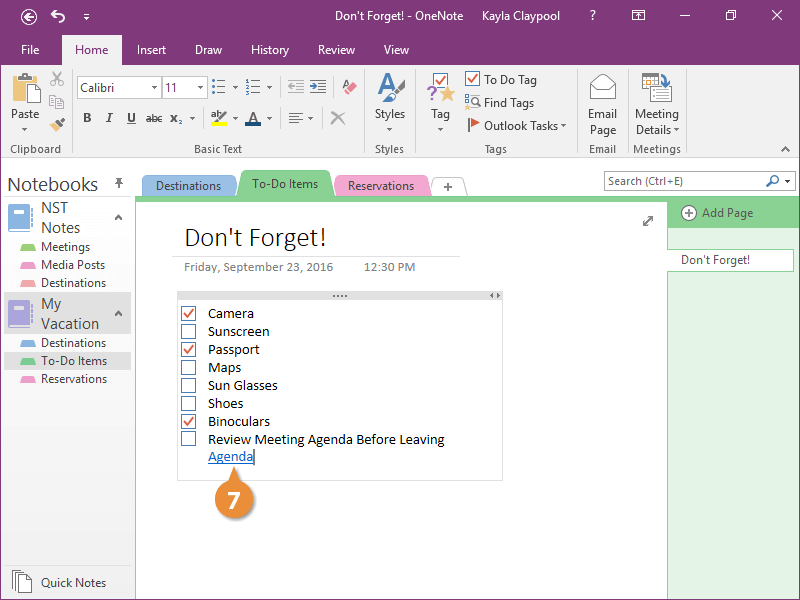
The link is added to the page.
- Click the link to verify it work.
Link Content to External Locations
- Navigate to where you want to add a link.
- Click a location on the page.
- Click the Insert tab.
- Click the Link button.
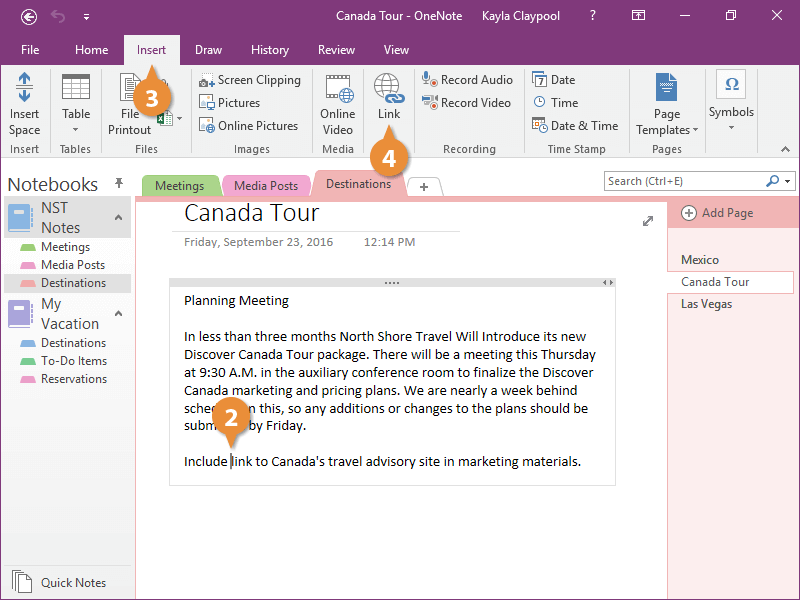
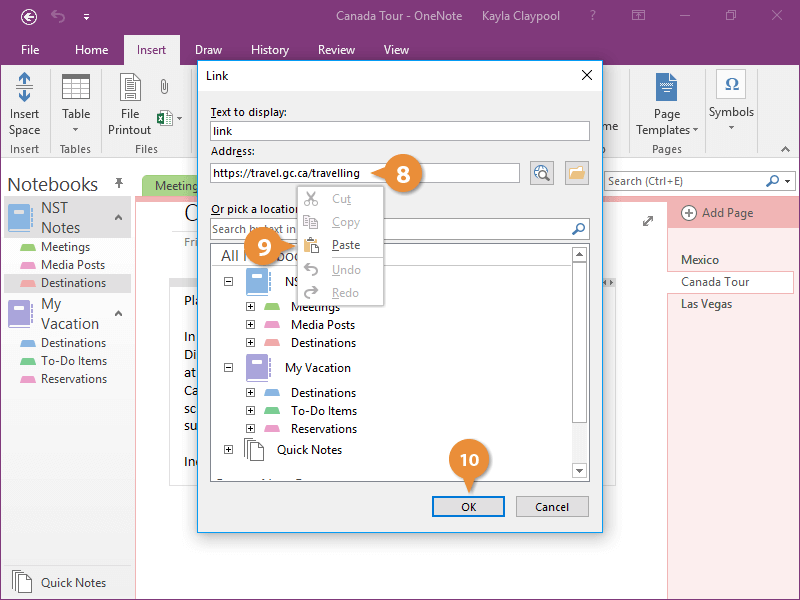
You can use the dialog box to create an internal link, to link to a file, or a link to a website.
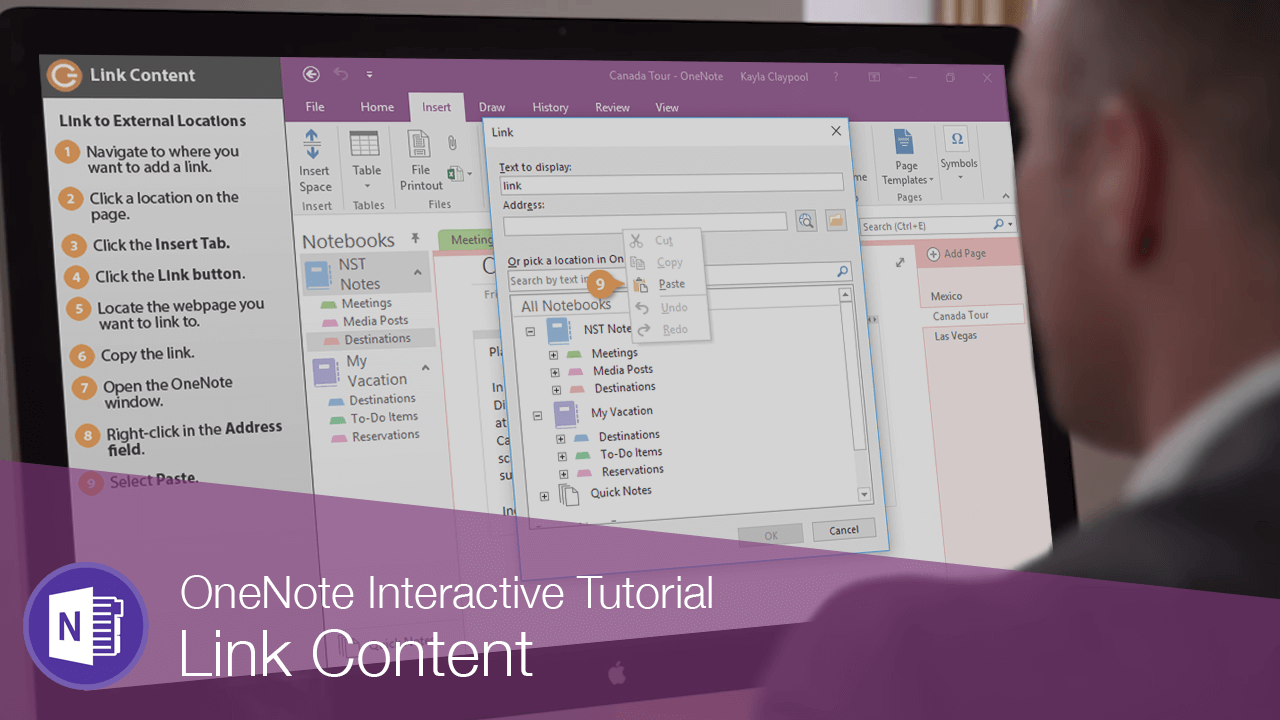
- Locate the webpage you want to link to.
- Copy the link.
- Open the OneNote window.
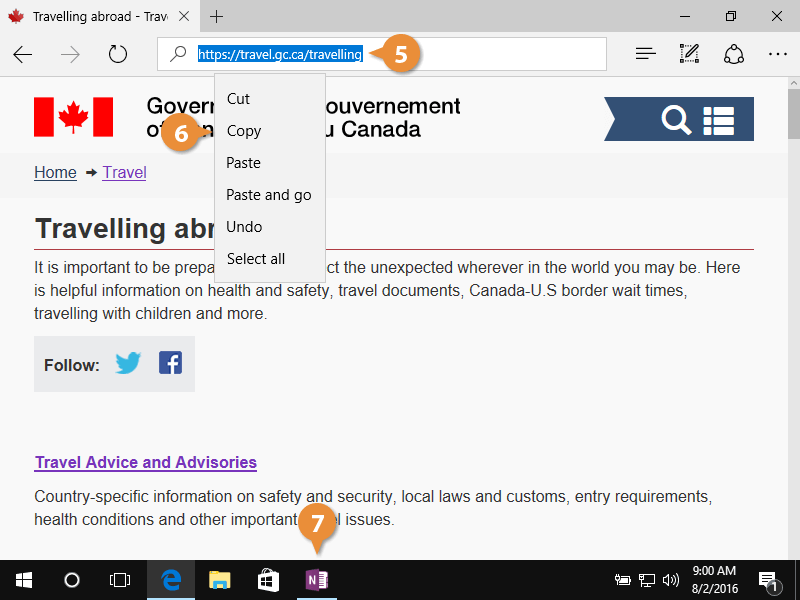
- Right-click in the Address field.
- Click Paste.
- Click OK.
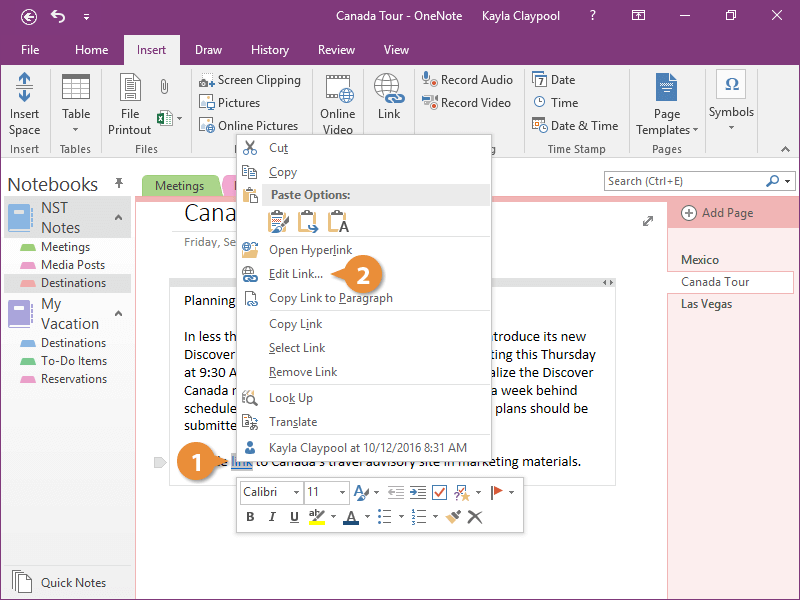
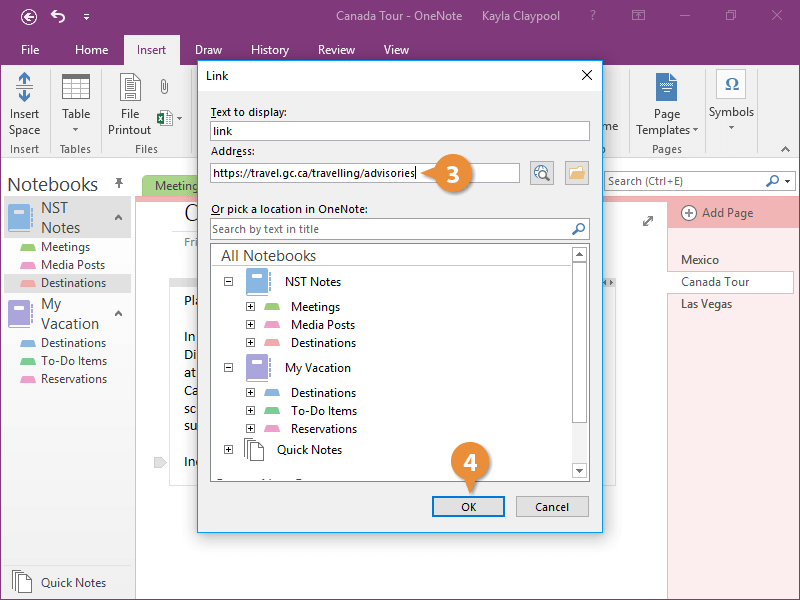
Edit a Link
Even after you've added a link, you can easily change it to a different location.