Onenote History
Track and restore previous note versions using the OneNote history feature
Try this Course with a Free Trial

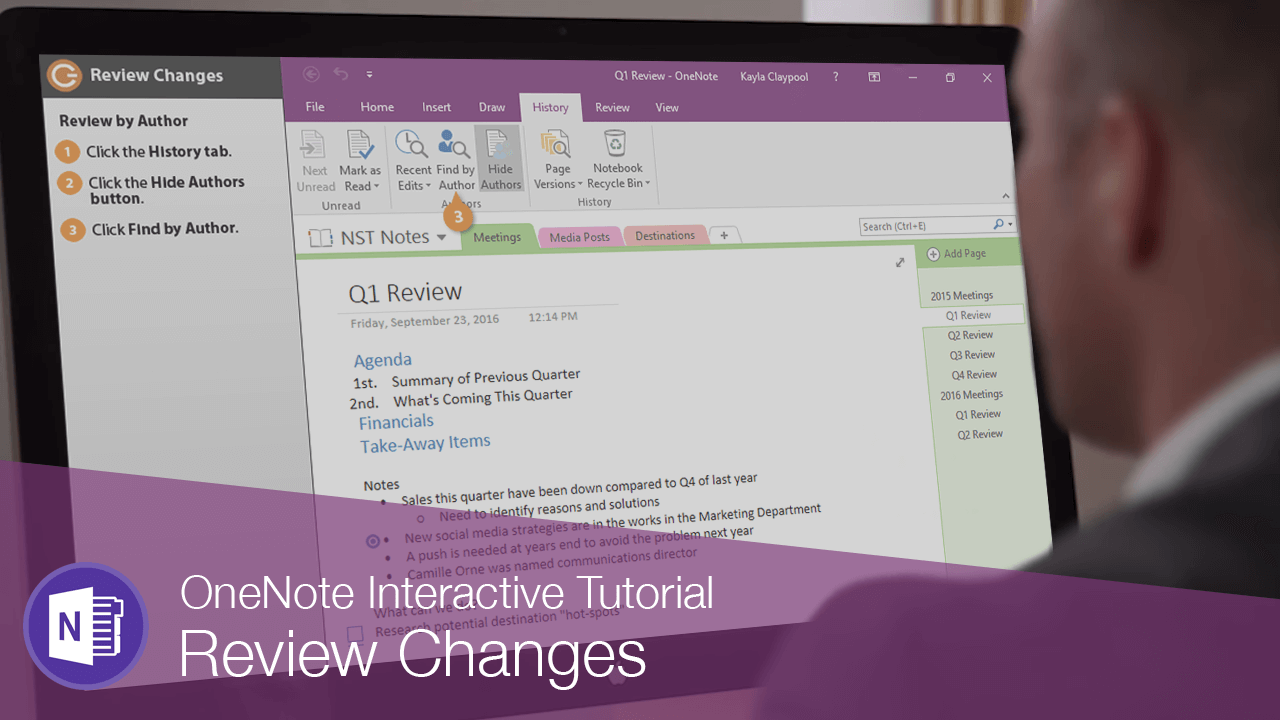
When you have some other people collaborating on a notebook, you can check to see who made a change and when.
Review by Author
- Click the History tab.
- Click the Hide Authors button to turn it on and off.
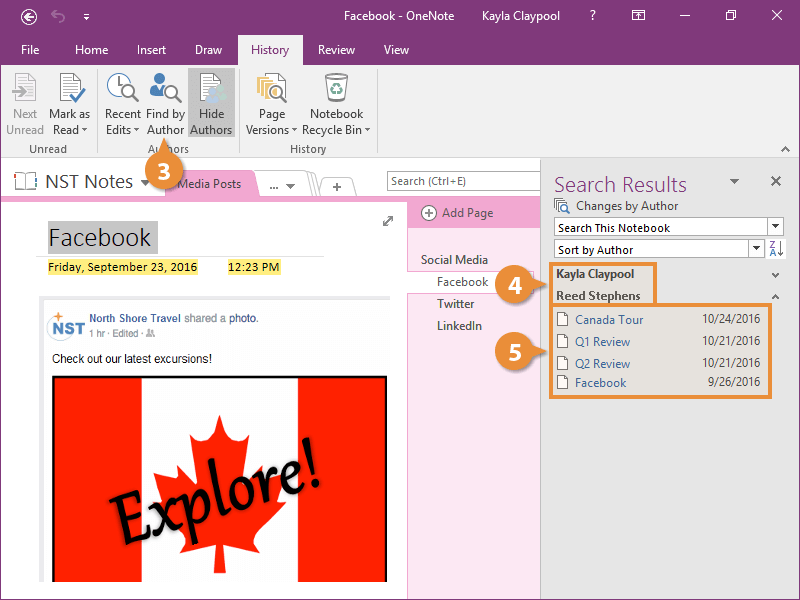
- Click Find by Author.
The search pane appears with a list of everyone who has made a change.
- Select a name to see their changes.
- Click a change to jump to it.
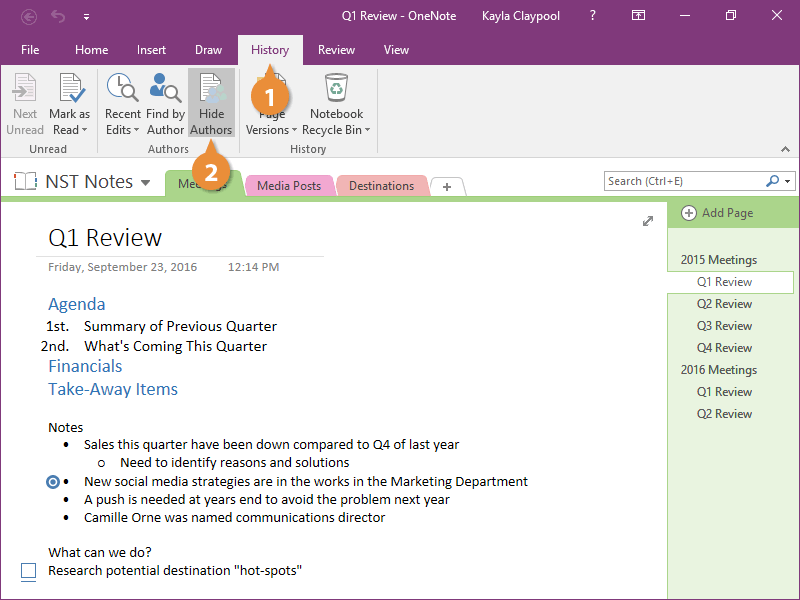
Little notifications pop up on the right with the initials of the person who made the change.
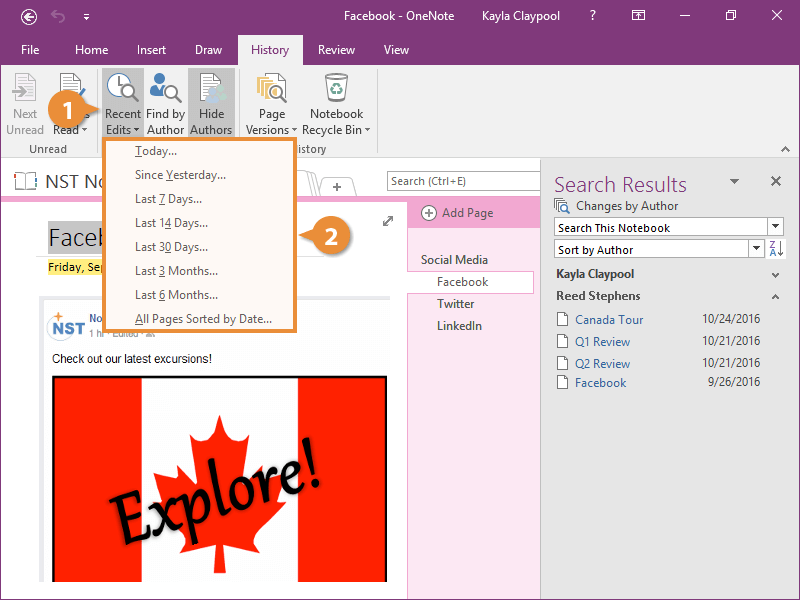
View Recent Edits
In addition to searching for edits by person, you can also locate them by when they were made.