How to Share Onenote
Easily share your OneNote notes and notebooks with coworkers or classmates
Try this Course with a Free Trial
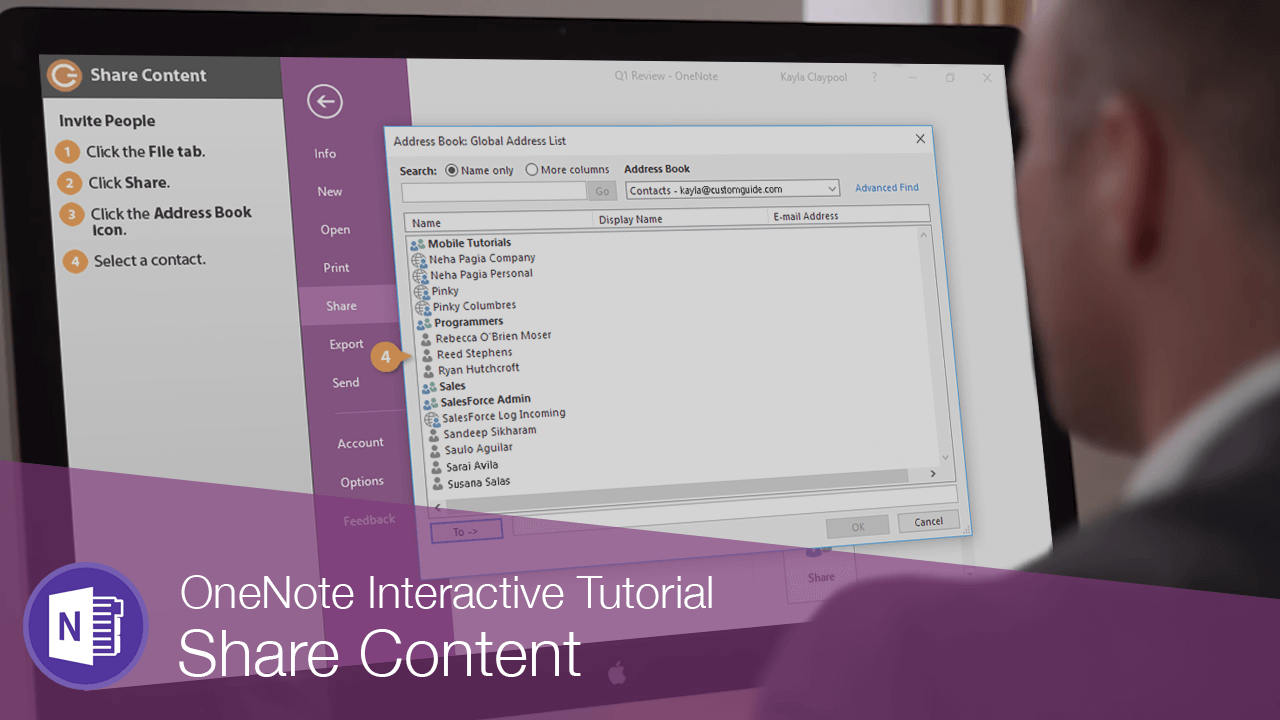
Invite People
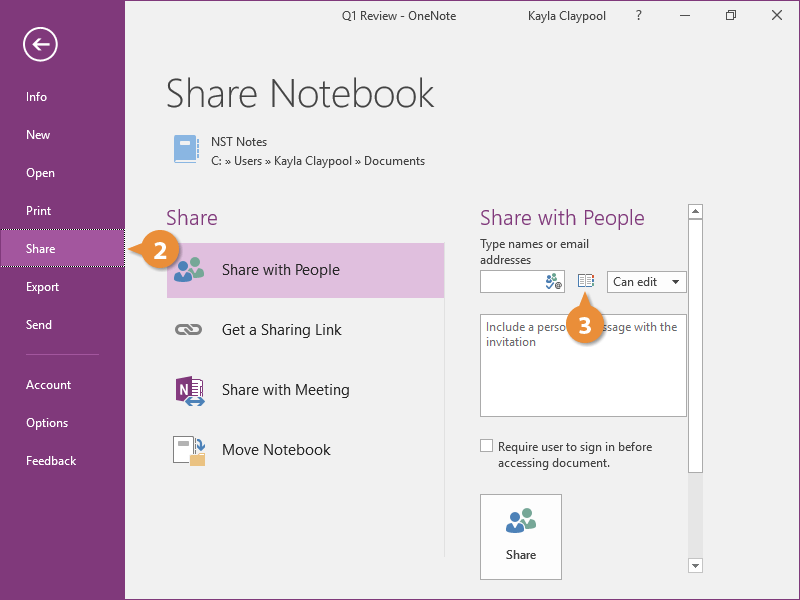
- Click the File tab.

- Click Share.
Because the notebook is already shared you see a few different sharing options here. This first option allows you to send an email right from OneNote.
- Click the Address Book icon.
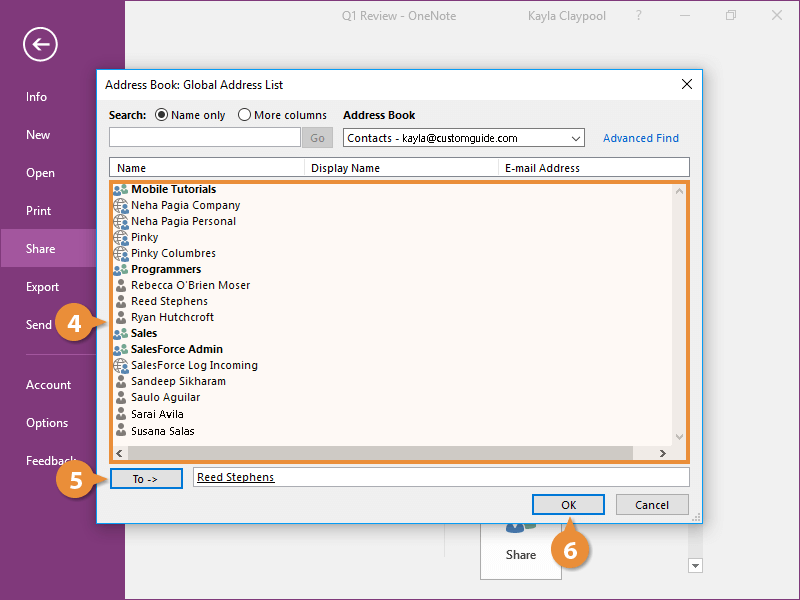
- Select a contact.
- Click the To button.
- Click OK.
You can give others the ability to edit the notebook, or just view it.
- Click the Can edit list arrow and select an option.
- (Optional) Enter some notes about the notebook.
- Click Share.
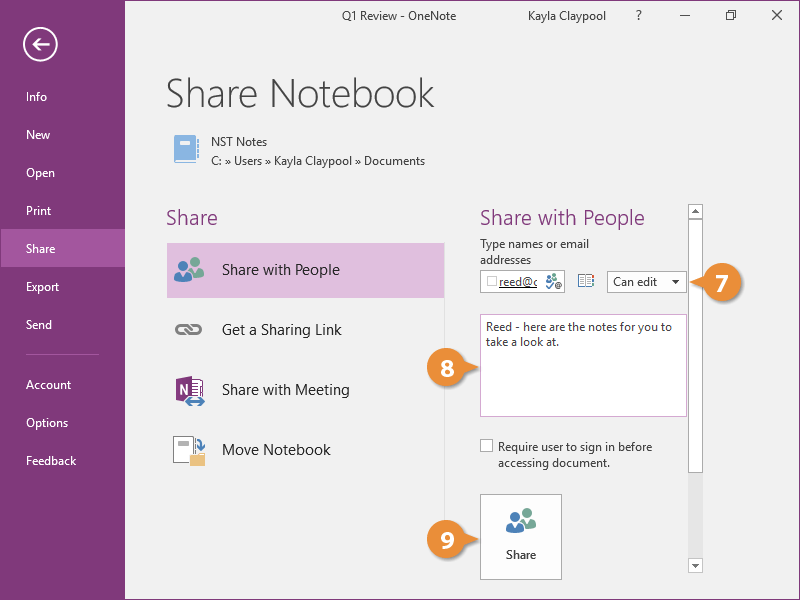
An email is sent to with a link to the notebook's OneDrive location.
Share a Link
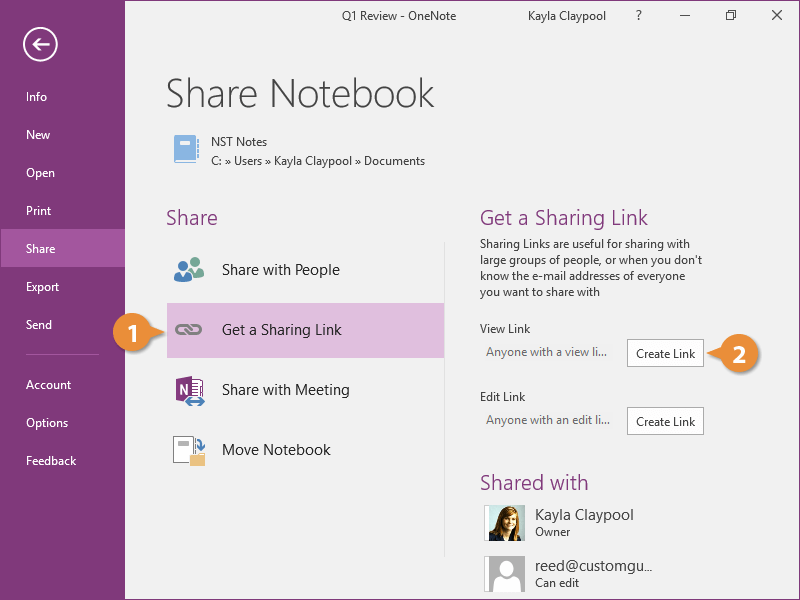
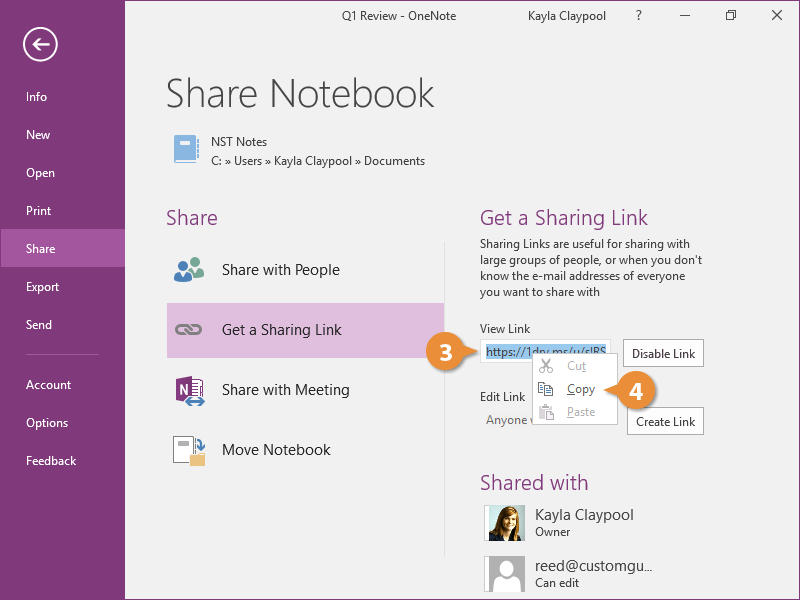
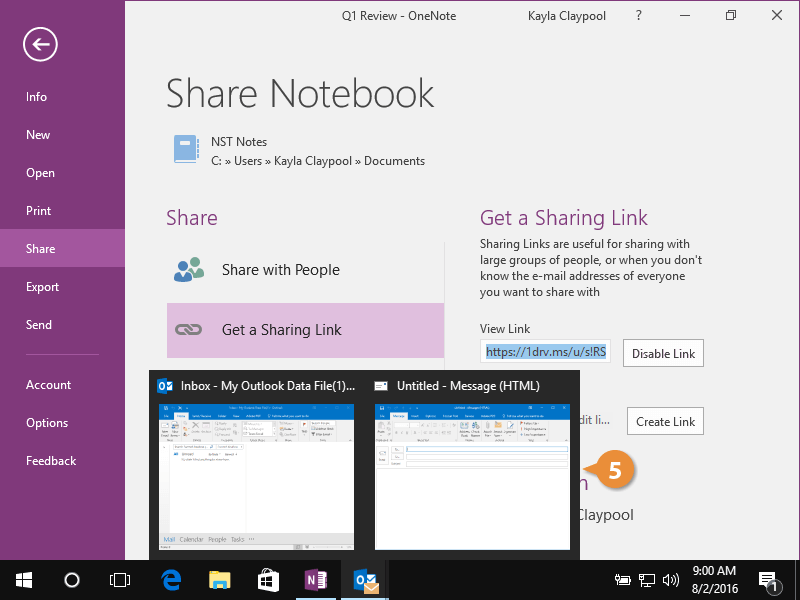
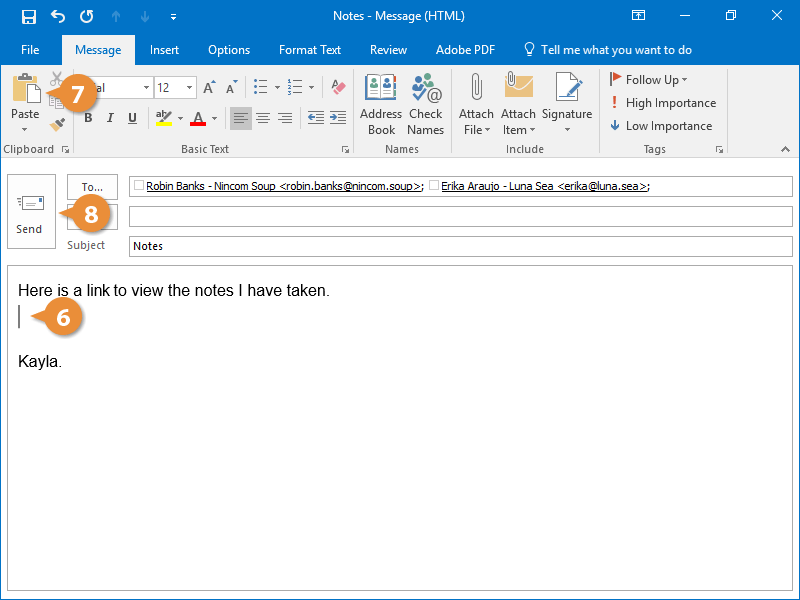
From the Share section of Backstage view, you can create a link to the notebook that can be sent out to allow others to view or edit the notebook.