How to Print From Onenote

Learn how to print OneNote pages and export your notes for sharing or backup

  • Get Certified · CPD Accredited
  • Learn by Doing
  • 4.9 3750 students
How to Print From Onenote

It's nice to have all your notes in electronic form in one location, but there will probably be times when you also need to print them out. Let's see how!

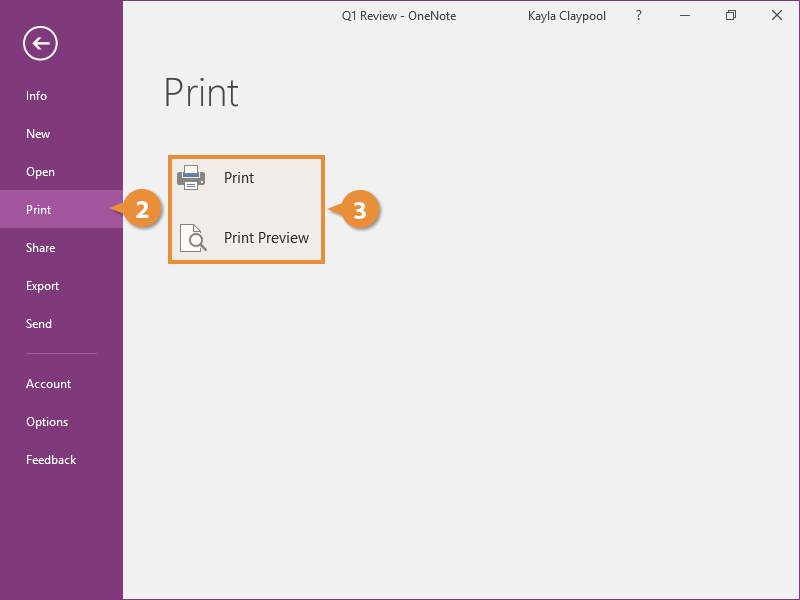
  1. Click the File tab.
    Print
  2. Click Print.
  3. Select a Print option.
    • Print: Send the document straight to the printer.
    • Print Preview: Check the preview to make sure it looks correct before printing.
    Print
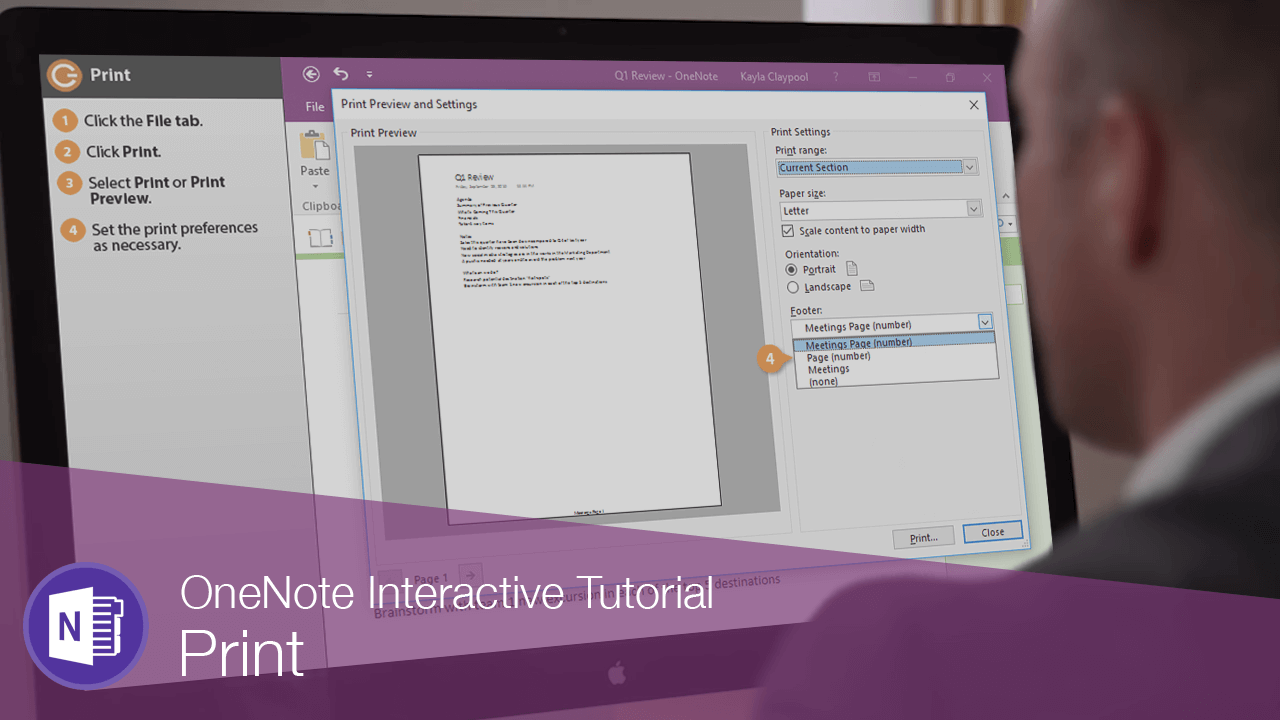
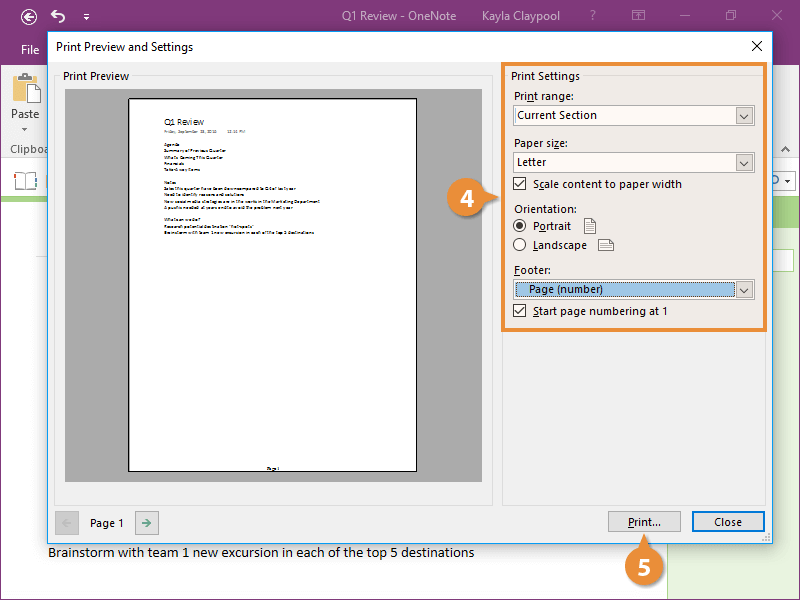
  4. Set the print preferences as necessary.
  5. Click Print.
    Print