

How to Backup Onenote
Protect your notes by backing up OneNote notebooks to the cloud or a local drive
Try this Course with a Free Trial

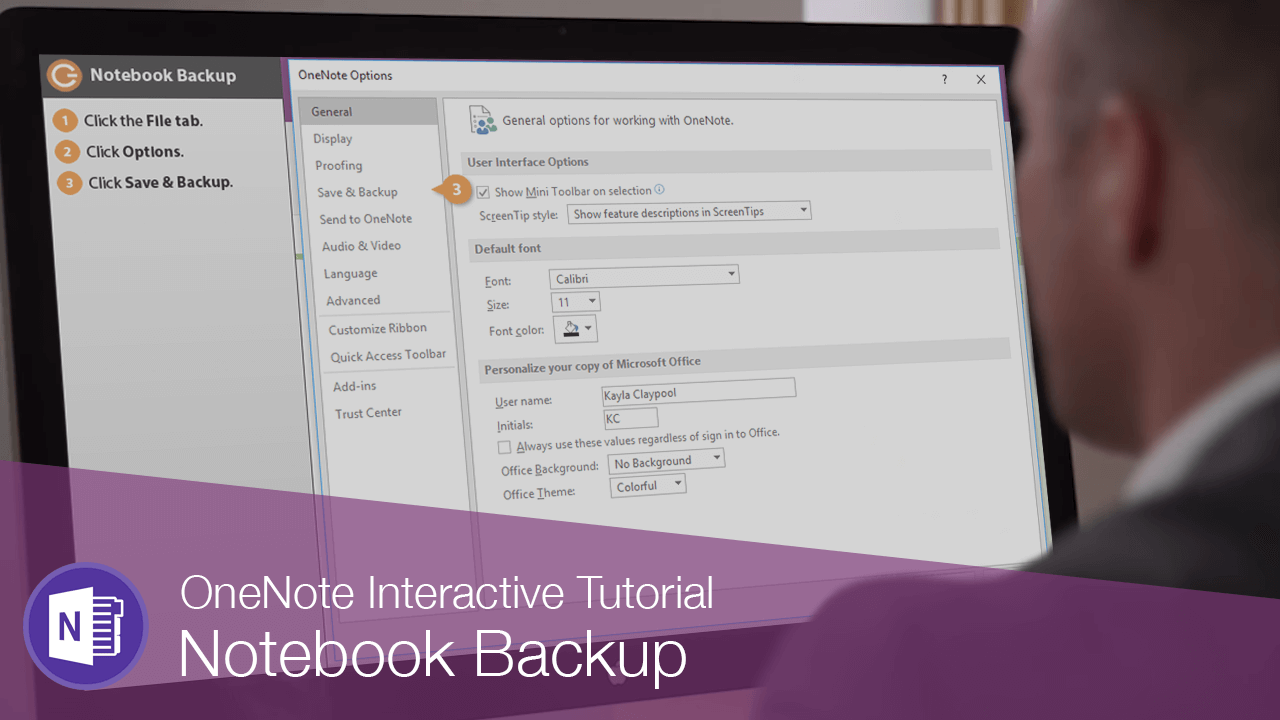
When you're working in OneNote, a backup copy is created every so often in case something tragic happens.
- Click the File tab.

- Click Options.
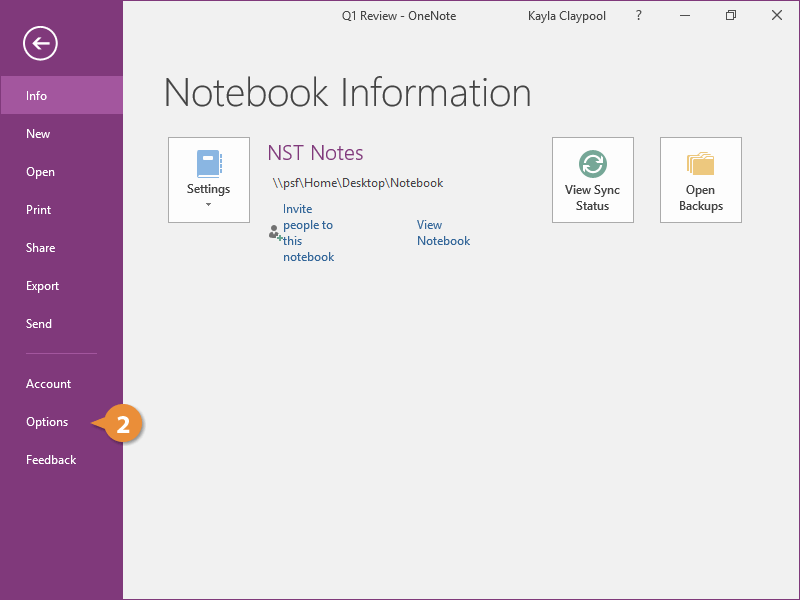
In here, you will see the location on your computer where notebook backups are saved.
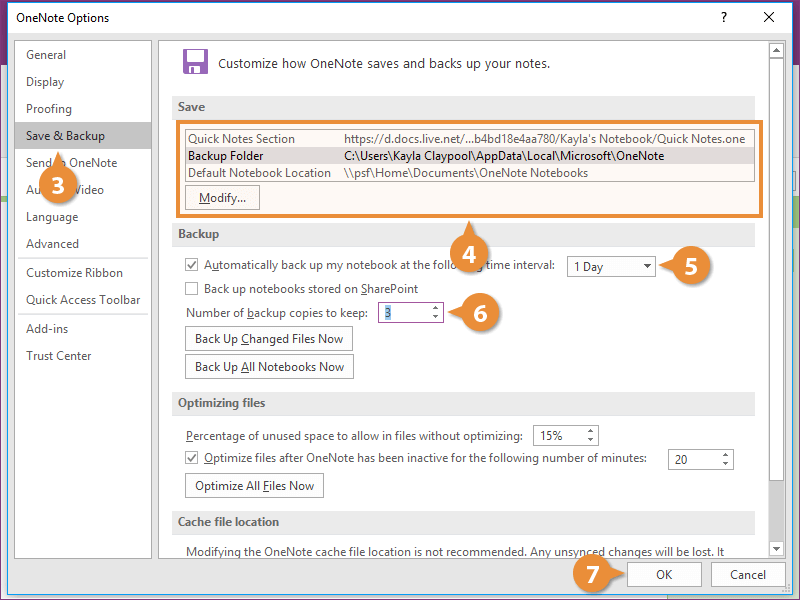
- Click Save & Backup.
- (Optional) Modify the backup location.
- Adjust the save interval.
- Adjust the number of backup copies to keep.
- Click OK.
The dialog box lets you know the changes won't take effect until you restart OneNote.
- Click OK again.
- Click Close.
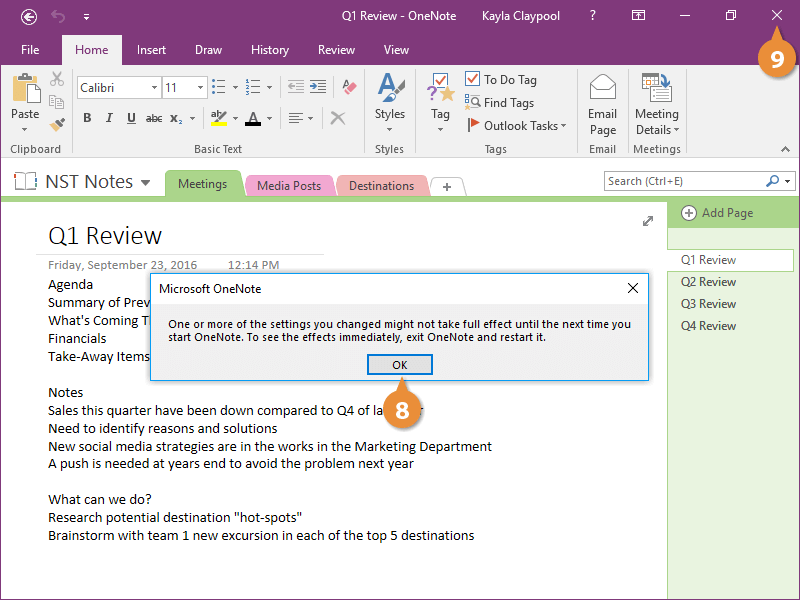
- Restart OneNote.
Now the new backup settings are saved so you don't have to worry about losing your work.