

Convert Onenote Table to Excel
Export tables from OneNote to Excel for advanced data analysis and formatting
Try this Course with a Free Trial

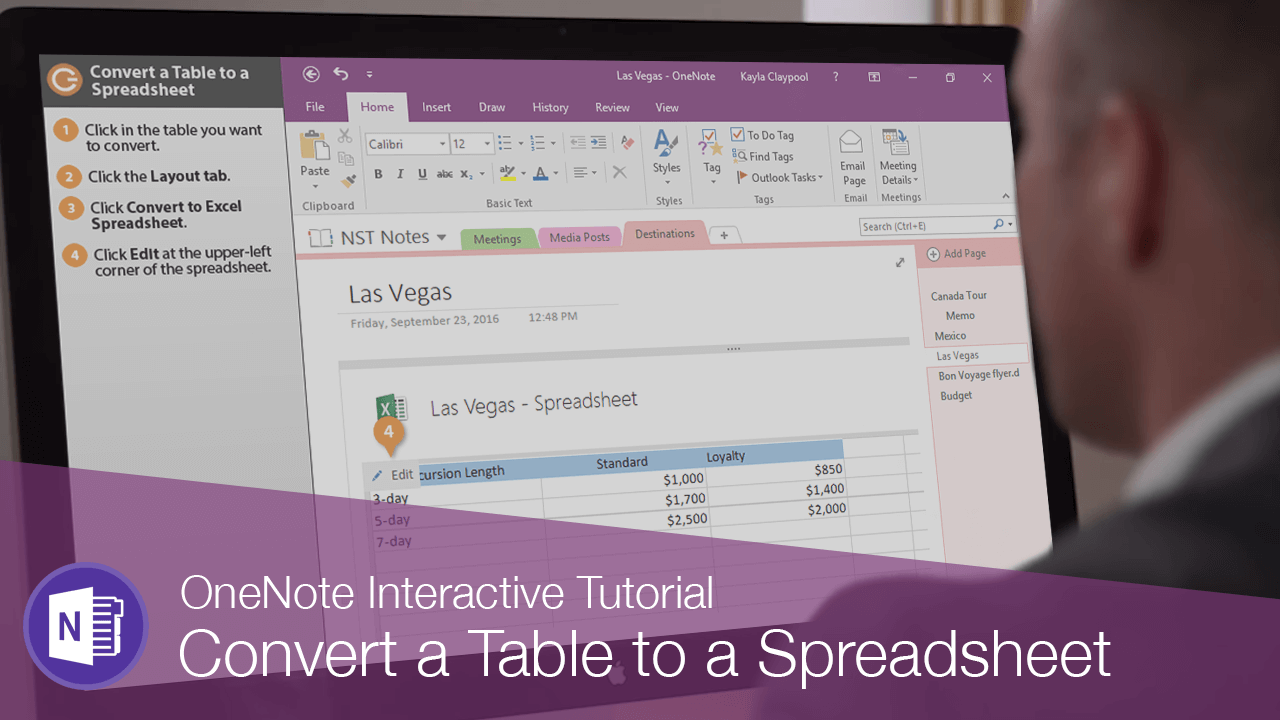
If you have inserted a table in OneNote and decide to convert it to an Excel spreadsheet to take advantage of Excel's editing capabilities, you can do so with just a few steps.
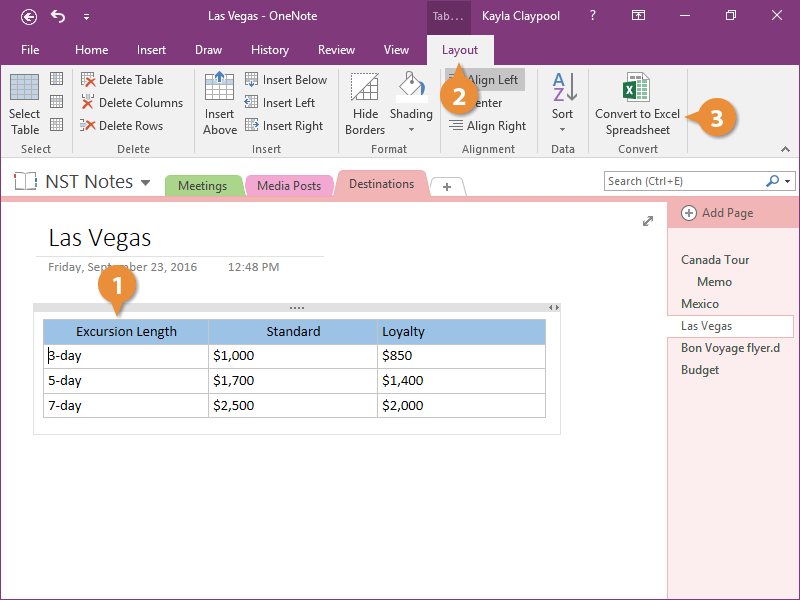
- Click in the table you want to convert.
- Click the Layout tab.
- Click Convert to Excel Spreadsheet.
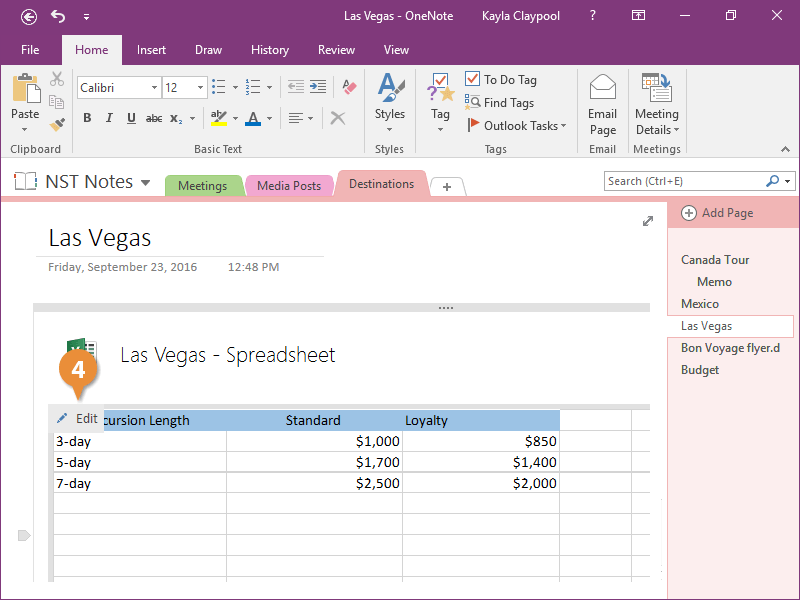
The table is converted to a spreadsheet and embedded on the page.
- Click Edit at the upper-left corner of the spreadsheet.
The table opens in Excel and you now have far more options for working with it than you did in OneNote.