

Onedrive Help
Get troubleshooting tips and step-by-step guidance for using Microsoft OneDrive
Try this Course with a Free Trial

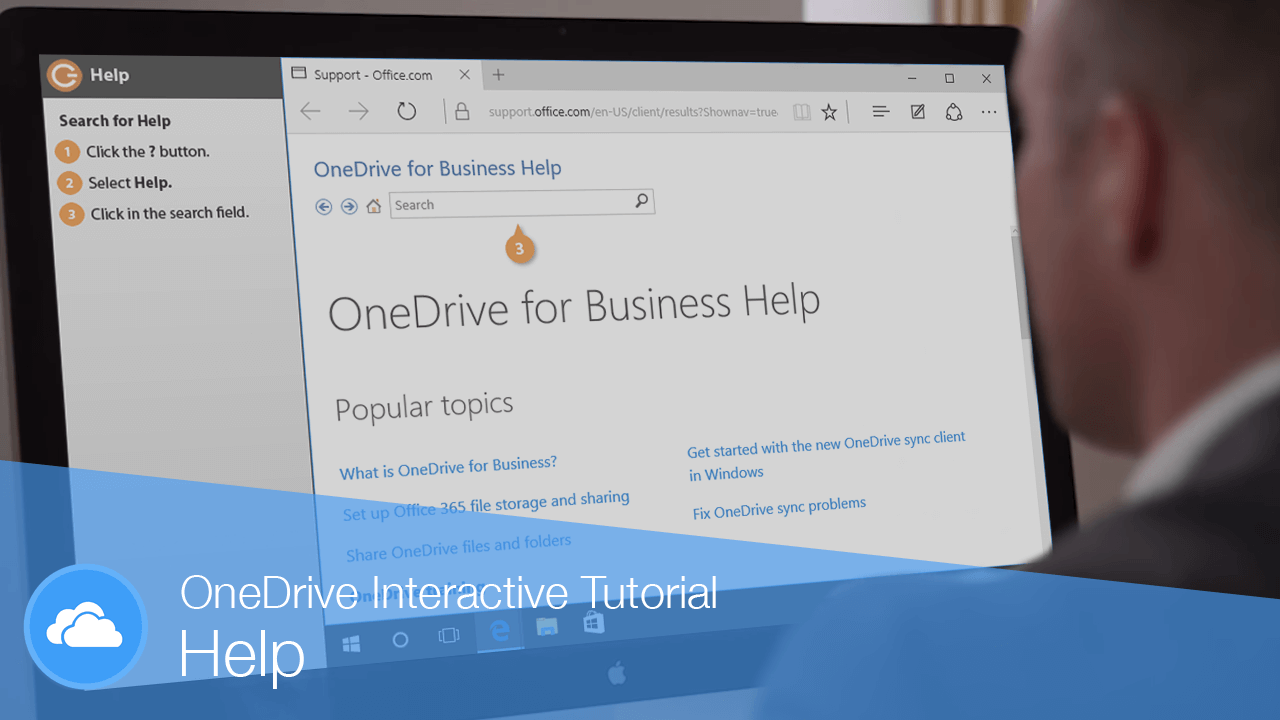
When you don't know how to do something in OneDrive for Business, you can use the Help feature to find answers.
Search for Help
- Click the Help (?) icon.
The Help Pane appears on the right side of the window.
- Click in the Search help field and type what you're looking for.
- Click the Search button.
- Select a help topic.
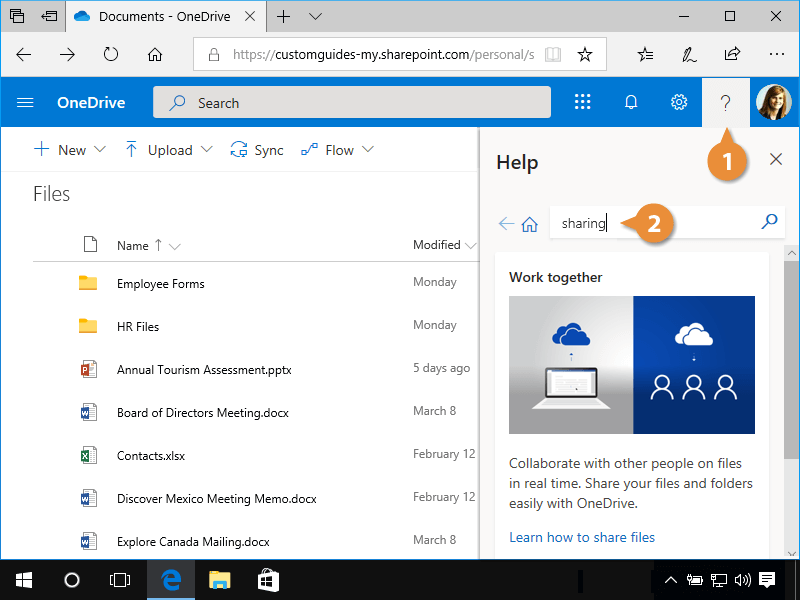
The Help Pane shows you any items related to the search phrase, as well as relevant help files.
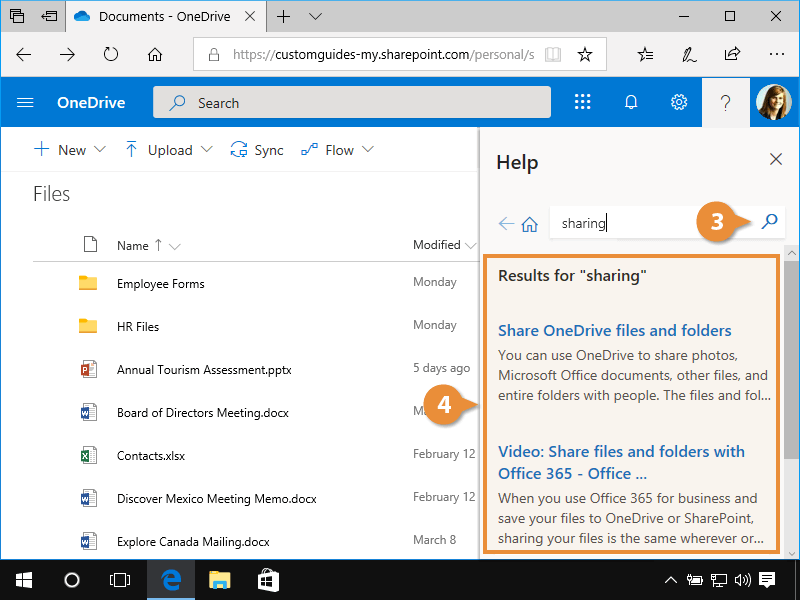
The Help Pane displays instructions on how to complete the task.