

How to Make a Call on Microsoft Teams
Start, Receive, and Manage Audio or Video Calls Easily with Microsoft Teams Calling Features
Try this Course with a Free Trial

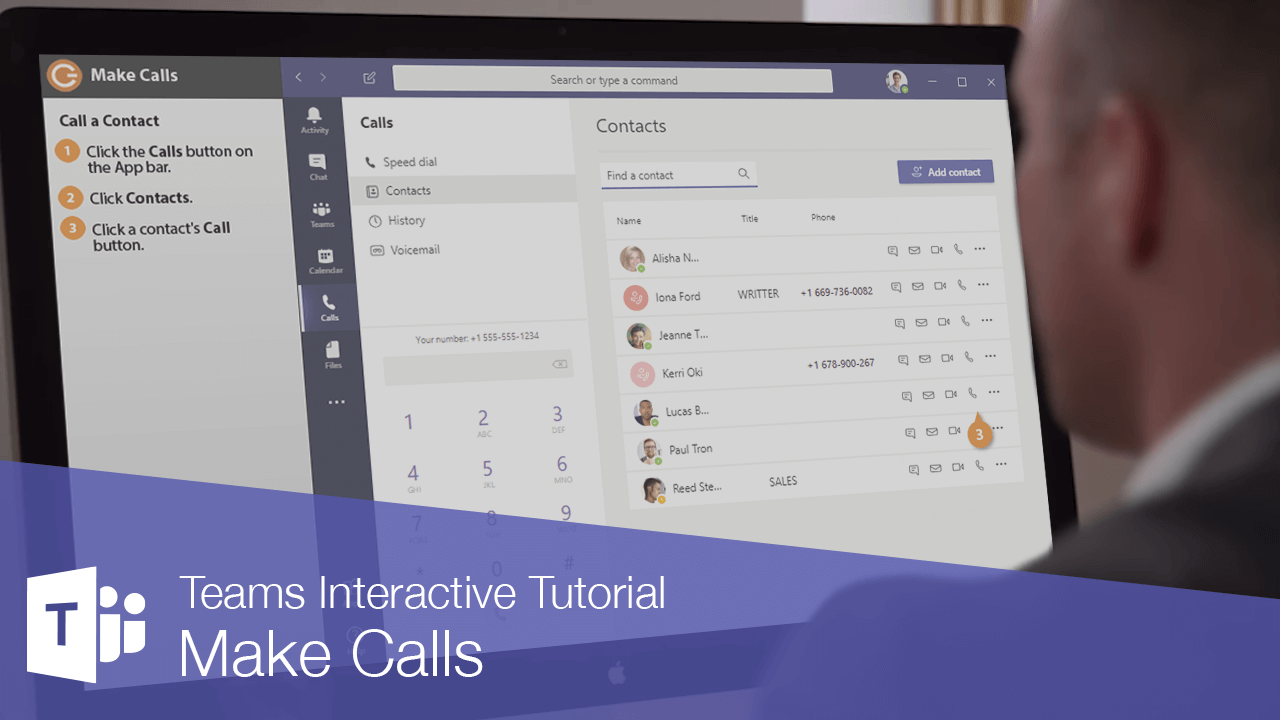
You can make both audio and video calls to other people in your organization through Teams’ Calls view. You may also be able to make outside calls, if your organization has a supported phone plan.
Call a Contact
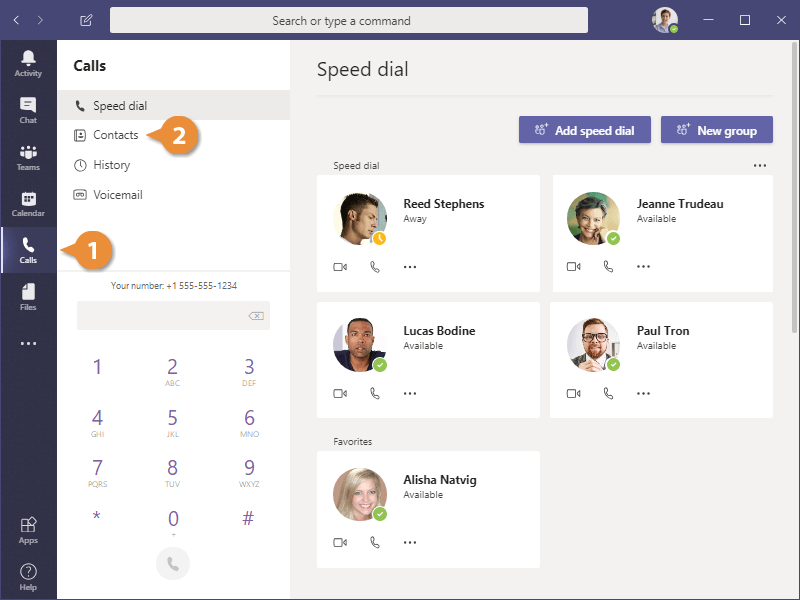
- Click the Calls button on the App bar.
- Click Contacts.
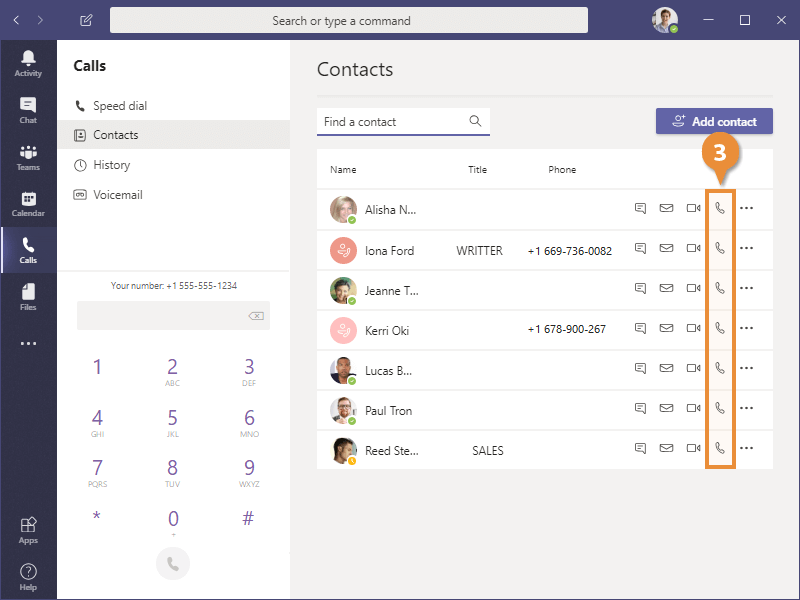
- Click a contact's Call button.
- Click Hang Up when you're finished with the call.
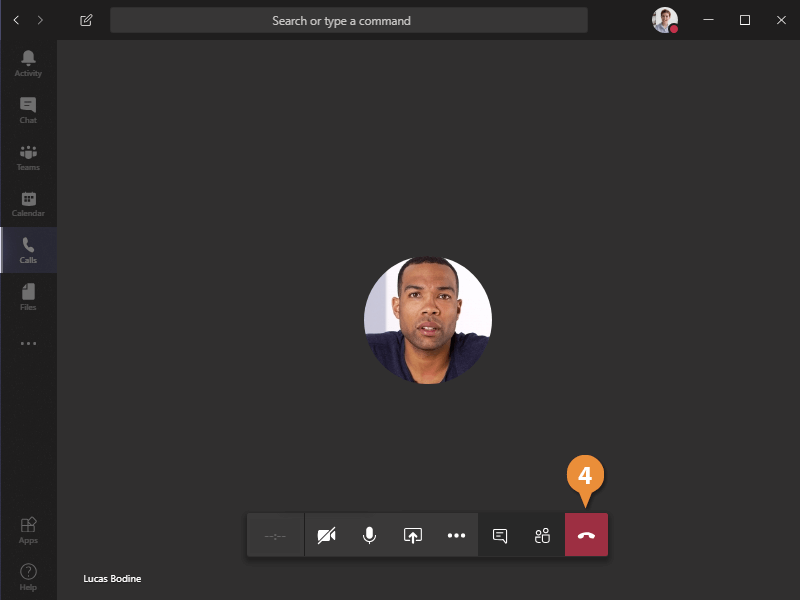
The call ends, and you return to the Teams Calls view.