

How to Edit Images in Google Slides
Crop, Resize, and Adjust Images in Google Slides to Improve Your Presentation Design
Pruebe este curso con una prueba gratuita

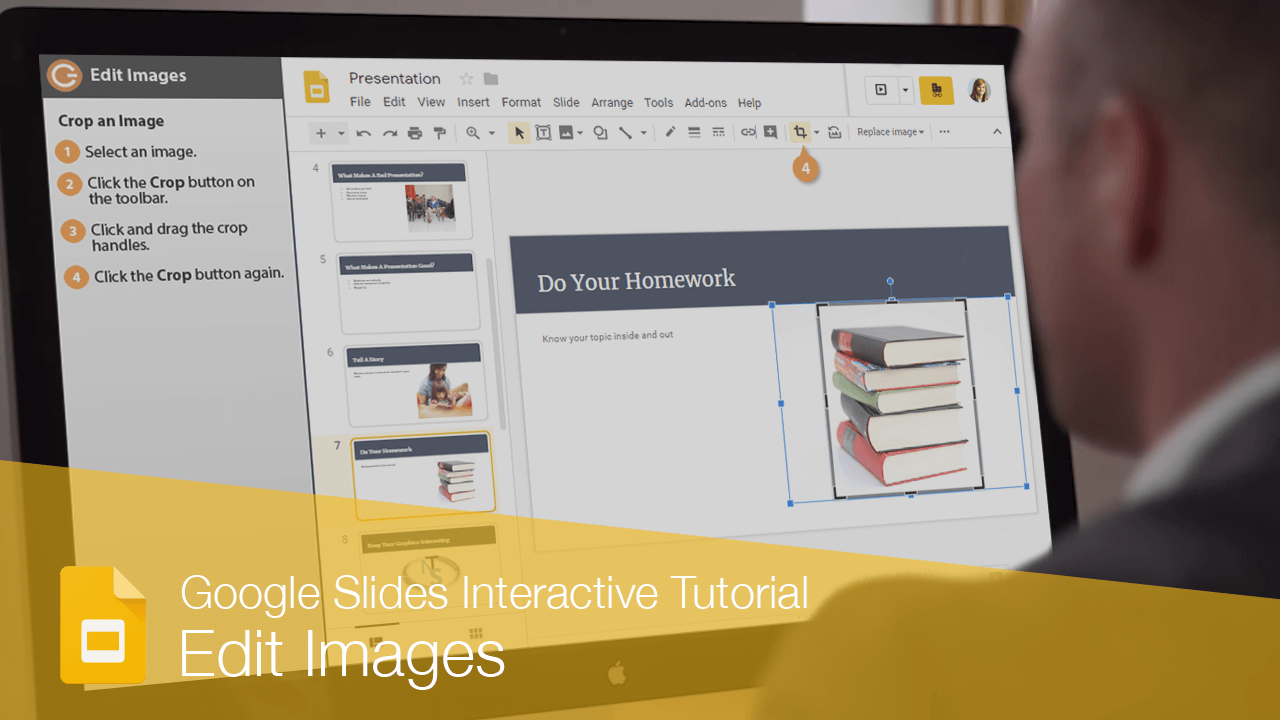
Once you've inserted some images into your presentation, you can use some built-in tools to change how the image appears.
Crop an Image
- Select an image.
- Click the Crop button on the toolbar.
Crop handles appear around the image.
- Click and drag the crop handles.
- Click the Crop button again.
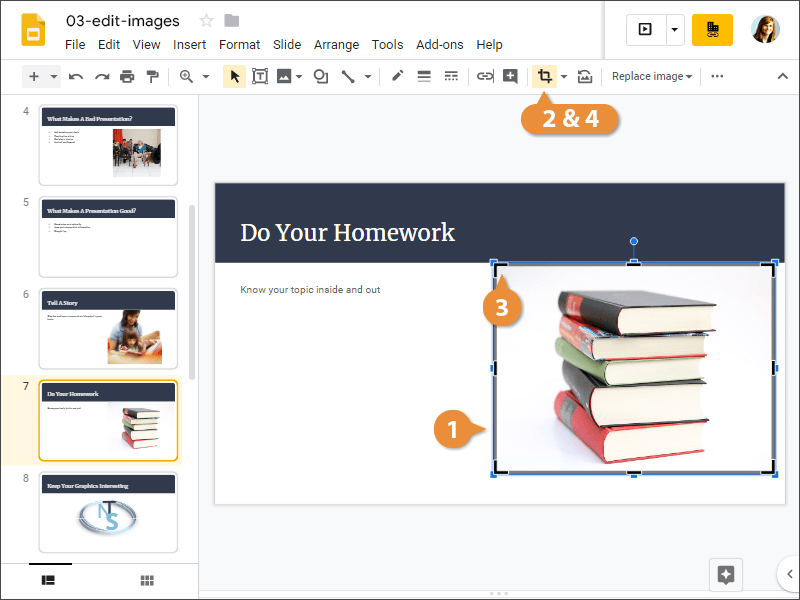
The picture is cropped.
Mask an Image
You can also mask an image to a shape, so that the borders aren't just a plain rectangle.
- Select an image.
- Click the Crop button list arrow.
Several shape categories are available for you to choose from.
- Select a shape category.
- Select a shape.
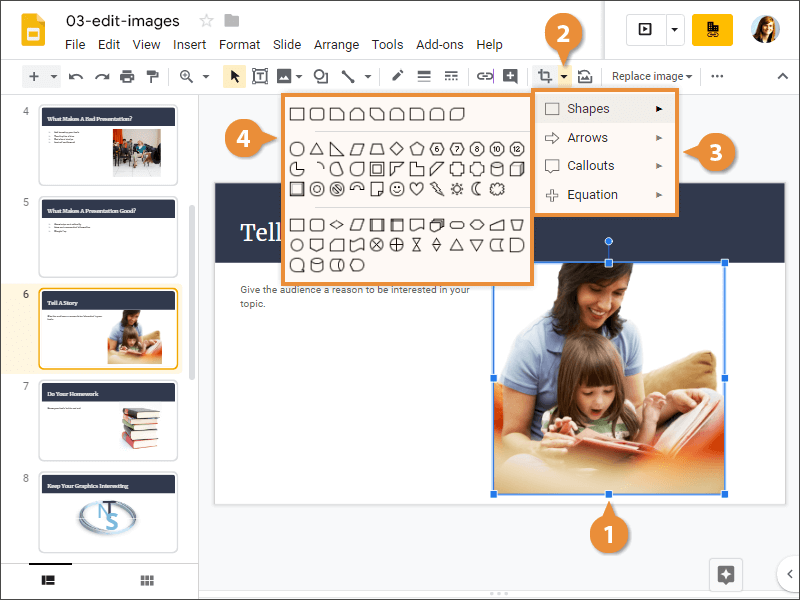
The image is masked to the selected shape.