

Download and Email Presentations
Save, Export, and Share Your Google Slides Presentations via Email or Download Options
Try this Course with a Free Trial

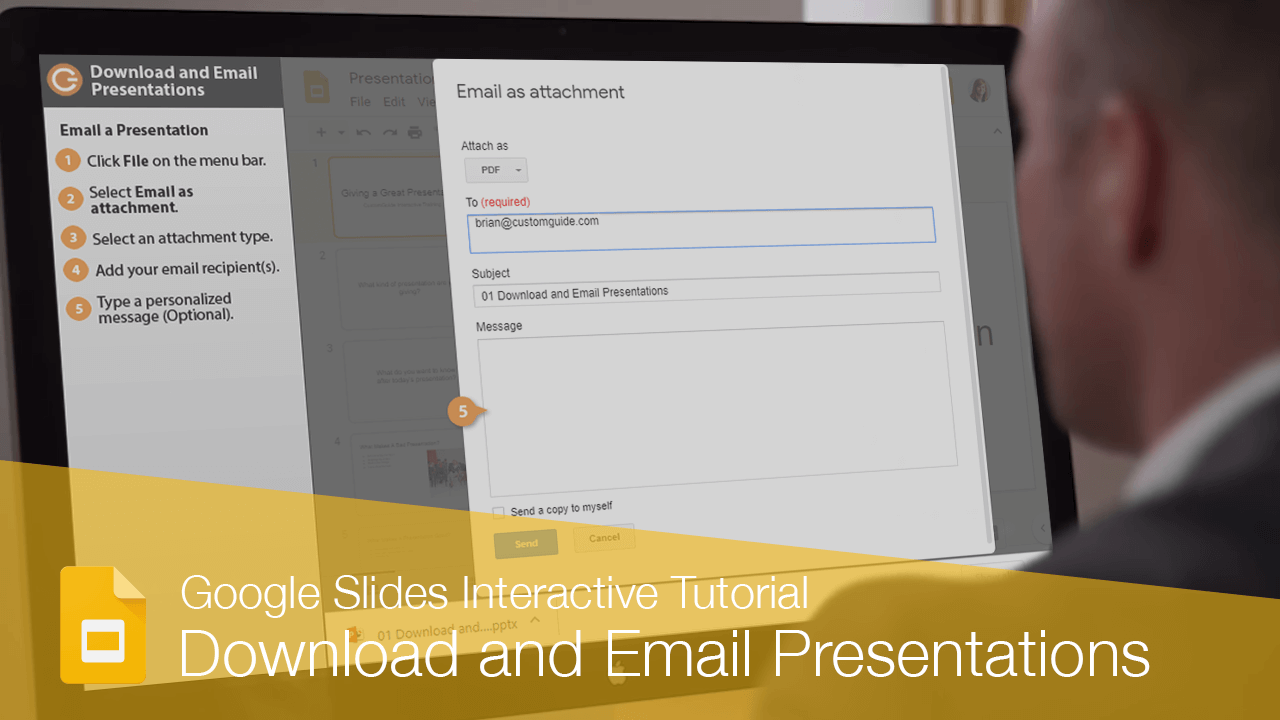
You can distribute your Google Slides files by either downloading a copy or sending them via email.
Download a Presentation
When you download a Google Slides file to your computer, it's available offline in a format you can edit in another program.
- Click File on the menu bar.
- Select Download as.
- Select a file format.
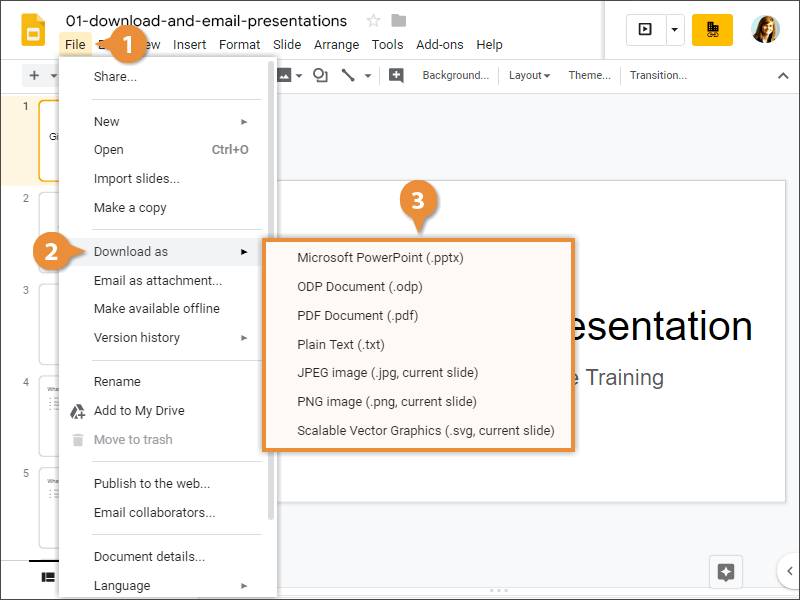
The presentation is converted and saved to your Downloads folder.
Email a Presentation
If instead you want to send a copy of the file directly to someone, you can email it.
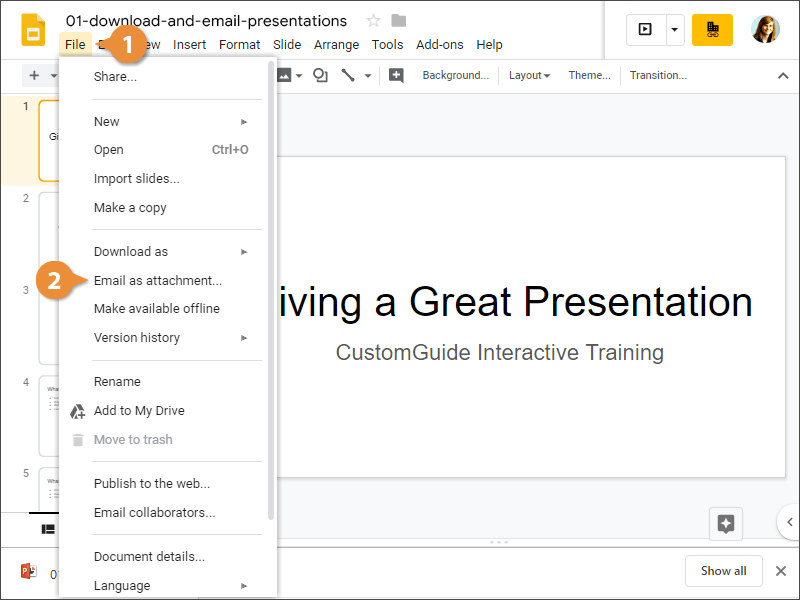
- Click File on the menu bar.
- Select Email as attachment.
- Select an attachment type.
- Add your email recipient(s).
- (Optional) Type a personalized message.
- Click Send.
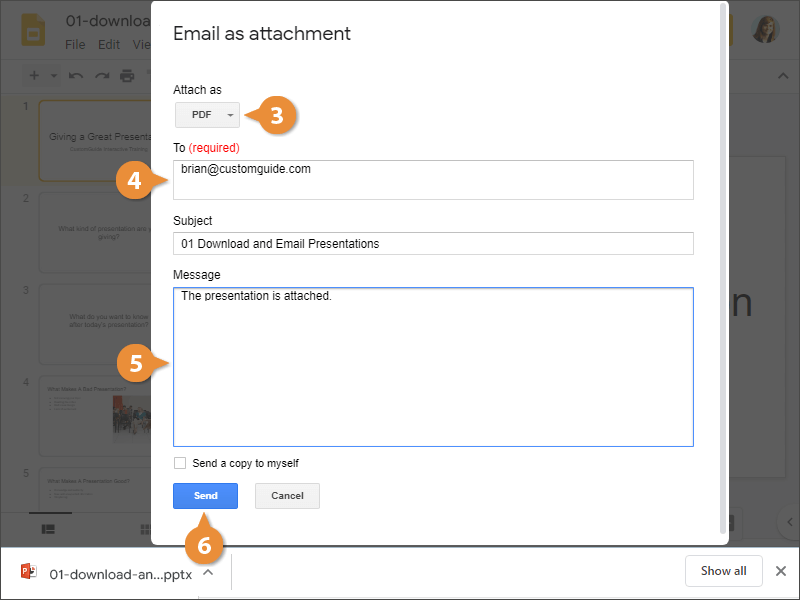
The presentation is sent as an email attachment.