Google Slides Lists
Create and Format Bulleted or Numbered Lists in Google Slides for Clear, Organized Content
Try this Course with a Free Trial

Format Numbered and Bulleted Lists
Use bulleted lists when the order of items in a list doesn't matter, such as listing items you need to buy. When the sequence of items in a list does matter, such as to present step-by-step instructions, use a numbered list instead.
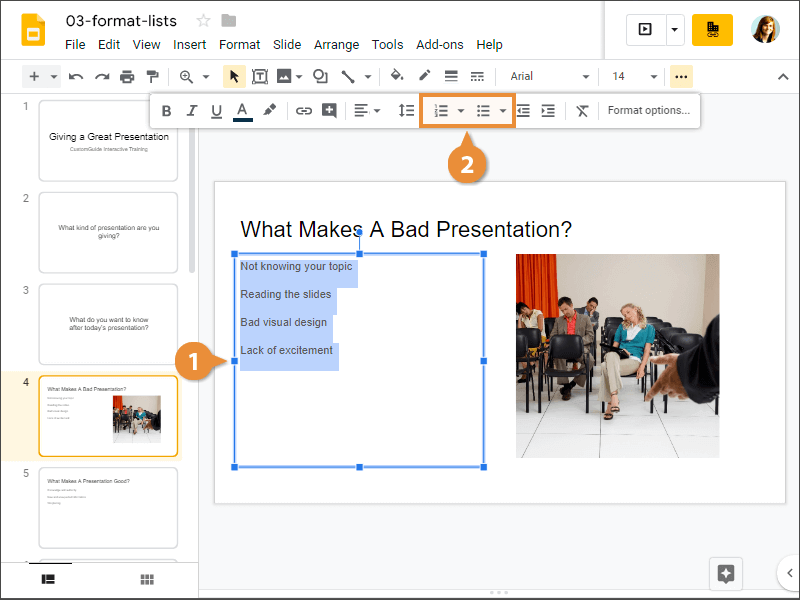
- Select the text you want to turn into a list.
- Click the Numbered list or Bulleted list button.
The text is formatted as a list.
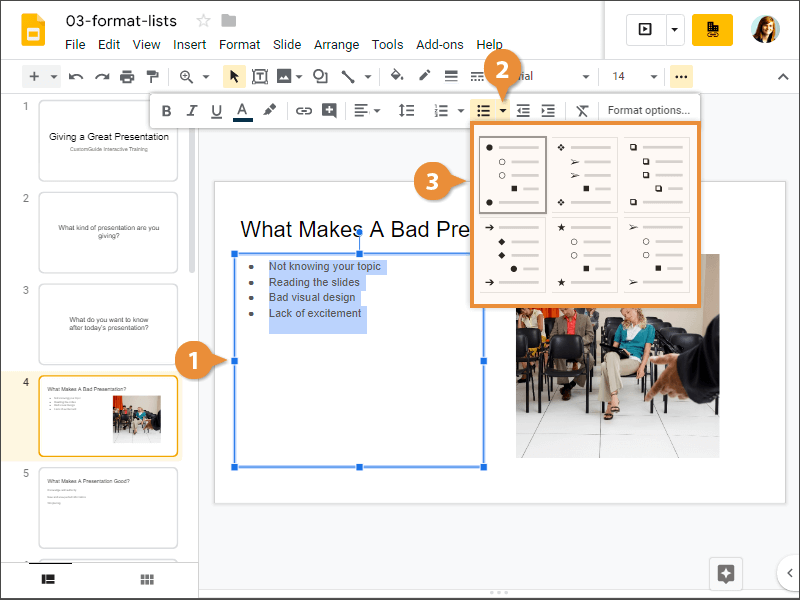
Change List Style
Whether you're working with a numbered or bulleted list, you can change the style to better fit your presentation.
- Select the list.
- Click the Numbered list or Bulleted list list arrow.
The menu shows several different bullet or numbering styles, as well as what they look like.
- Select a list style.