

Insert, Rename, and Delete Sheets
Manage Tabs in Google Sheets by Adding, Renaming, or Deleting Worksheets Easily
Try this Course with a Free Trial
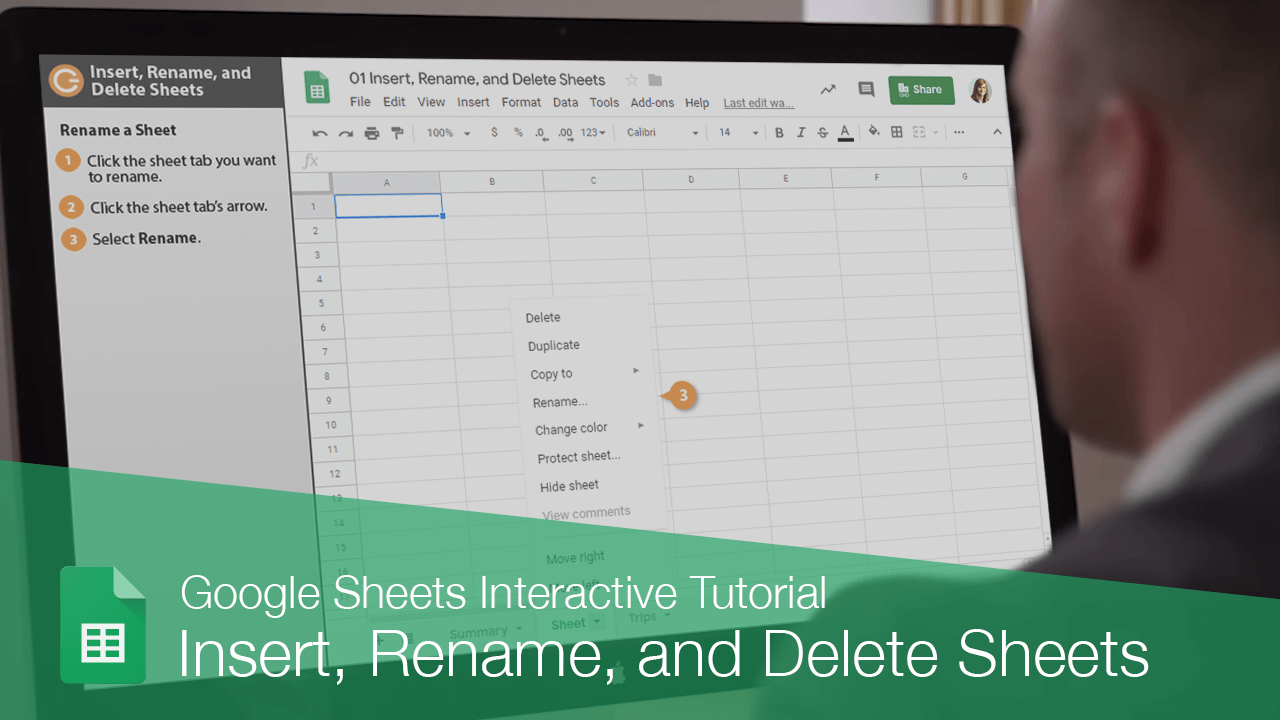
Spreadsheets can contain multiple sheets, so you can group similar data together.
Insert a Sheet
You may need to add additional data to a spreadsheet that belongs in a separate sheet.
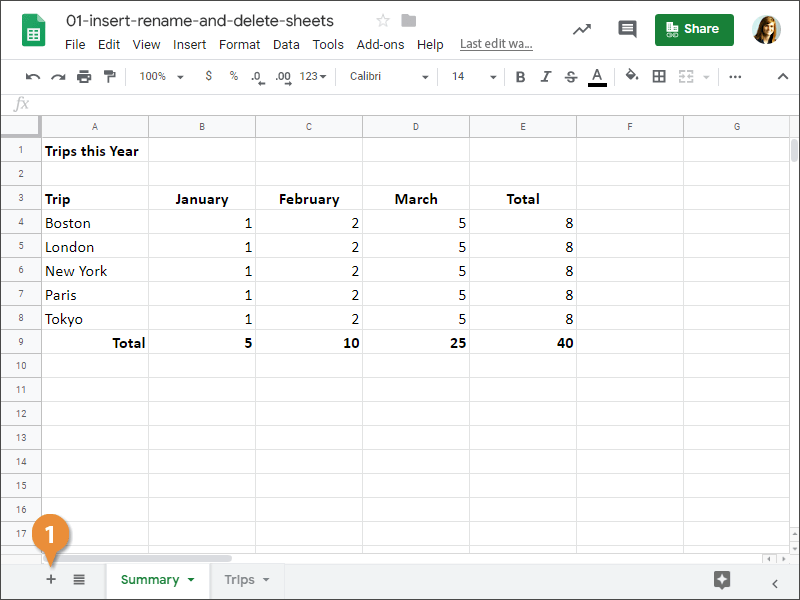
A new sheet is added to the spreadsheet.
Rename a Sheet
By default, sheets are given generic names, such as Sheet 1, Sheet 2, etc. You can give them more meaningful names.
- Click the sheet tab you want to rename.
- Click the sheet tab's arrow.
- Select Rename.
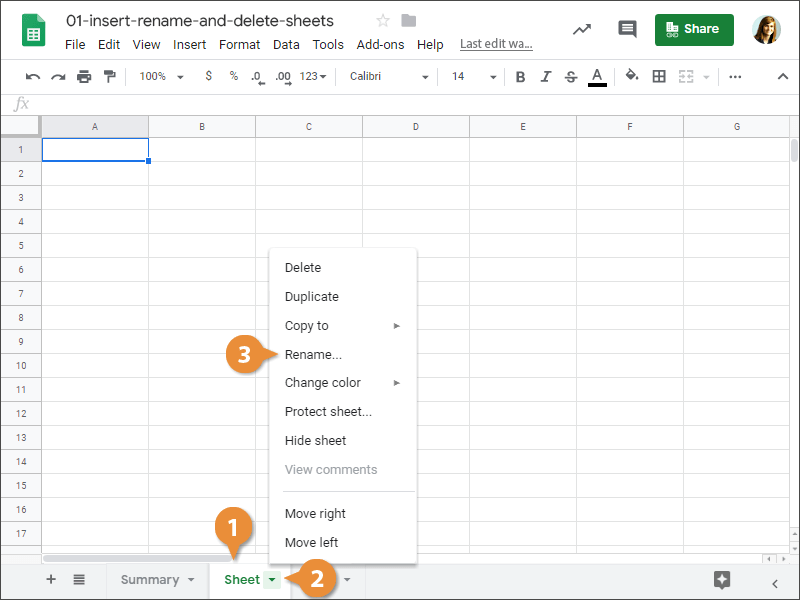
- Enter a new name and press Enter.
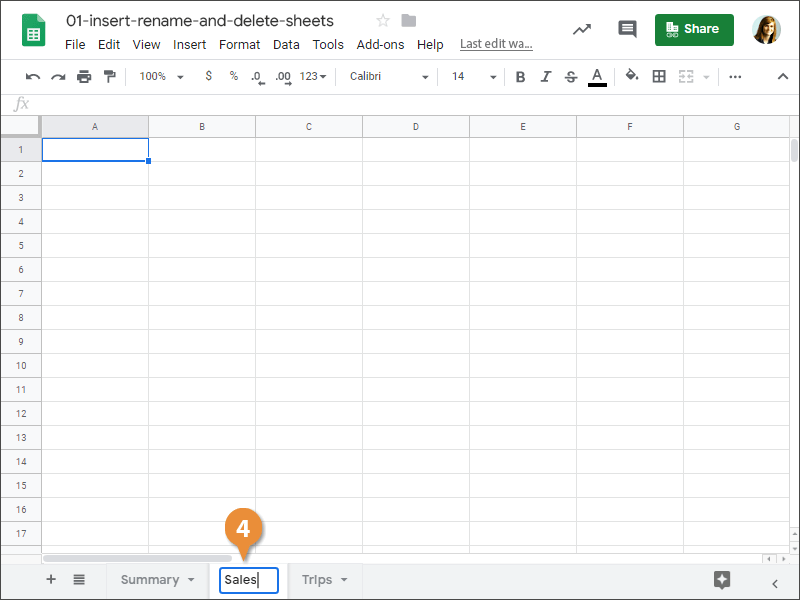
The sheet is renamed.
Delete a Sheet
If you no longer need a sheet, delete it from the spreadsheet.
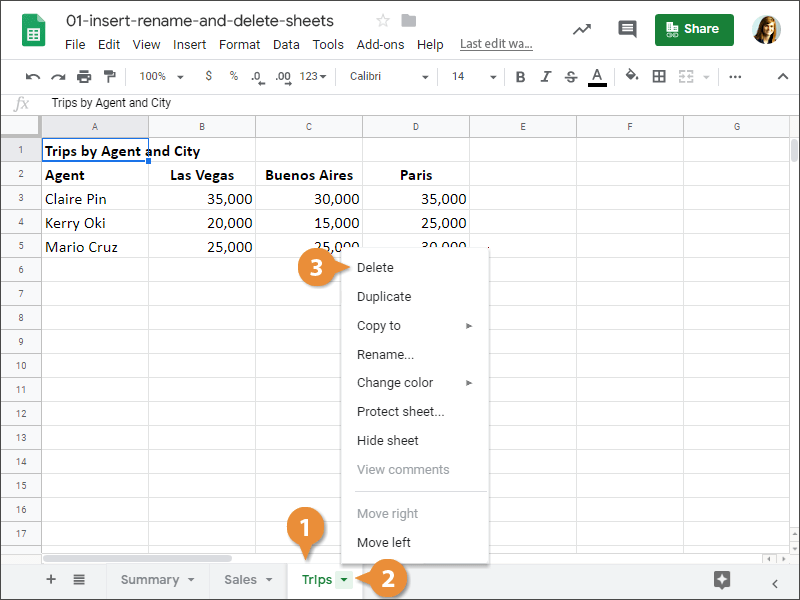
- Click the sheet tab you want to delete.
- Click the sheet tab's arrow.
- Select Delete.
- Click OK.
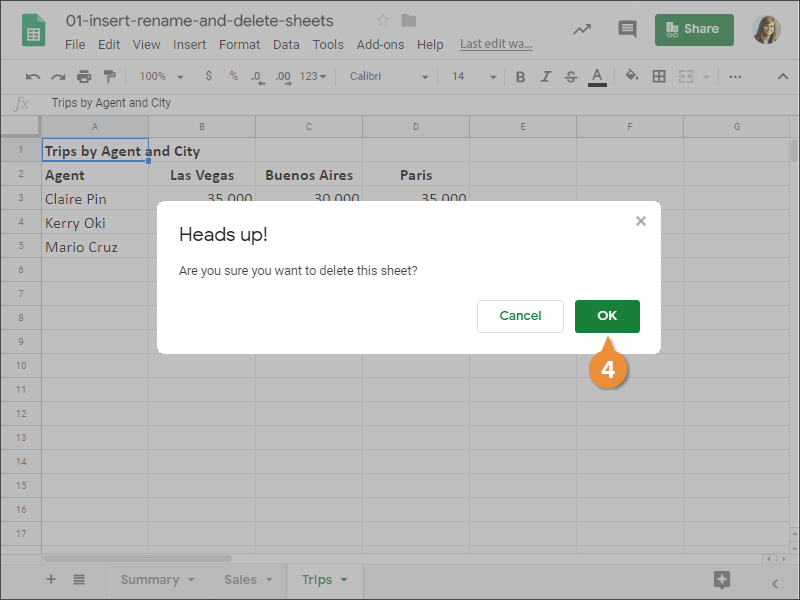
The sheet is deleted.