
Google Classroom Student Sign in
How Students Can Sign In to Google Classroom and Join a Class Easily
Pruebe este curso con una prueba gratuita
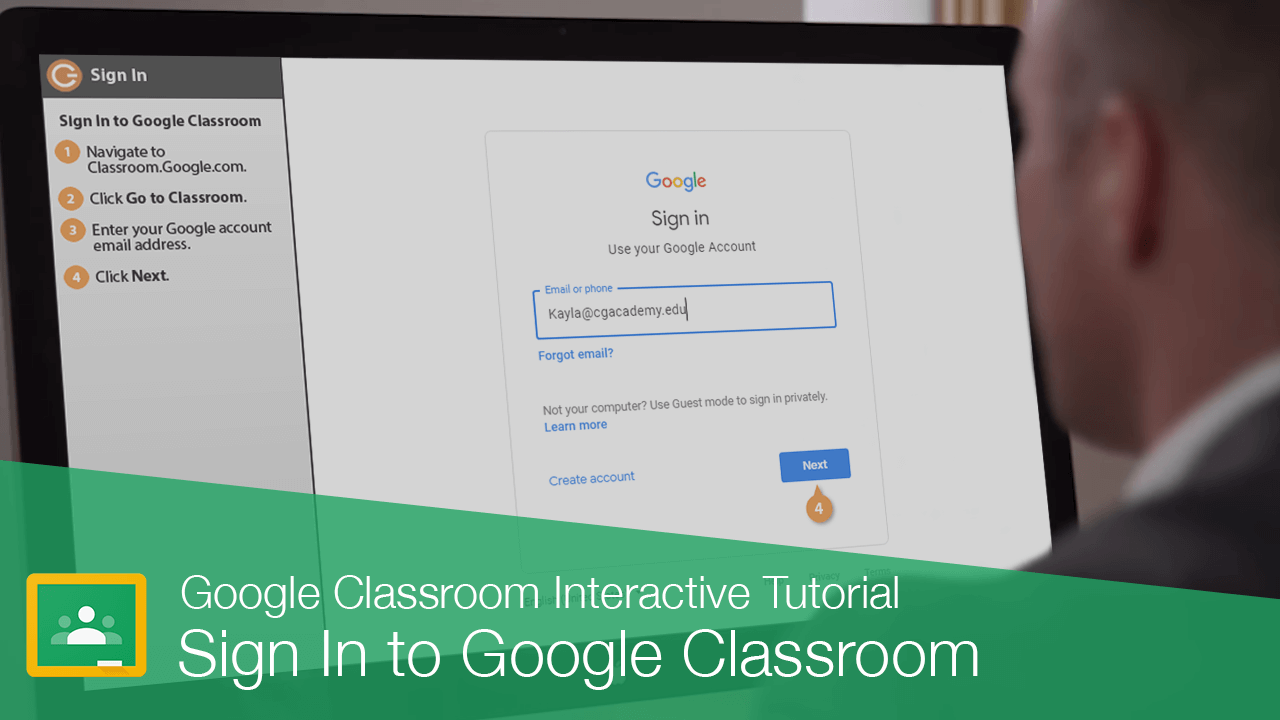
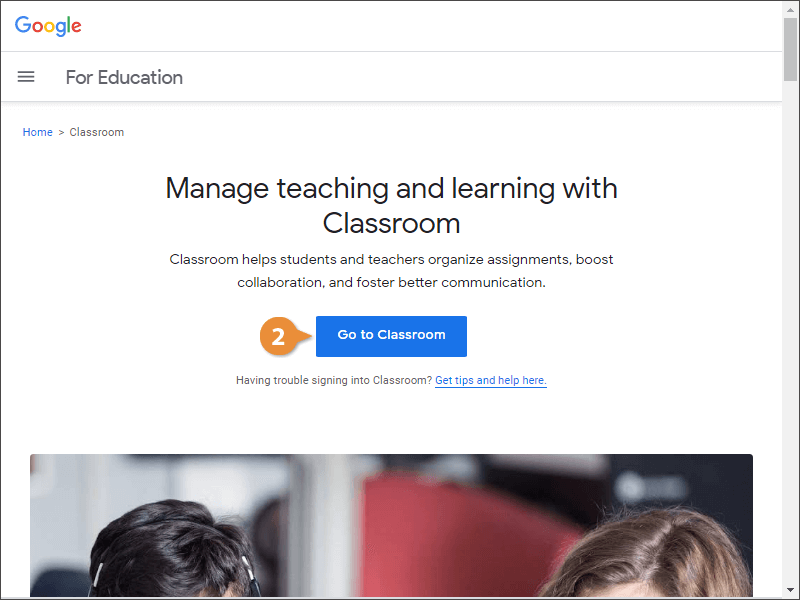
Google Classroom is an online learning environment where your teachers assign work, grade assignments, and collaborate with you. You'll first need to sign in.
Sign In to Google Classroom
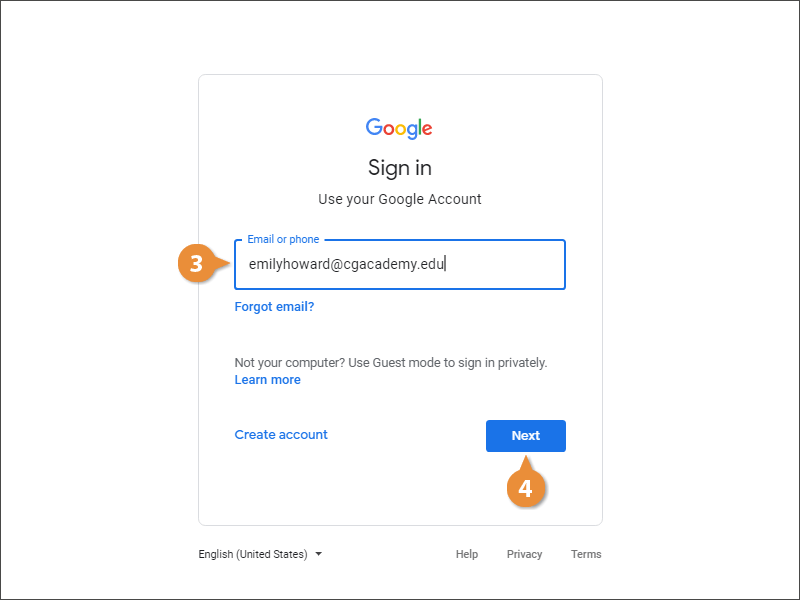
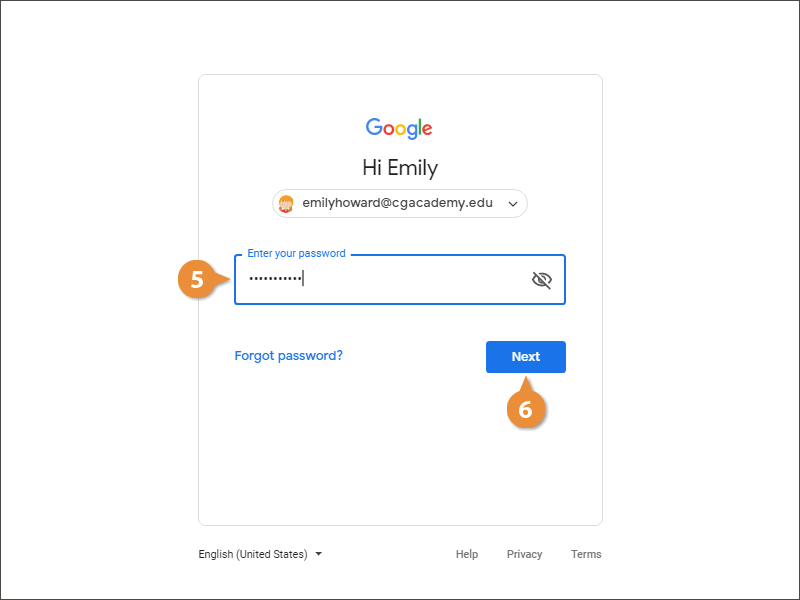
You are now logged in to Google Classroom. This is the main Classroom page and there is a tile here for each class you're a member of.
Join a Class
- Click the Join button on the class tile.
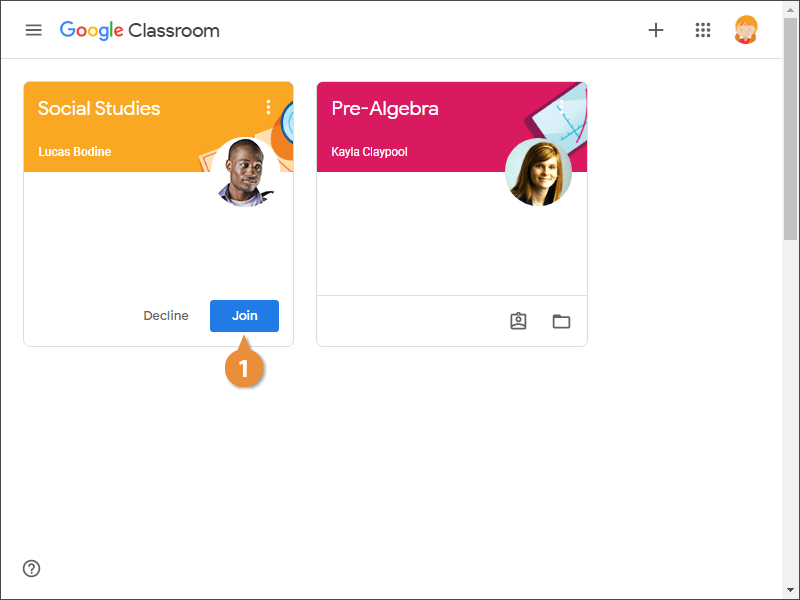
You have now joined the class, and the page for Social Studies opens in the browser window.
Or…
- On the Classroom home page, click the Join Class button.
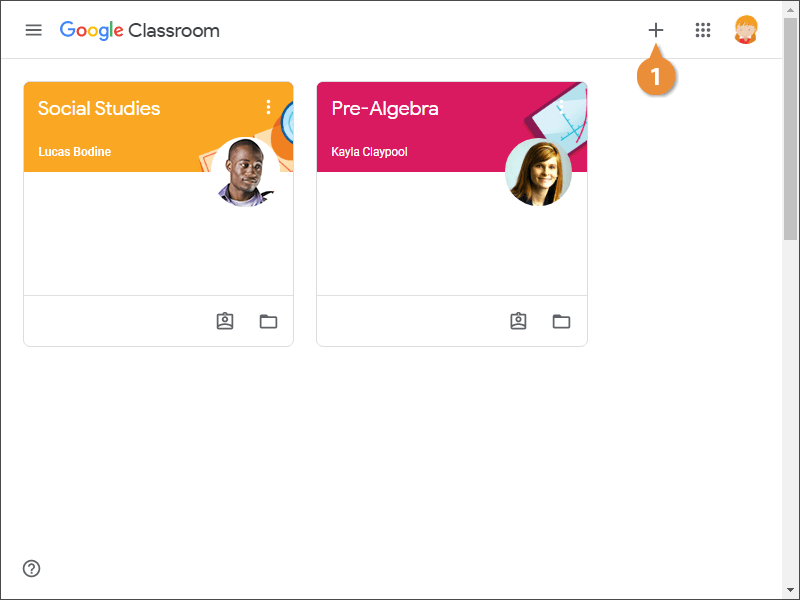
- Enter the class code your teacher gives you.
- Click Join.
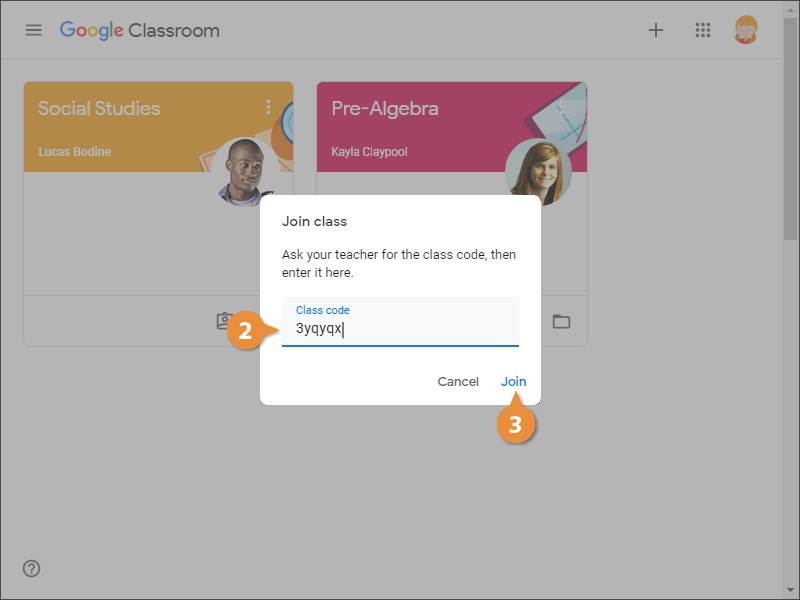
You are now a member of this class and you are brought to the class Stream.
The Class Page
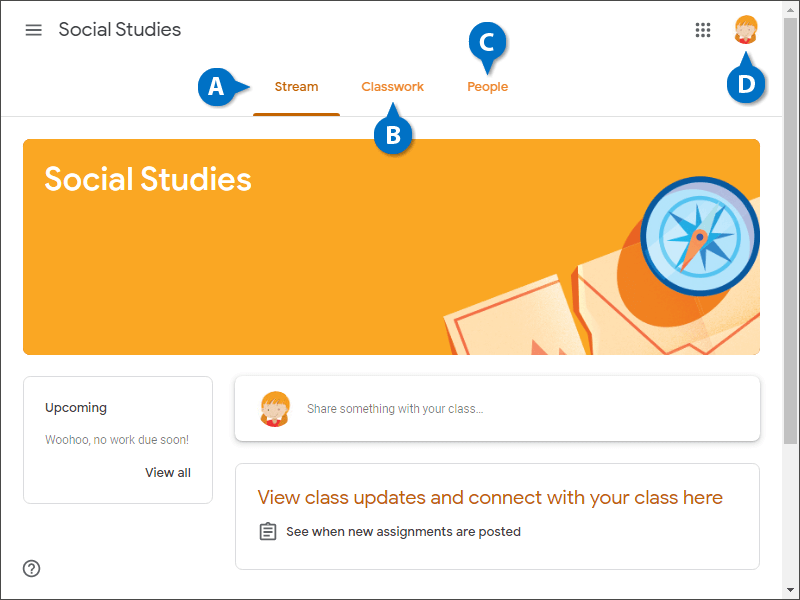
| The Class Page | |||
|---|---|---|---|
| A | The Stream tab: Shows upcoming assignments and recent posts. | B | The Classwork tab: Shows all the assignments for the class. |
| C | The People tab: Shows the teacher and a list of all the students. | D | Google Account Picture: Click your Google account picture to change your profile picture or access your account settings. |