Browsing History Google Chrome
View, Search, and Delete Your Browsing History in Google Chrome for Better Privacy Control
Try this Course with a Free Trial

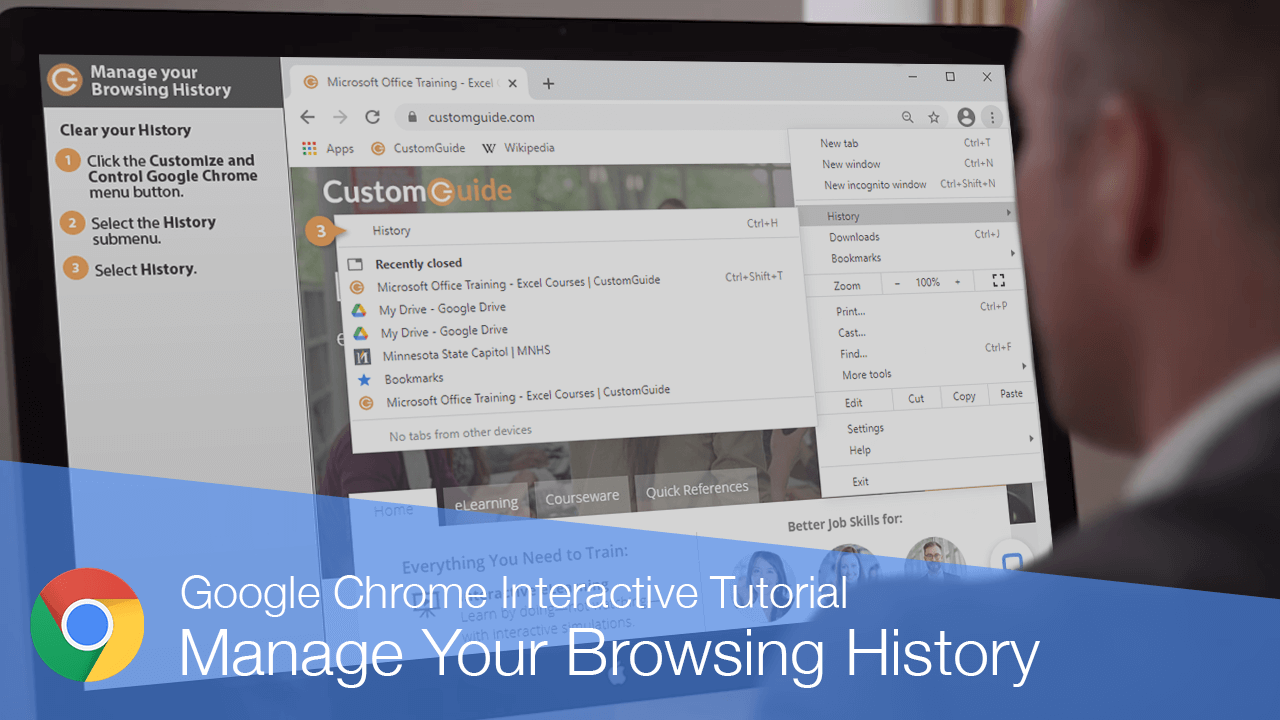
When you browse the web, Chrome keeps a running log of every site you visit. If you need to revisit a site, you can find it by viewing your history.
View your History
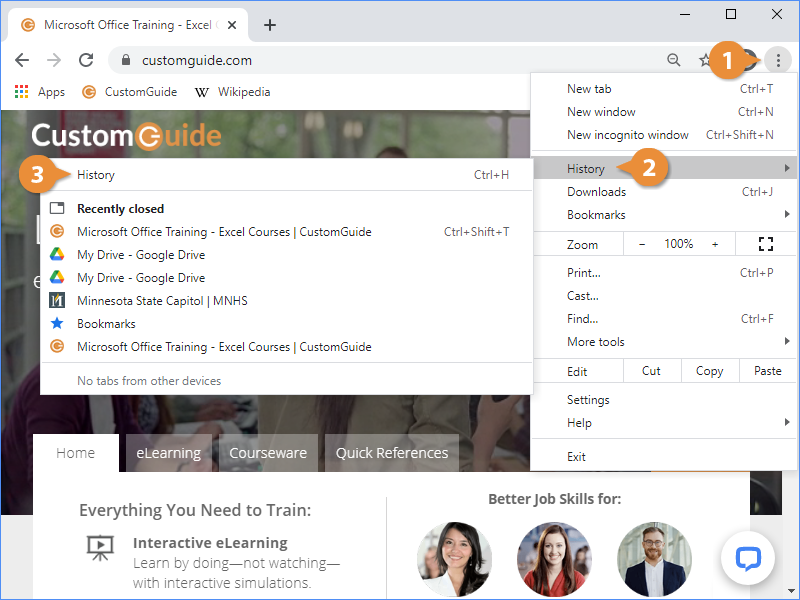
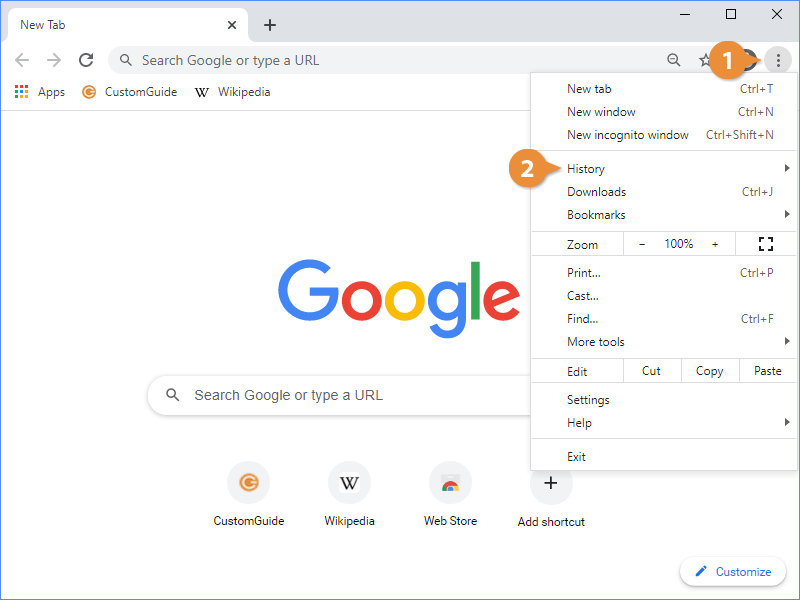
- Click the Customize and Control Google Chrome menu button.
- Select the History submenu.
- Select History.
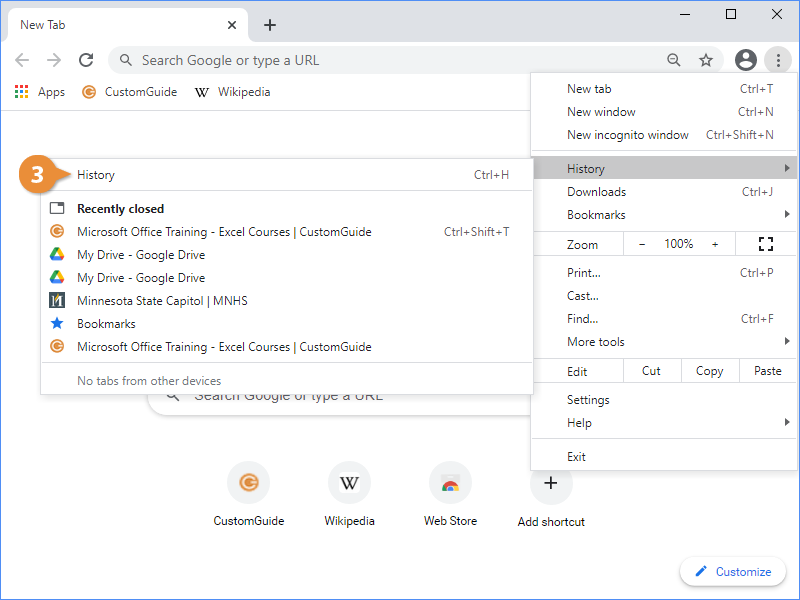
This menu shows a history of recently-closed tabs. If the site you're looking for appears here, just select it to reload it.
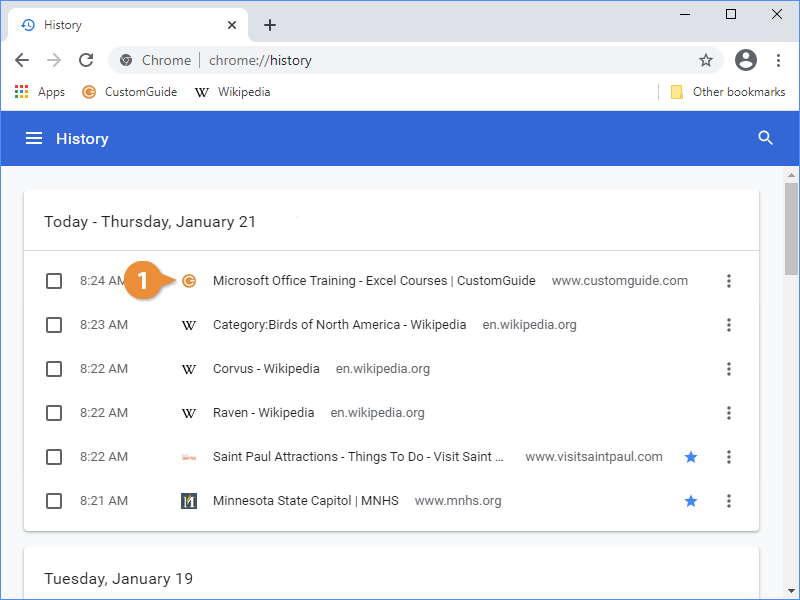
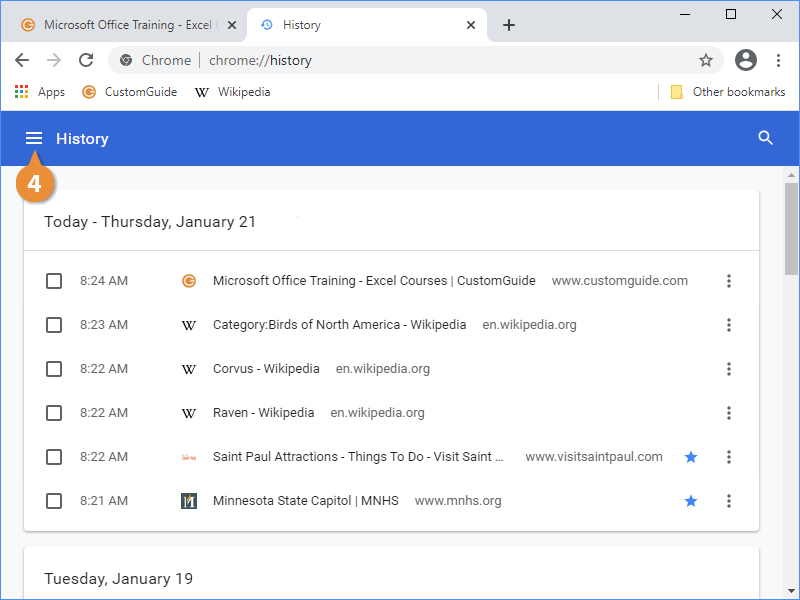
The History screen lists every site you've visited, and when you visited it.
Visit a Site from your History
- Click a link in the History submenu or on your History page.