

Respond To and Track Meetings
Learn How to Respond to and Track Meetings in Google Calendar to Manage Invitations and Attendance
Try this Course with a Free Trial

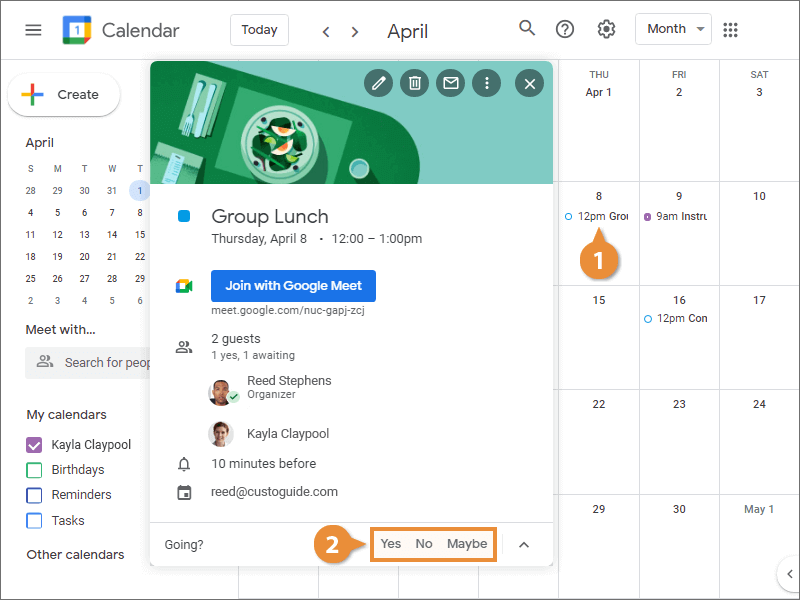
Respond Through Calendar
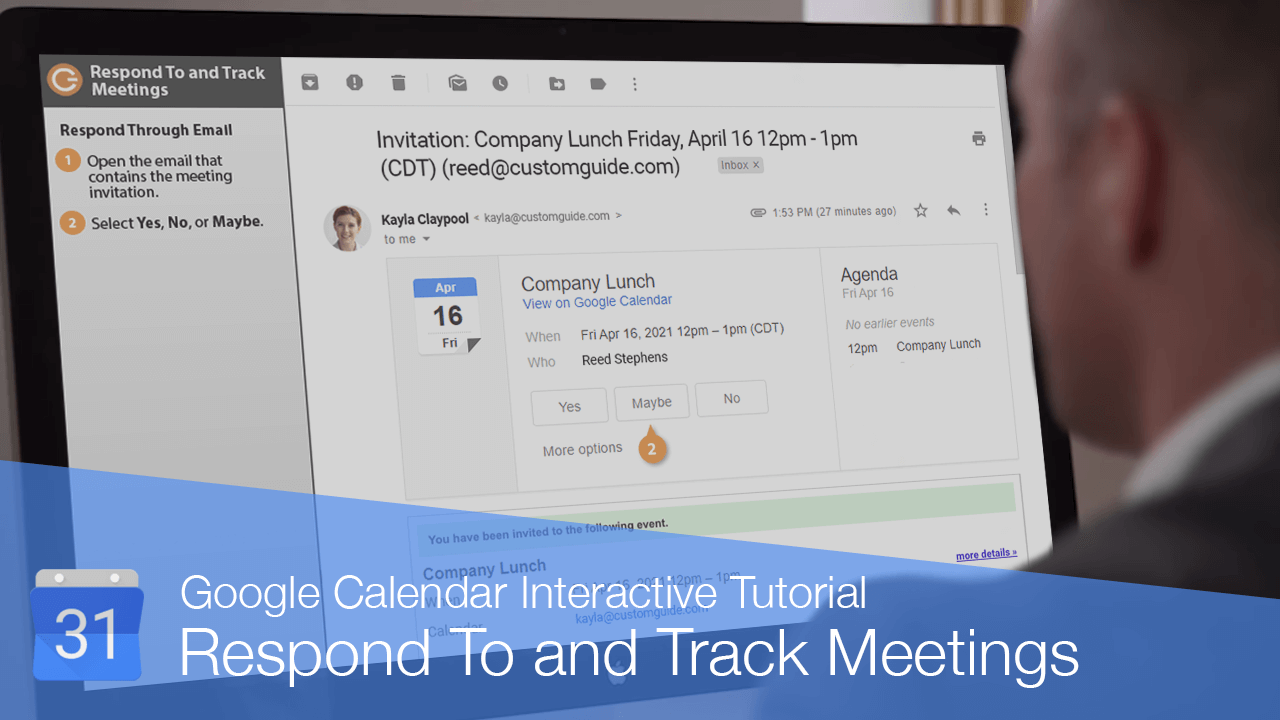
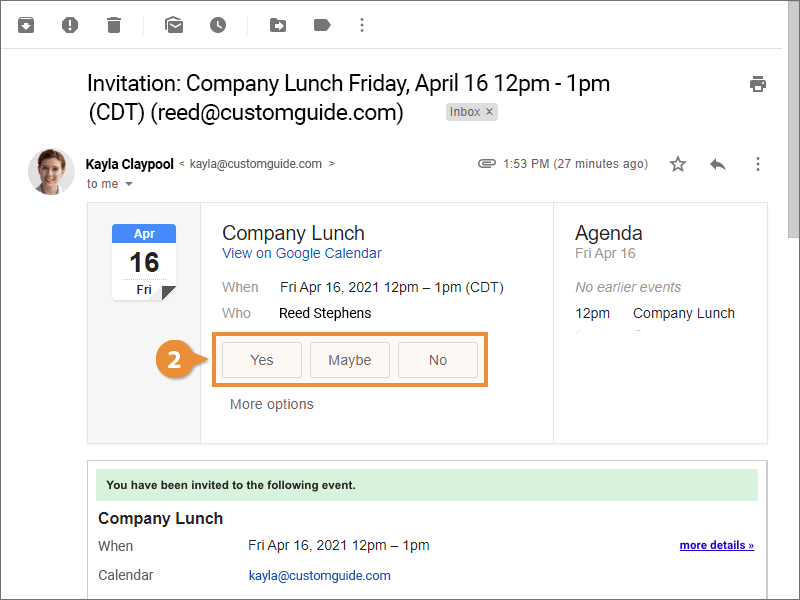
Respond Through Email
- Open the email that contains the meeting invitation.
- Click Yes, No, or Maybe.
Track a Meeting
- Click the meeting you want to track.
- View the meeting responses in the meeting window.
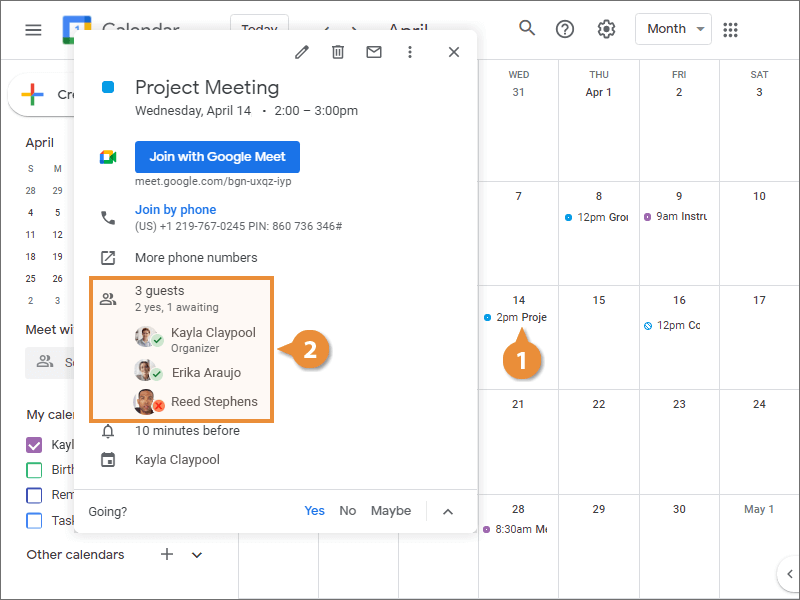
A pop-up window appears, displaying the meeting's information. Under the Guests section, you can see the invitees’ responses to the meeting invitation. A check means that they've accepted, a question mark means they're tentative, and an X means they declined it.