How to View Shared Google Calendar

Access and Manage Shared Google Calendars to Stay Synced with Team Events and Schedules

  • Obtén tu certificado · Acreditado por CPD
  • Aprender haciendo
  • 4.9 2714 estudiantes
How to View Shared Google Calendar

In addition to being able to share your calendar with others, you can view calendars that people have shared with you in Google Calendar.
Add a Shared Calendar

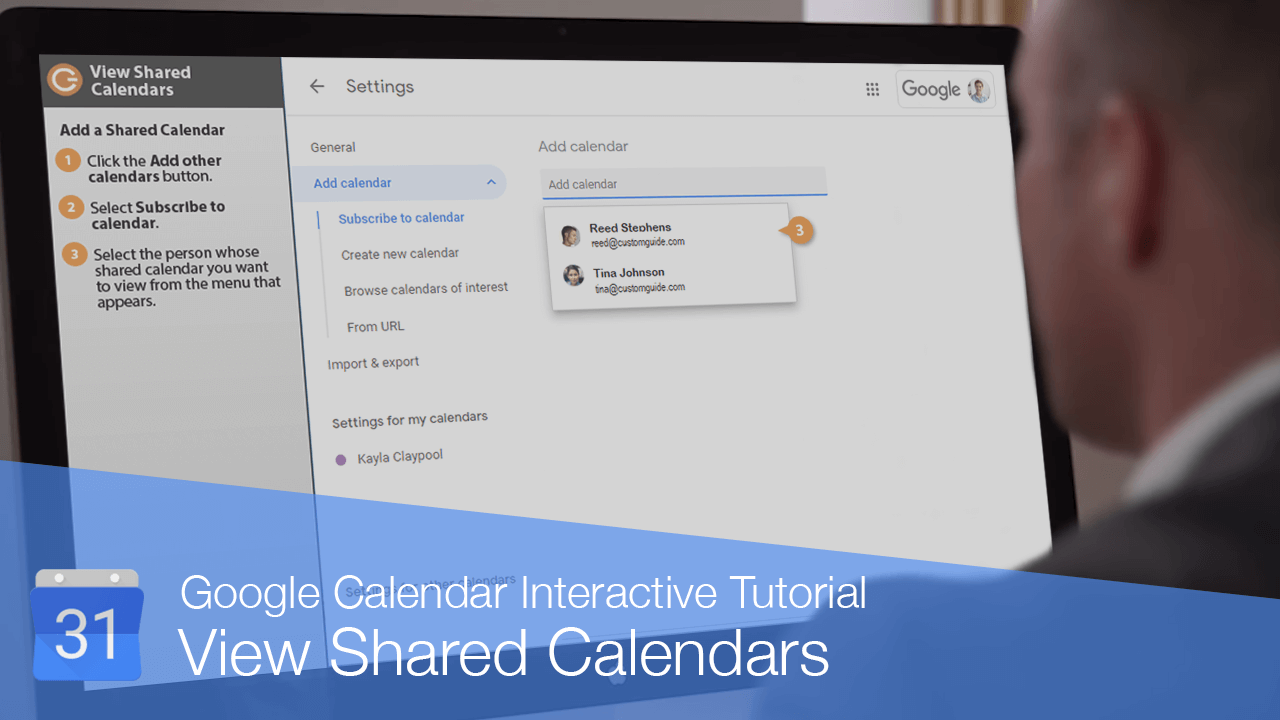
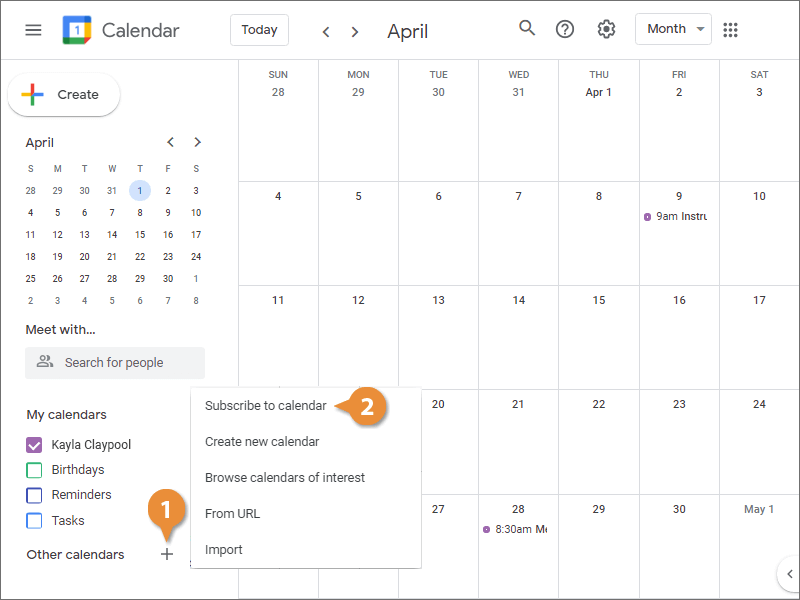
  1. Click the Add other calendars button.
  2. Select Subscribe to calendar.
    Add a Shared Calendar
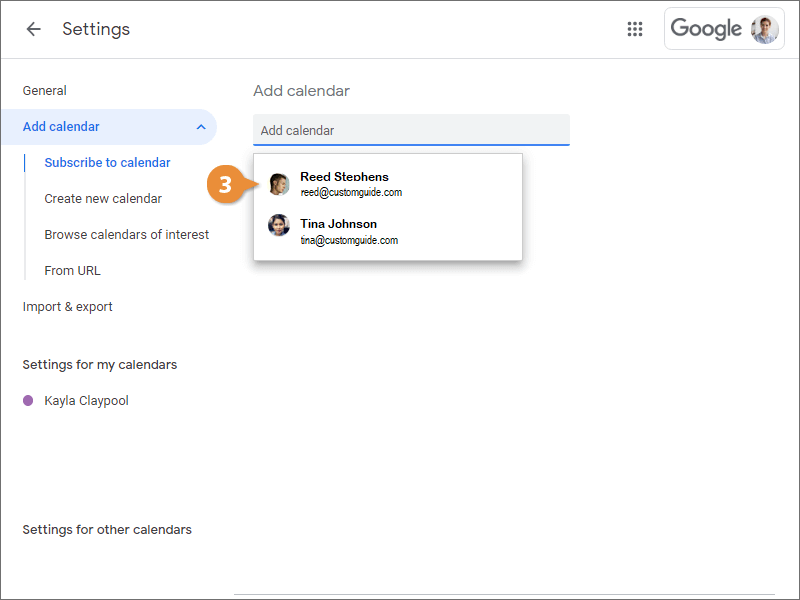
  3. Select the person whose shared calendar you want to view from the menu that appears.
    Add a Shared Calendar
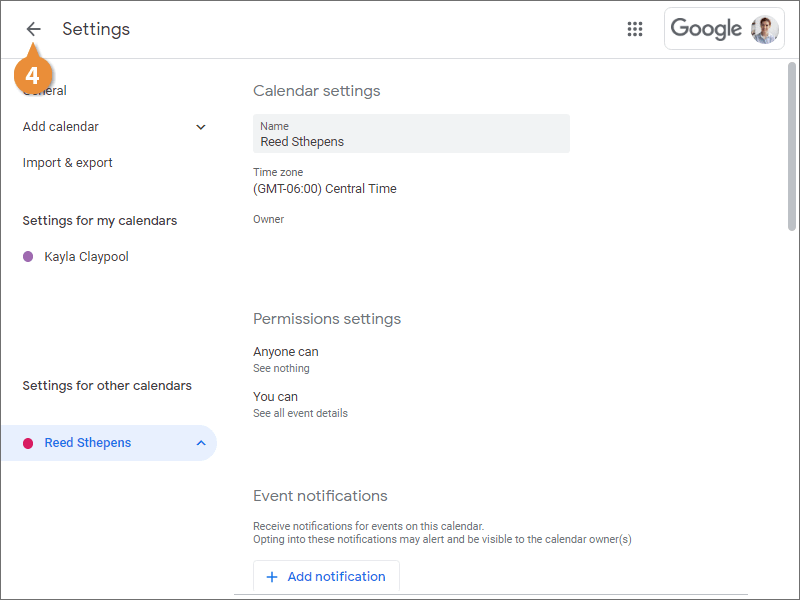
  4. Click the Back button.
    Add a Shared Calendar