How to Edit a Google Calendar Event
Learn How to Edit Events in Google Calendar to Update Details, Change Times, and Manage Invitations
Try this Course with a Free Trial

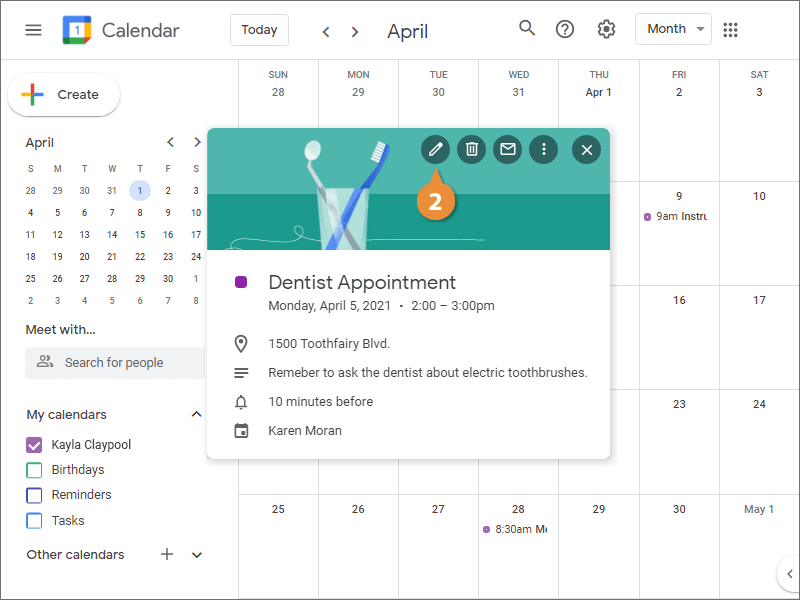
Edit an Event
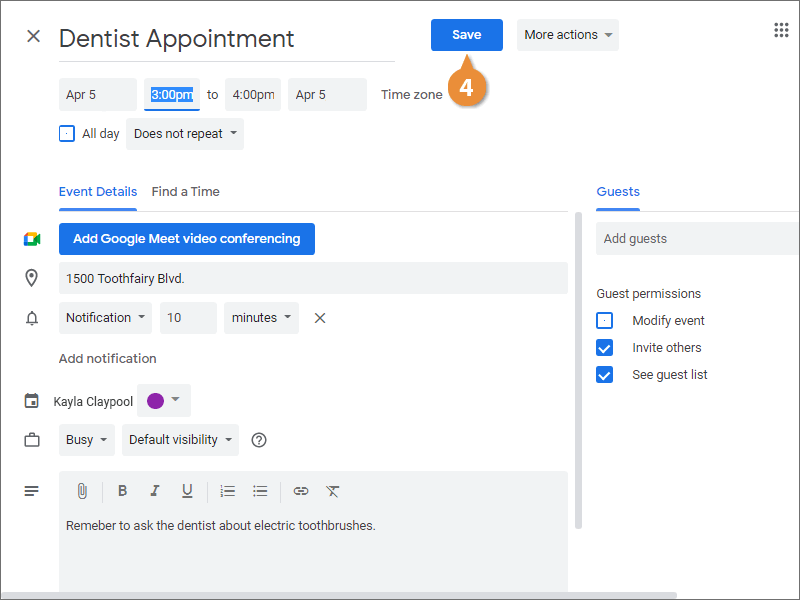
Reschedule an Event
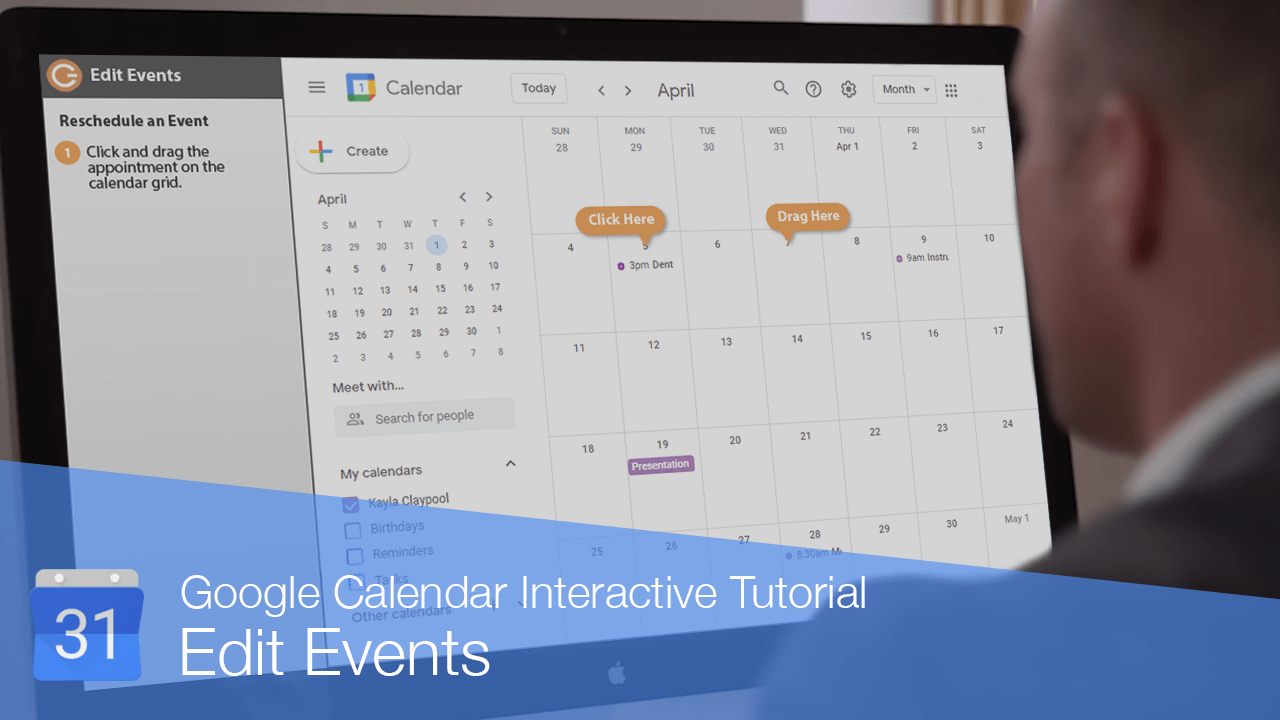
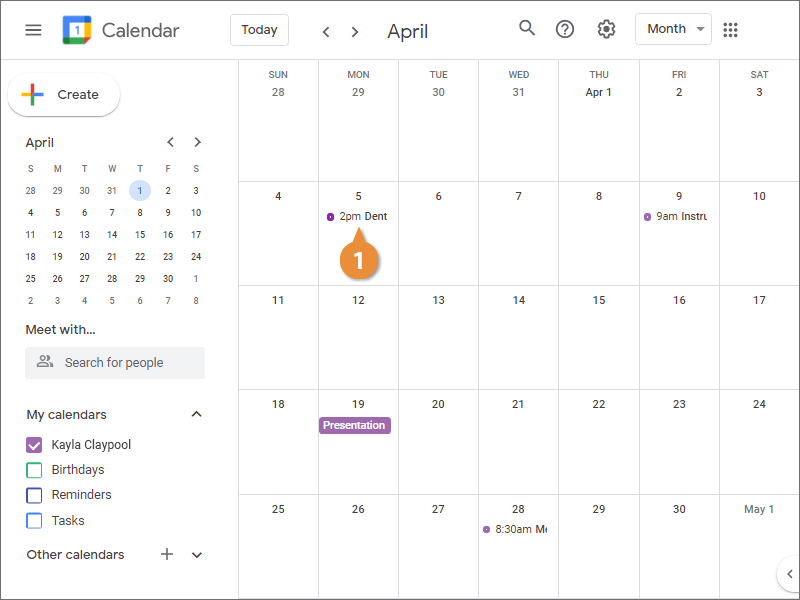
- Click and drag the appointment on the calendar grid.
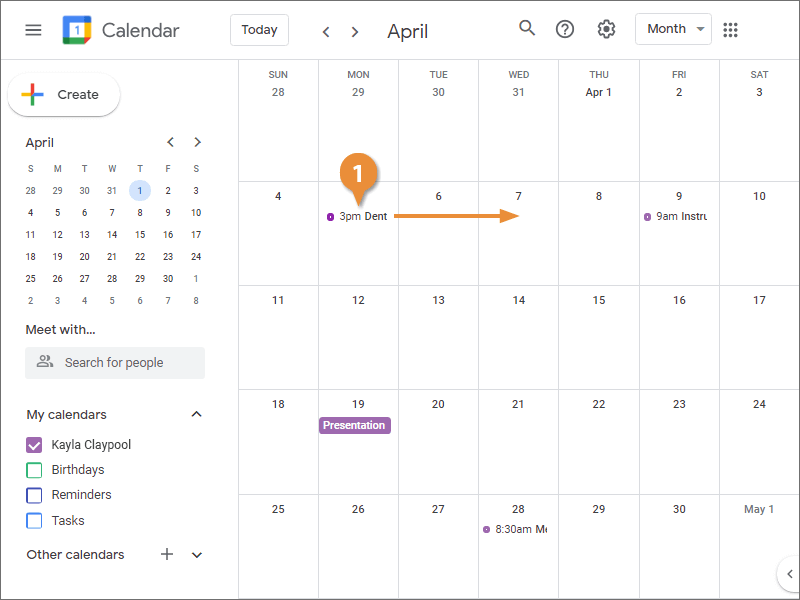
The event is moved to the new day. The start time, and the rest of its properties, will stay the same.
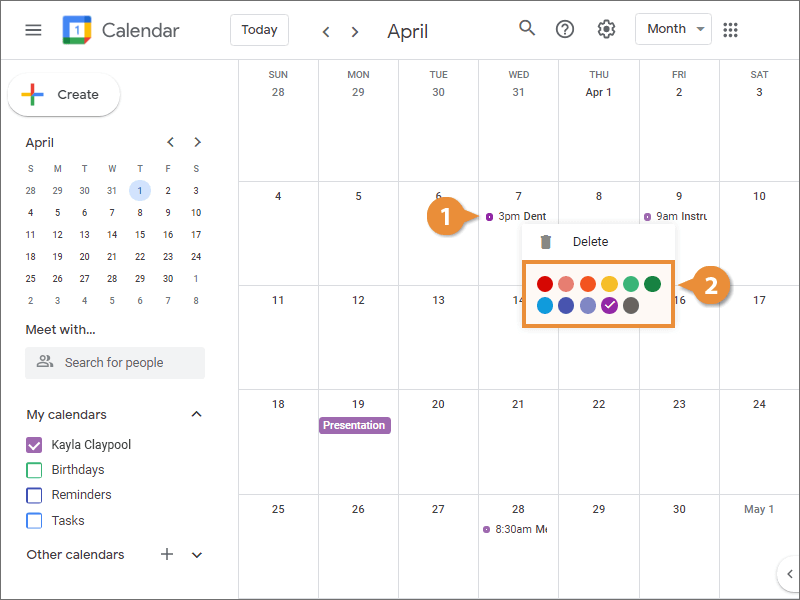
Change an Event’s Background Color
- Right-click an event.
- Select a color.