
How to Create a Reminder in Google Calendar
Learn How to Create Reminders in Google Calendar to Stay on Top of Tasks and Important Deadlines
Try this Course with a Free Trial
If you have a busy schedule, it can be easy to forget about everything you to do.
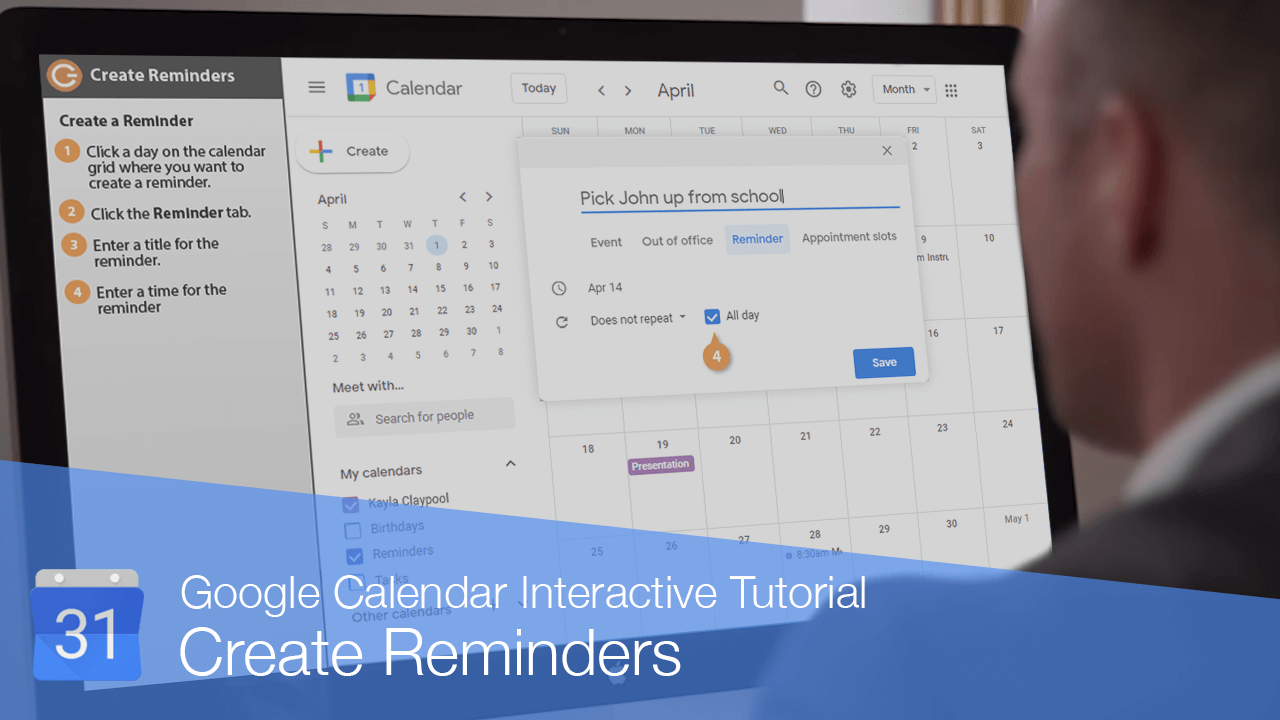
In addition to keeping track of meetings and appointments, you can use your calendar to add reminders.
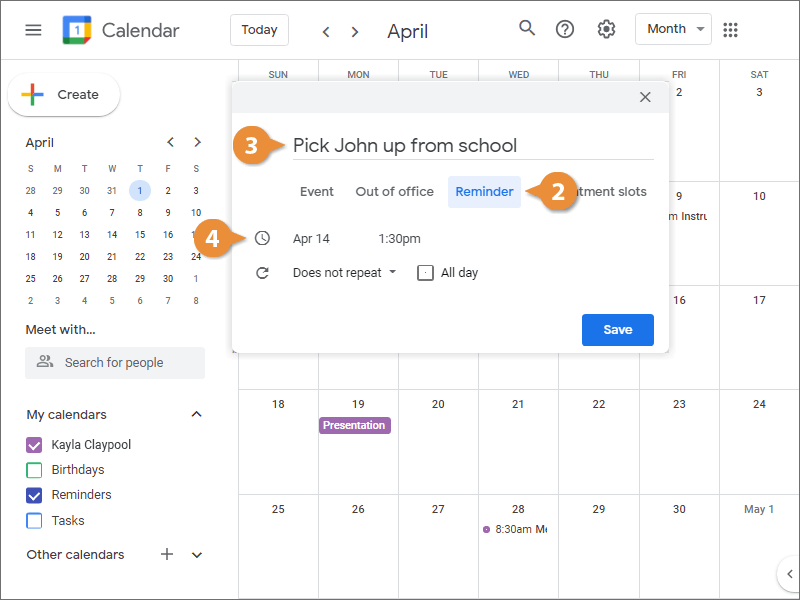
Create a Reminder
To view your reminders, first make sure the Reminders calendar checkbox in the left pane is checked. If it's not checked, the option to create reminders won't be available.
Complete a Reminder
Once you've done whatever it is that the reminder is for, you can mark it as complete so that you don't receive any more notifications for it.
- Click a reminder on the calendar grid.
- Click the Mark as done button.
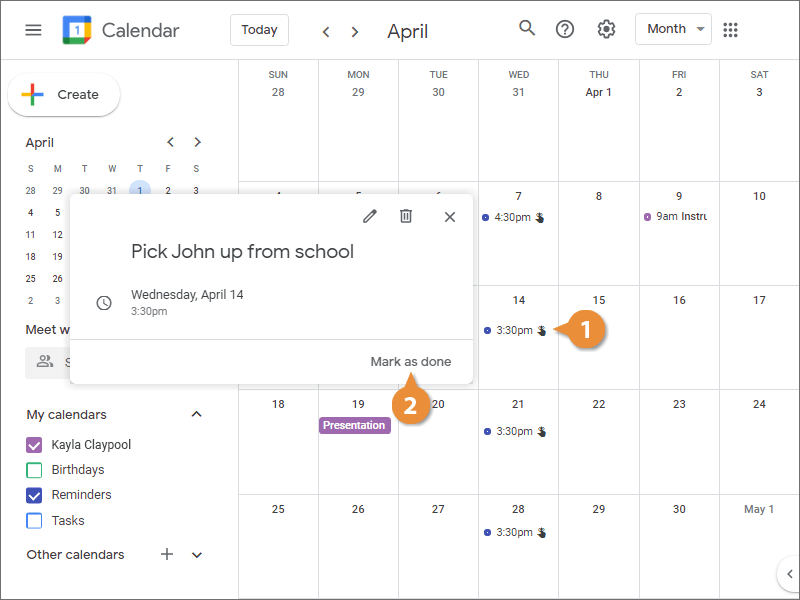
The reminder is cleared from the calendar, and won't send a notification when it's due.