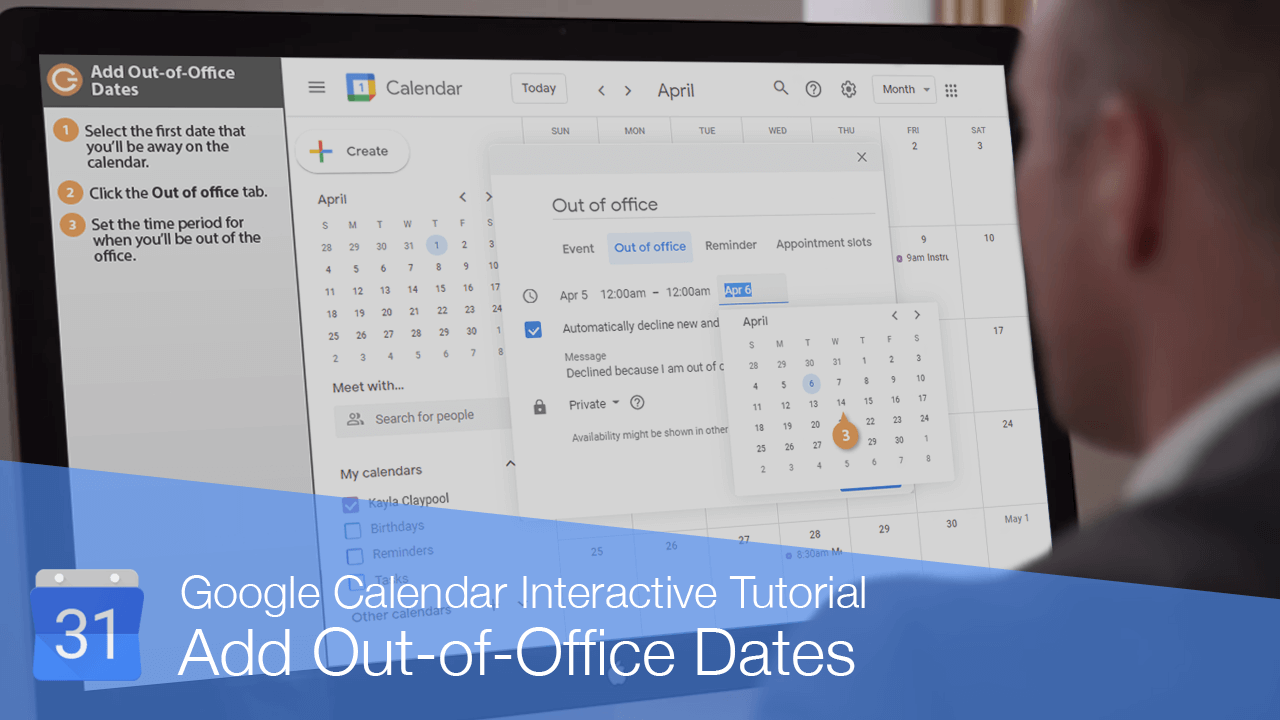
Tutorial interactivo

How to Add Out of Office in Google Calendar

Learn How to Add Out of Office in Google Calendar to Automatically Decline Meetings and Block Time

  • Aprender haciendo

  • LMS listo

  • Obtenga certificados

Users love us
4.9 stars out of 5 on G2

4.9 clasificación 2579 estudiantes

Pruebe este curso con una prueba gratuita

How to Add Out of Office in Google Calendar

If you're using Google Calendar through an organization that supports it, you can add out-of-office dates to your calendar to automatically let others know when you'll be unavailable.
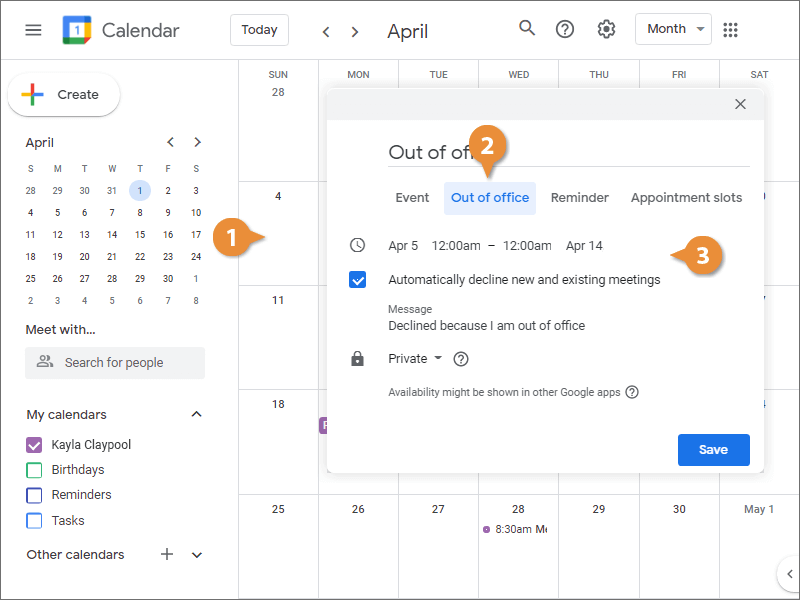
  1. Select the first date that you’ll be away on the calendar.
  2. Click the Out of office tab.
  3. Set the time period for when you’ll be out of the office.
    Add Out-of-Office Dates
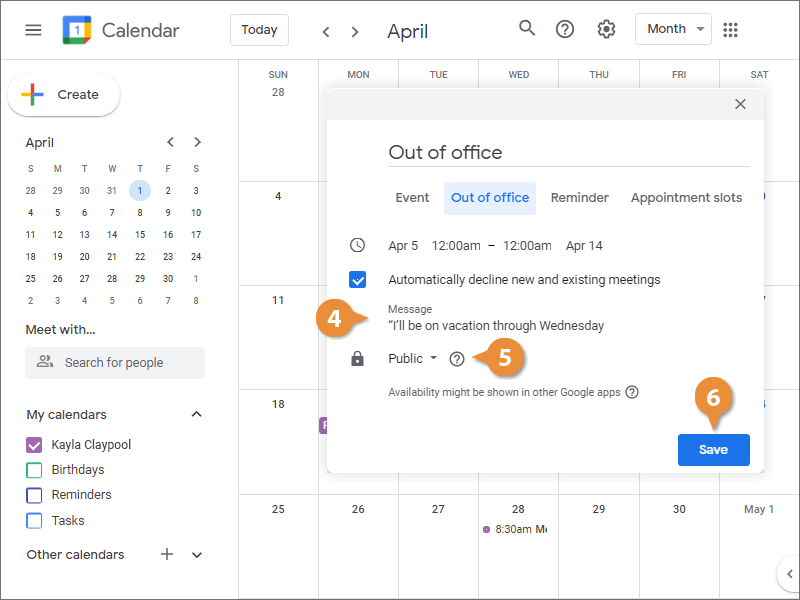
  4. (Optional) Enter a message which explains why you’ll be out of the office.
  5. (Optional) Select a Visibility option.
  6. Click Save.
    Add Out-of-Office Dates