Text Alignment and Margins
Align and space text precisely to improve readability in your Captivate projects
Try this Course with a Free Trial

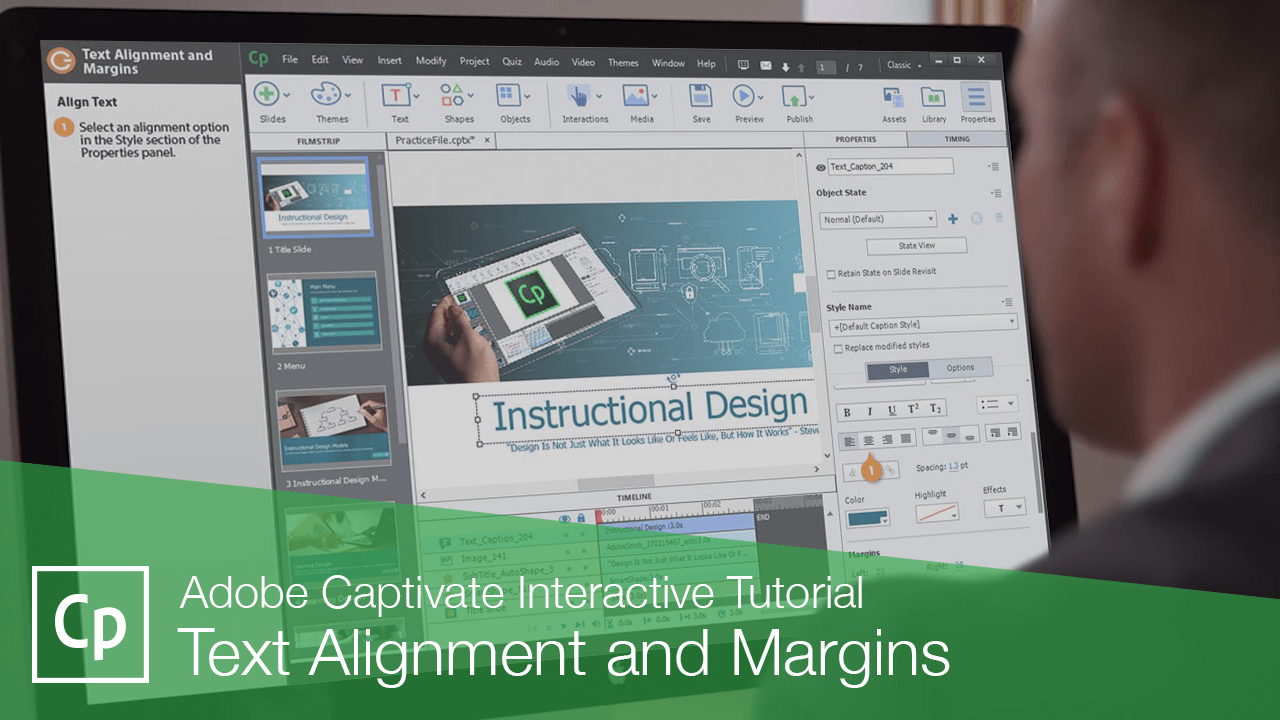
When working with text in Captivate, you may need to adjust the margins and alignment to get it positioned just right.
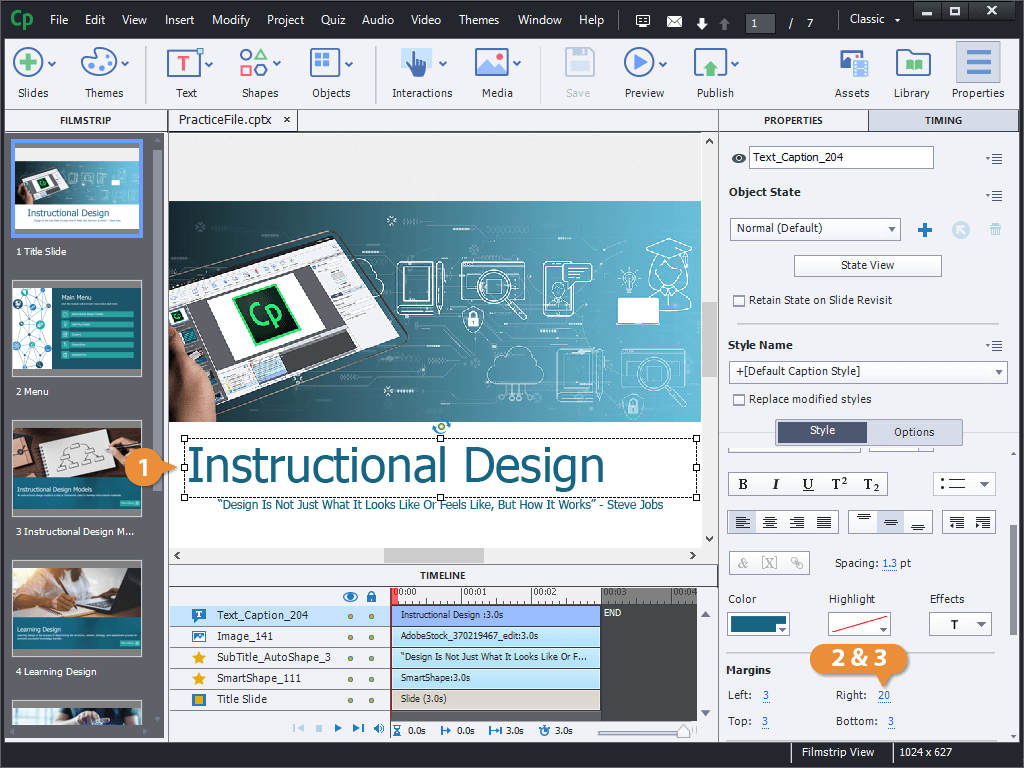
Adjust Margins
The margins are the white space between the text and the edge of the text caption box.
Format a Text Caption
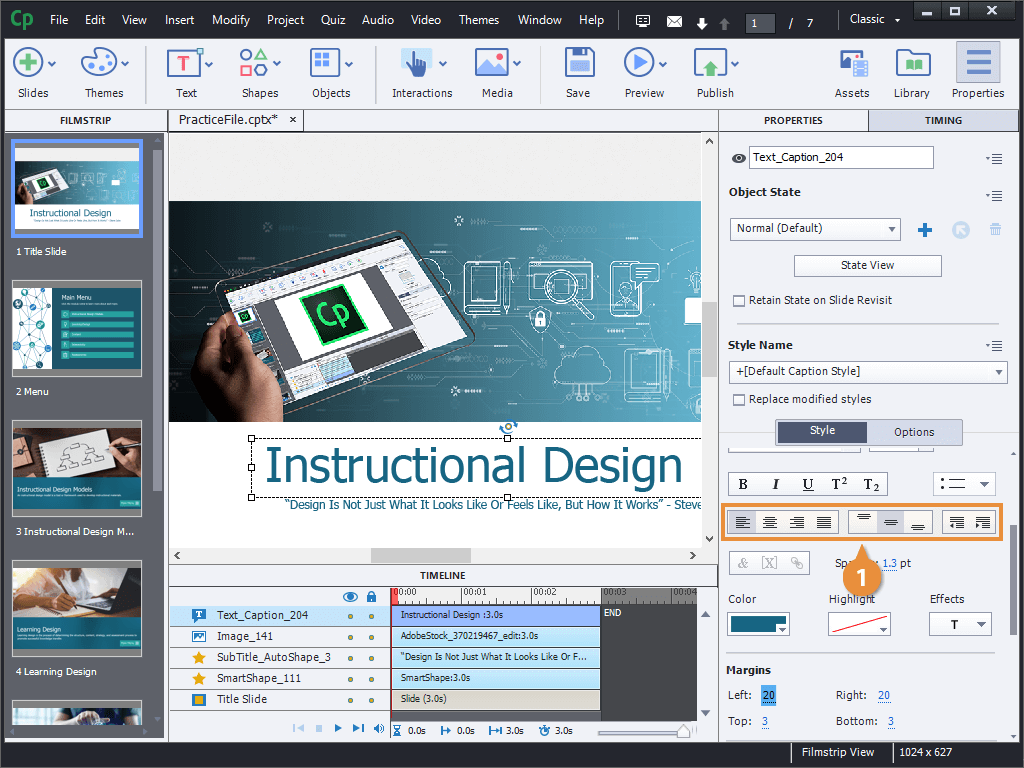
The text alignment options are also located in the Style section of the Properties panel.
- Select an alignment option in the Style section of the Properties panel.