Insert a Text Entry Box
Collect user input and interactivity with text entry boxes in Adobe Captivate
Try this Course with a Free Trial

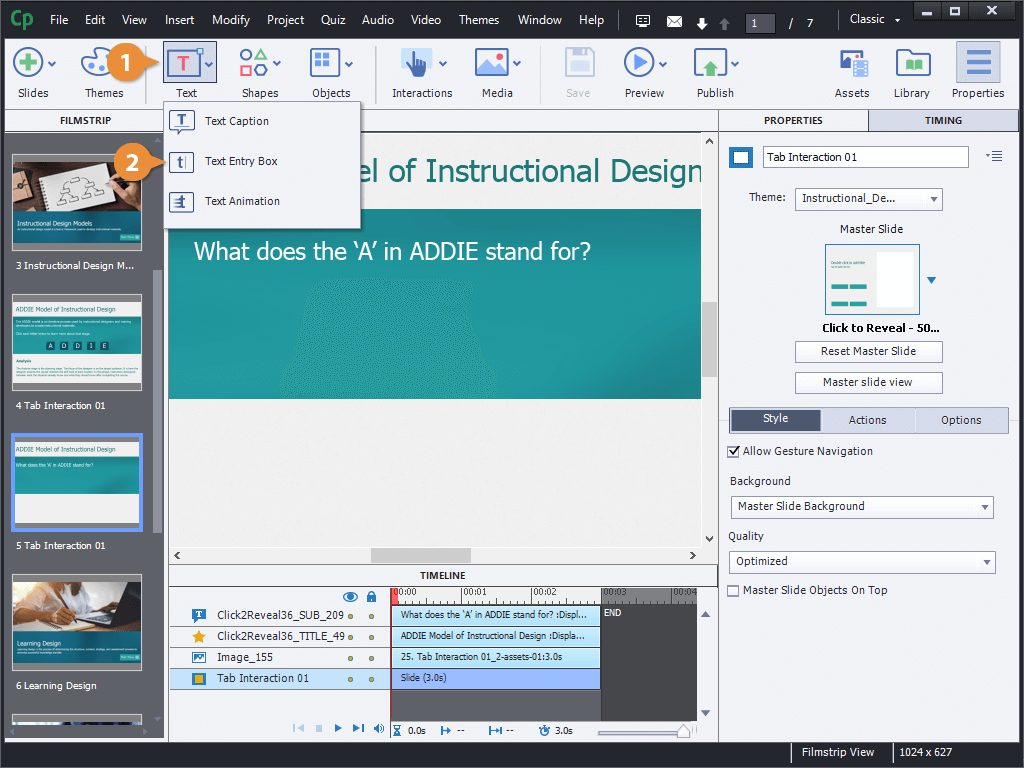
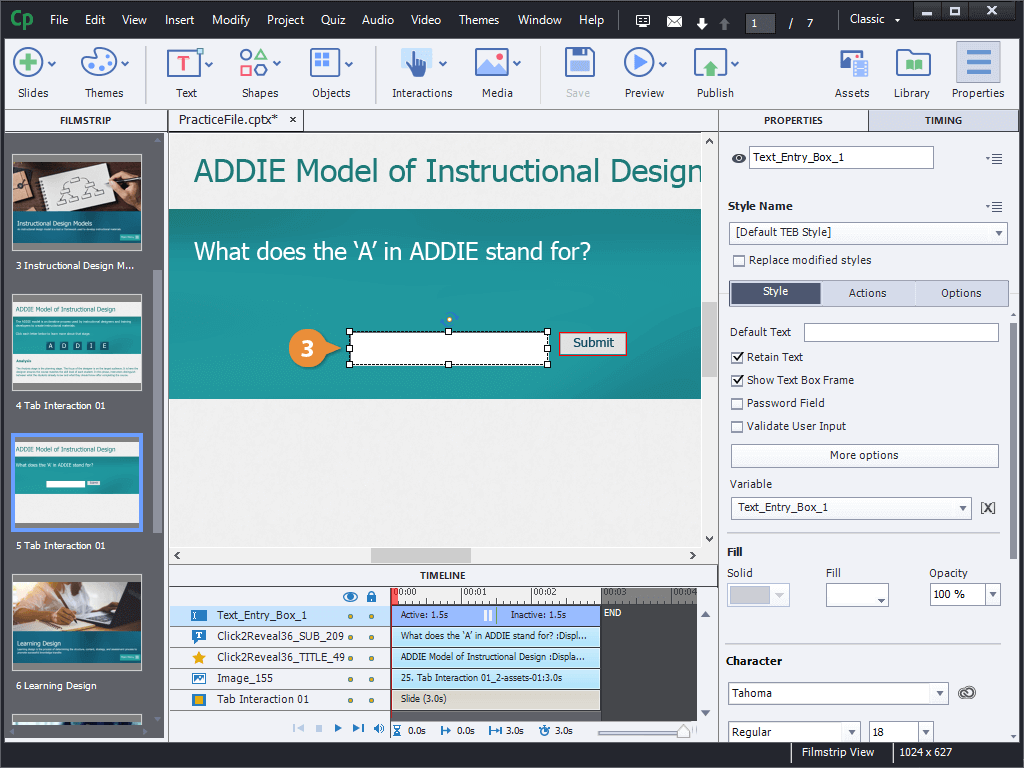
A text entry box can be added in Captivate to allow learners to type a text response. The response can be validated if you wish, and you can choose whether to include the response as part of an assessment. Let's add a text entry box here.
Add a Text Entry Box
Edit a Text Entry Box
Now, if the text formatting is close to what you want but not quite right, you can make changes and save a new style for future use.
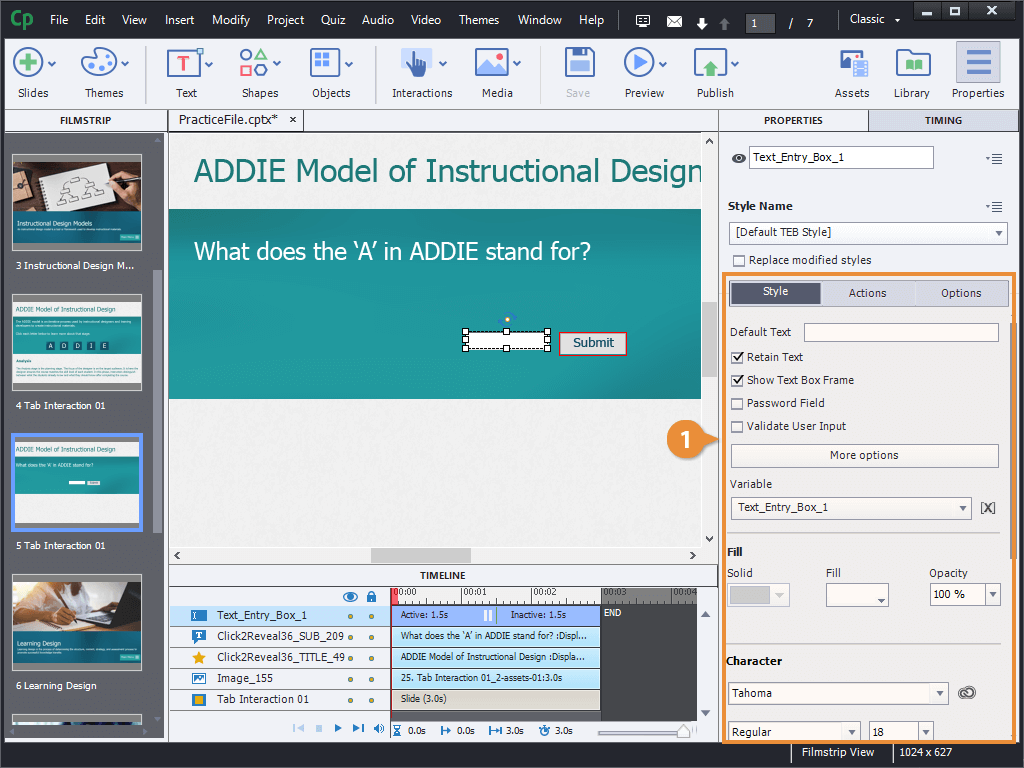
- Update the properties in the Style section to change the formatting of the text entry box.