

Zoom Dialog Box Access
View and edit long text fields more clearly using the Zoom dialog box in Access
Try this Course with a Free Trial

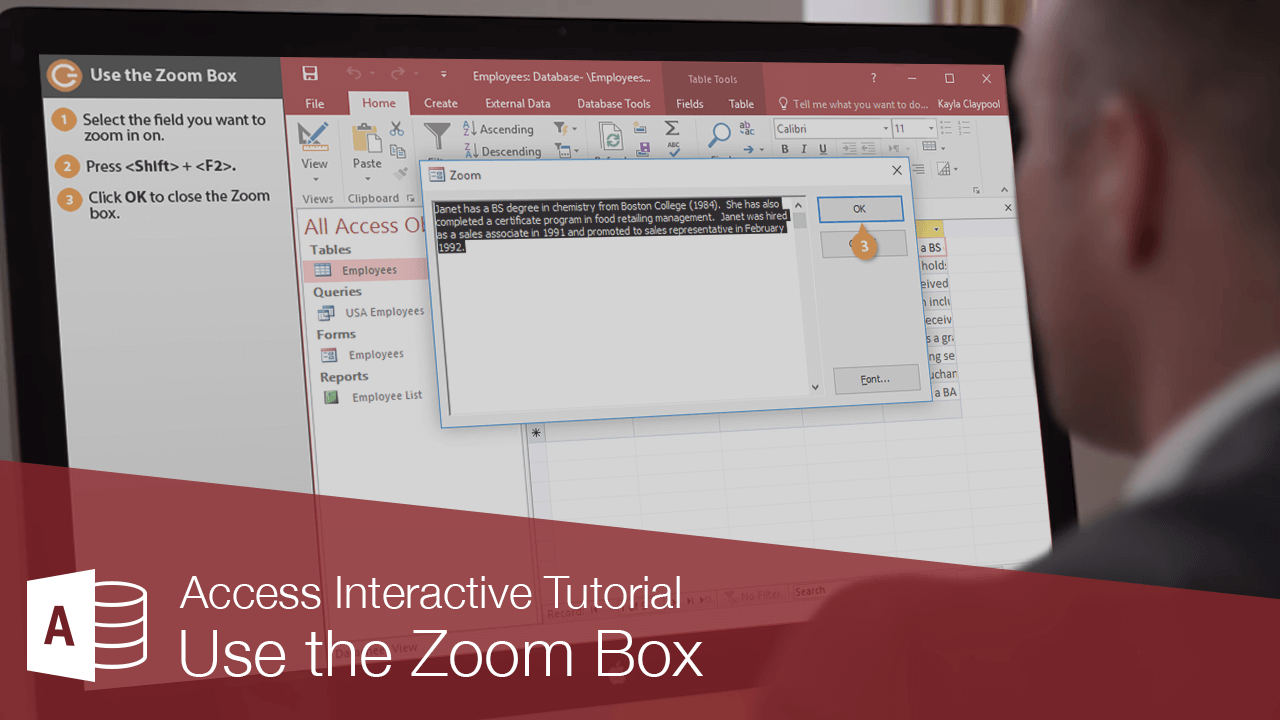
When you are viewing and working with data, sometimes a column will not be wide enough to display all the text in a cell or field value. You can use the Zoom box to make the contents of any field value easier to view and edit.
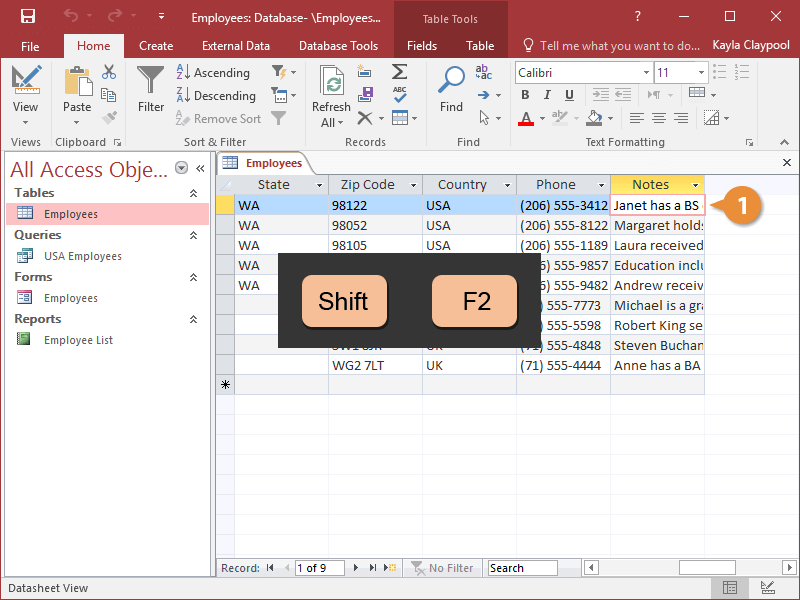
- Select the field value you want to zoom in on.
- Press Shift + F2.
The Zoom box appears and displays the contents of the selected field value. You can edit the field’s information here.
- Click OK to close the Zoom box.
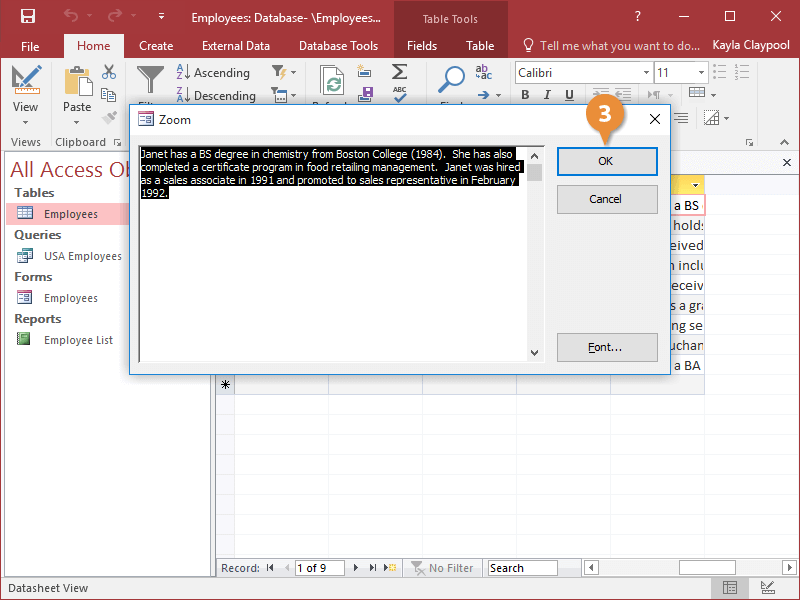
The Zoom dialog box closes.