

Mail Merge Records to Word
Create personalized letters and reports by merging Access data with Word documents
Try this Course with a Free Trial

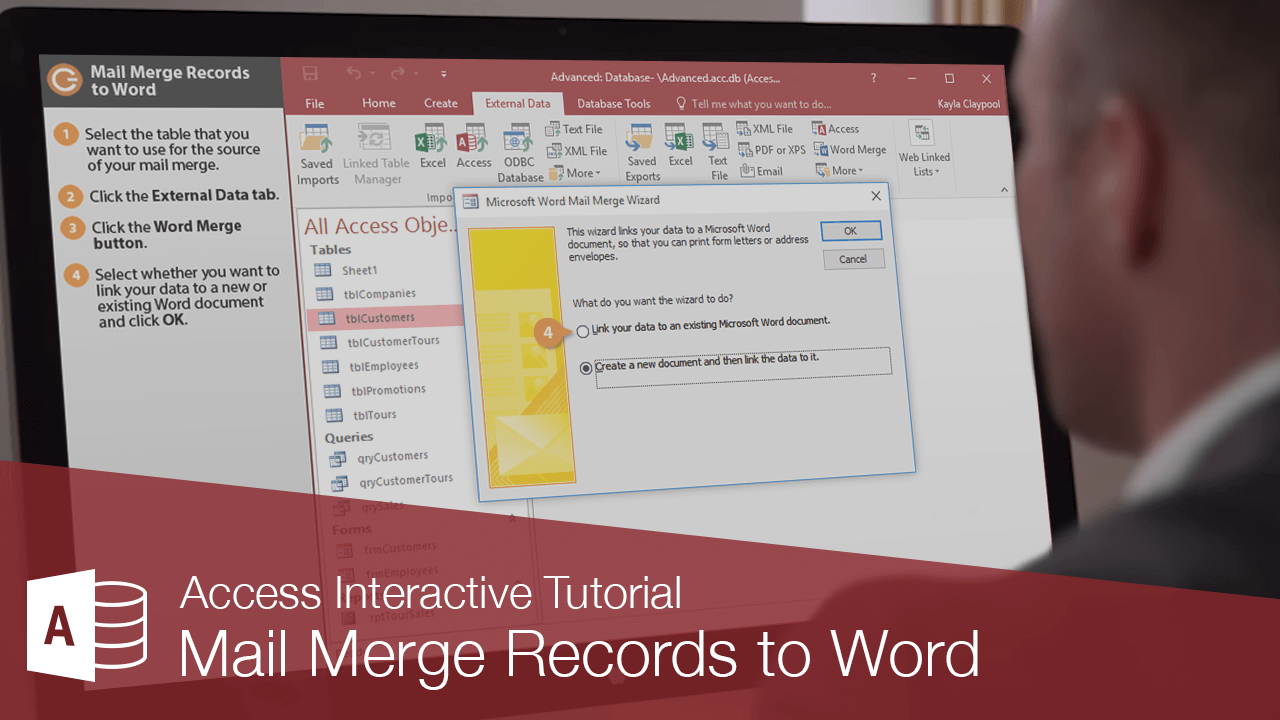
You can use your data in Access to create mail merge records in Microsoft Word.
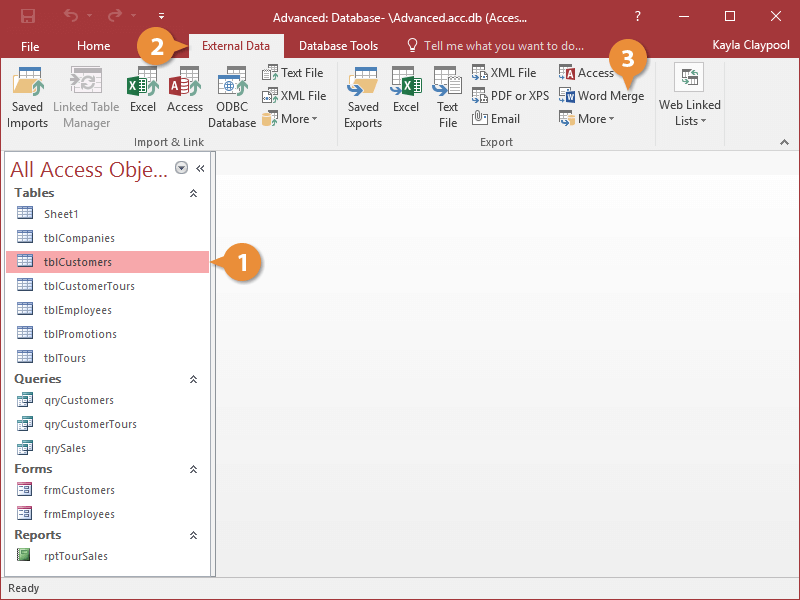
- Select the table that you want to use for the source of your mail merge.
- Click the External Data tab.
- Click the Word Merge button.
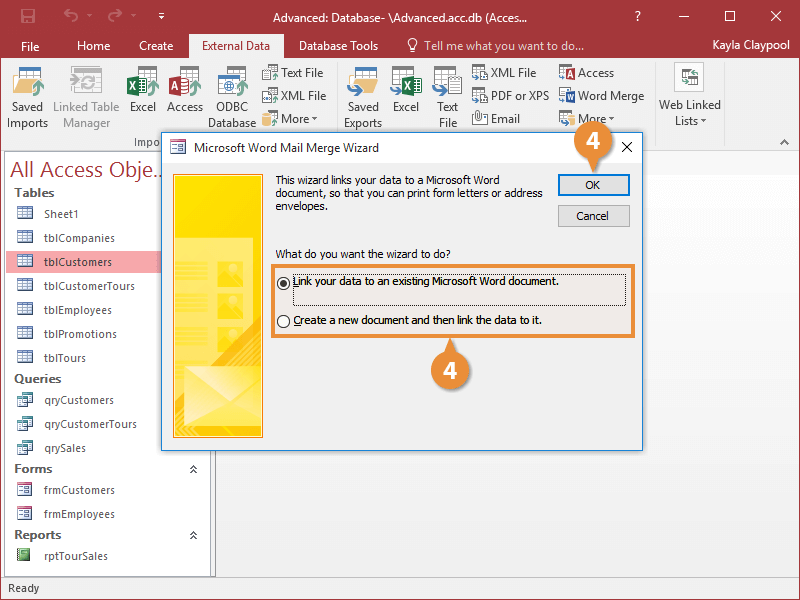
- Select whether you want to link your data to a new or existing Word document and click OK.
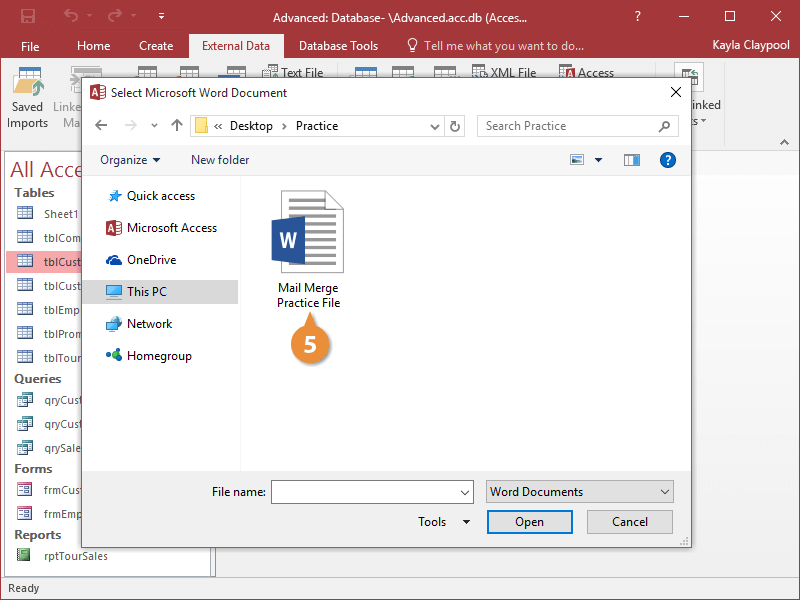
- If you're using an existing Word document, select the folder and document that you want to link to.
The data from the table is imported into the Word document you specified.
Once you're ready to select the recipients for your mail merge, you can now use the data you imported from Access.