

Interactive Tutorial
How to Flip a Picture in Word
Rotate, Mirror, and Reverse Images in Word for Perfect Picture Alignment
-
Learn by Doing
-
LMS Ready
-
Earn Certificates


Try this Course with a Free Trial
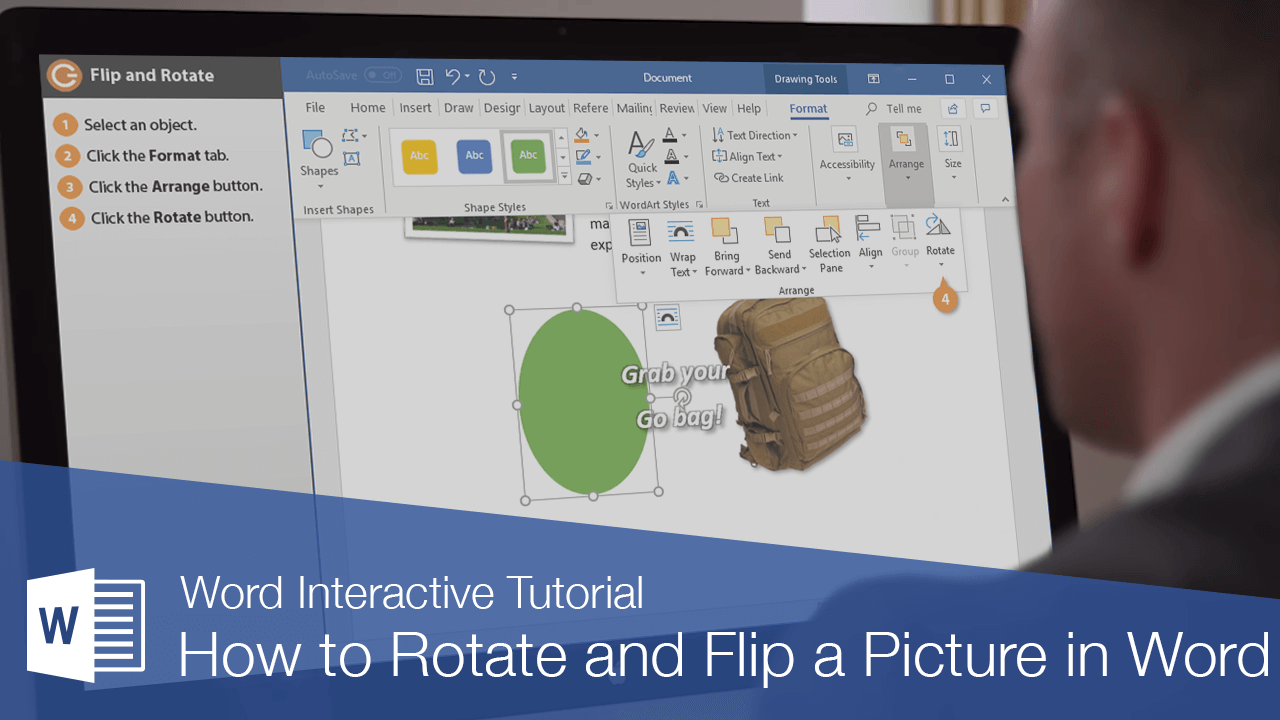
Word allows you to flip an object horizontally or vertically, creating a mirror-image version. You can also easily rotate objects in 90-degree increments or specify an exact angle to rotate.
Flip or Rotate an Object
- Select the object.
Depending on the type of object you’ve selected, a special ribbon tools group will appear on the ribbon.
- Click the Format tab in the new ribbon group.
- Expand the Arrange group, if necessary.
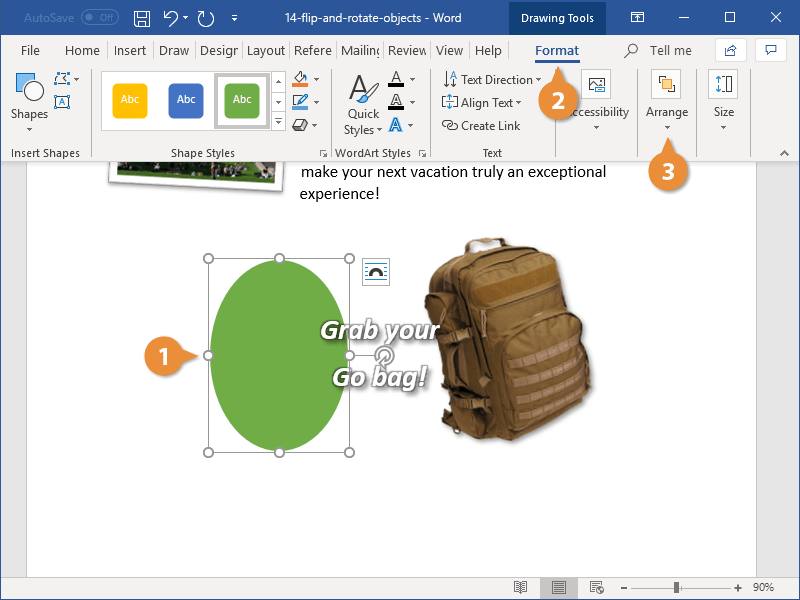
- Click the Rotate button.
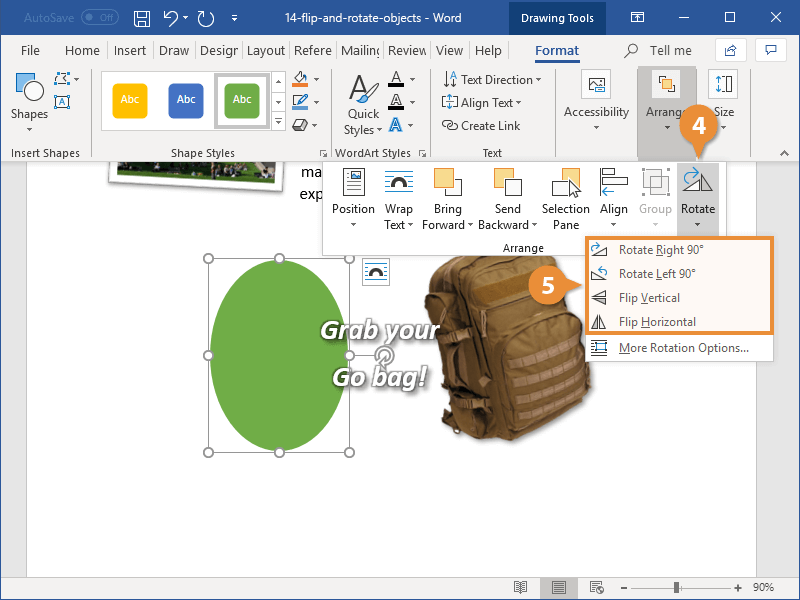
The Rotate menu contains options to rotate an object 90 degrees left or right, or flip the object vertically or horizontally.
- Select a rotation or flip option.
The selected object rotates or flips.
You can also click More Rotation Options to open the Layout dialog box, where you can specify a precise rotation angle.